AI Phone Answering Service vs Live Answering: 2026 Guide
Compare ai phone answering service options with live answering for booking calls, pricing, handoff, and 24/7 coverage. Try DeskBuddy today.
TL;DR
An AI phone answering service is usually the better fit for appointment-based local businesses that need 24/7 coverage, predictable pricing, fast setup, and calendar-connected booking. A traditional live answering service still makes sense when calls require high-empathy judgment, complex exceptions, or human-only intake.
For salons, spas, pet groomers, and fitness studios, the key question is: can the service answer the call, understand what the customer wants, book or route the next step, and keep your calendar clean without interrupting staff?
DeskBuddy is built for that job: it answers appointment calls 24/7, handles common questions, supports English, Spanish, and Chinese, and syncs with Google Calendar, Mindbody, and Square. You can review DeskBuddy’s AI receptionist for appointment calls, compare DeskBuddy pricing and call allowances, or start from the DeskBuddy setup flow.
What makes an AI phone answering service different
A traditional answering service uses live agents who answer calls on behalf of many businesses. They follow instructions, take messages, transfer calls, and sometimes schedule appointments.
An AI phone answering service uses a trained voice agent to hold a natural conversation, collect caller details, answer approved FAQs, and help with repeatable appointment workflows: “Are you open Saturday?”, “Can I book a haircut?”, “Do you groom anxious dogs?”, “Is there a yoga class tonight?”
| Decision point | AI phone answering service | Traditional live answering service |
|---|---|---|
| Coverage | Usually 24/7 by design | Often 24/7, priced by minutes or packages |
| Pricing | Monthly plans with usage limits | Per-minute or tiered plans |
| Booking workflow | Strong when connected to calendars | Depends on agent training and tools |
| Consistency | Same rules and FAQ handling every time | Can vary by agent |
| Best use | Appointment calls, FAQs, after-hours calls | Sensitive calls and complex exceptions |
| Setup | Often minutes to hours | Usually scripting and onboarding |
Labor cost is a major reason owners compare these options. The U.S. Bureau of Labor Statistics tracks receptionist roles as a dedicated labor category; a full-time front desk hire also brings payroll taxes, scheduling, training, and coverage gaps. See the official BLS overview for receptionists and information clerks.
Feature comparison: natural conversation, booking, FAQs, handoff, and call notes
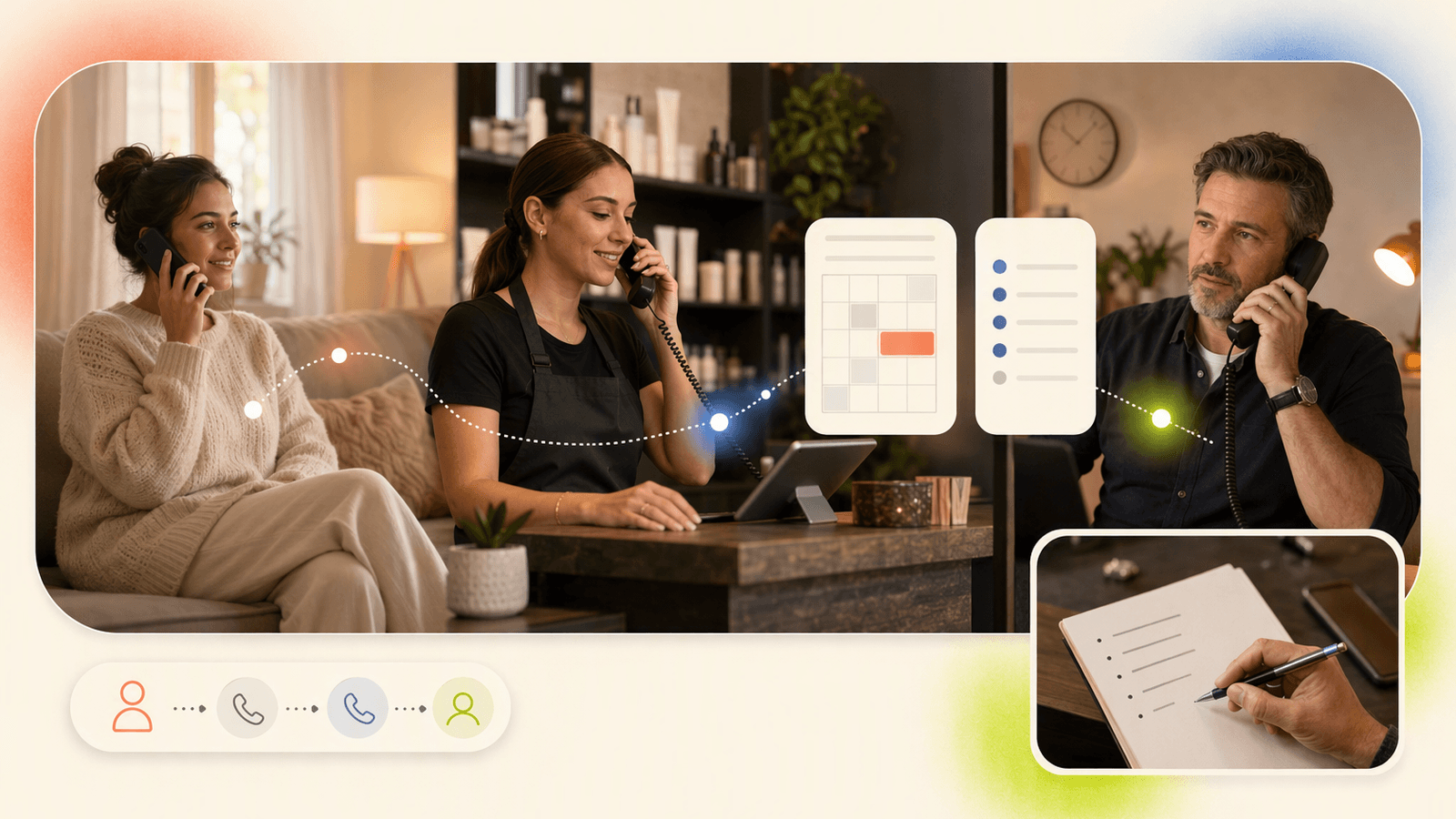
Pricing-page features matter less than real call behavior. Appointment callers ask imperfect questions, change their mind, or call after dinner when your shop is closed.
| Feature | What good looks like | Red flag |
|---|---|---|
| Natural conversation | Caller can ask normal questions and change direction | Caller must use exact phrases |
| Appointment booking | Service checks real availability before confirming | Staff must manually re-enter every request |
| FAQ handling | Answers hours, services, pricing ranges, location, policies | Gives vague answers or transfers too often |
| Handoff | Sends urgent or complex calls to you | Tries to answer every edge case |
| Call notes | Captures name, service, timing, and follow-up need | Leaves messy notes |
| Multilingual support | Handles common customer languages professionally | English-only in multilingual neighborhoods |
DeskBuddy is designed around these appointment details. It can answer calls, handle common inquiries, and help customers book while your team keeps using the same calendar workflow. Learn more about DeskBuddy appointment booking AI and DeskBuddy calendar integrations.
A useful test: call your own business after hours and ask three normal customer questions. If your current setup cannot answer, book, or capture the next step, you are likely losing revenue to missed calls or voicemail hangups.
Pricing comparison: AI monthly plans vs per-minute live answering
Traditional live answering services often price around minutes, call volume, overage, or bundled receptionist time. Pricing changes often, so verify current terms on each provider’s site. For examples, review Ruby’s official pricing page and Smith.ai’s official pricing page.
DeskBuddy uses subscription pricing built for small appointment businesses:
| Option | Typical pricing model | Best for |
|---|---|---|
| Voicemail | Included with phone service | Very low call volume |
| Traditional live answering | Per-minute or tiered packages | Human-led call coverage |
| Full-time receptionist | Monthly wage plus employer costs | Busy locations with in-person front desk needs |
| DeskBuddy Standard | $39.9/month, 100 calls; $1.00 per extra call | Solo providers and small studios |
| DeskBuddy Professional | $99.9/month, 300 calls; $0.50 per extra call | Growing teams, up to 5 locations |
DeskBuddy also offers a 7-day free trial with 20 calls, no credit card required, according to current DeskBuddy product information. See DeskBuddy plan details before choosing a plan.
A simple answering service pricing comparison:
- If calls involve service questions, rescheduling, or price checks, minutes add up quickly.
- If one recovered appointment is worth $50–$300, a low monthly AI receptionist plan can pay for itself with a small number of saved bookings.
- If every call needs nuanced human judgment, live answering may justify the higher variable cost.
The goal is not the cheapest pickup. The goal is the lowest-cost reliable booking workflow.
Best-fit scenarios for salons, spas, pet groomers, and fitness studios
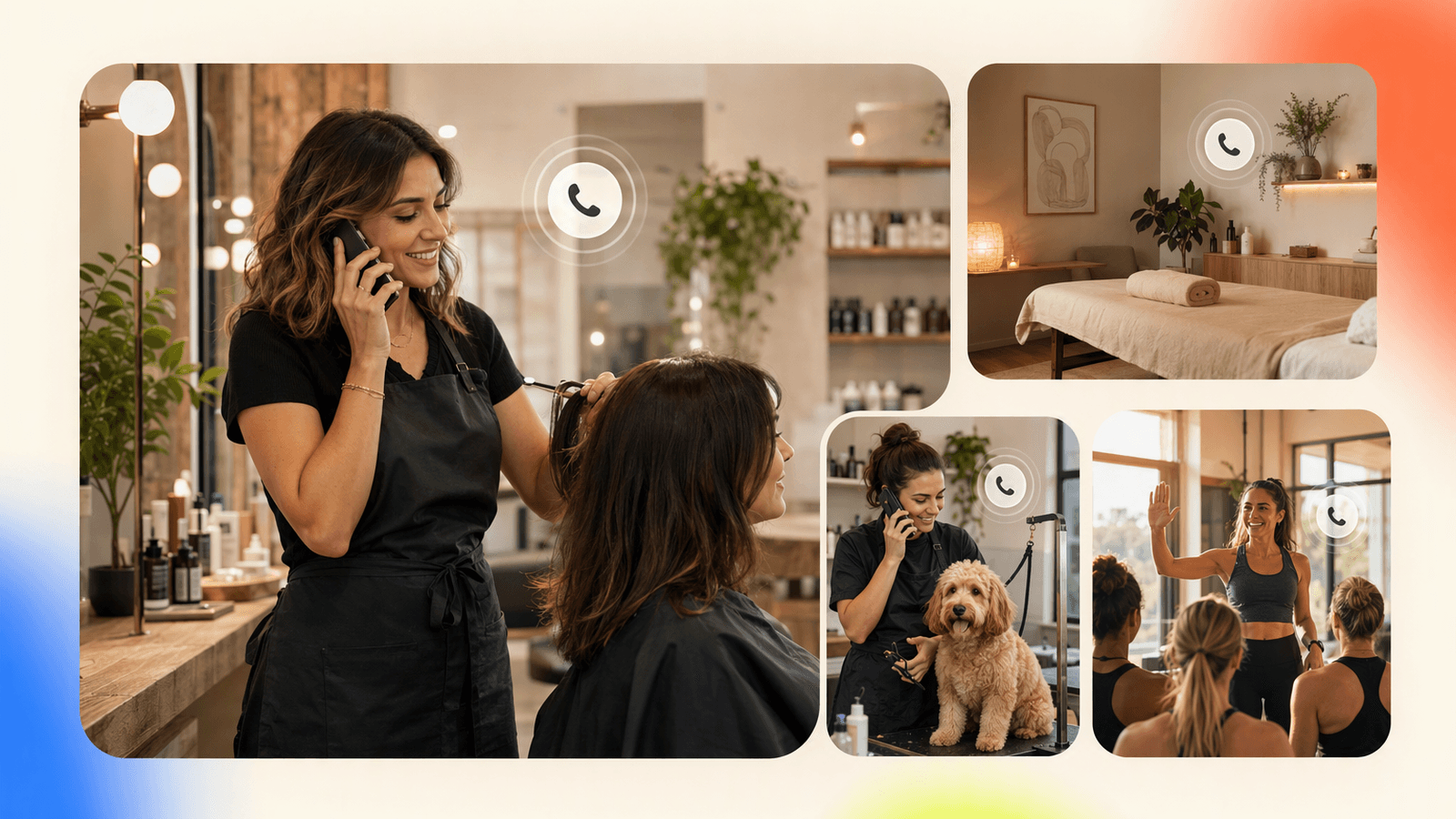
Salons and spas
Salons miss calls because stylists are with clients, hands are wet, or the front desk is covering checkout. An ai phone receptionist works well for haircut, color, nail, lash, massage, spa appointment requests, service duration questions, hours, location, new client intake, and after-hours call answering service coverage.
Booking software does not answer the phone. If clients still call, you need a voice layer in front of the calendar. DeskBuddy can support 24/7 call answering for salons and spas without forcing staff to stop mid-service.
Pet groomers and pet care businesses
Pet callers often ask about breed size, coat condition, vaccination requirements, anxious pets, and pickup windows. An AI phone answering system can collect basics and route exceptions to the owner.
Good fits include grooming appointment requests, first-time pet information, store hours, service availability, and missed calls during bathing or grooming sessions. It is not ideal for medical emergencies, aggressive pet incidents, or situations requiring a licensed professional’s judgment.
Fitness studios and wellness businesses
Fitness studios need fast answers outside staffed hours. Callers ask about class times, personal training, memberships, trial sessions, and cancellations.
DeskBuddy integrates with Mindbody, which matters for wellness businesses already using that workflow. You can review Mindbody’s product information at Mindbody’s official site and compare it with DeskBuddy’s Mindbody-friendly appointment call handling.
Where traditional live answering services still make sense
A traditional virtual receptionist answering service is still the right choice when:
- Calls involve grief, conflict, safety, or emotional distress
- Intake requires complex judgment
- You need a person to negotiate exceptions in real time
- Booking rules change constantly and are not documented
- Your brand promise requires a human receptionist on every call
- You operate in a regulated setting and need verified compliance workflows
For example, a med spa may use AI for basic hours and appointment requests, but route adverse reaction concerns to trained staff. A pet clinic may use AI for grooming calls but keep urgent medical triage with humans.
The strongest setup is often hybrid: AI answers routine booking calls 24/7, while edge cases escalate to the owner or staff.
How DeskBuddy handles appointment calls without changing your calendar workflow
DeskBuddy is built for service businesses that already have a scheduling routine and do not want to rebuild it.
The workflow is straightforward:
- A customer calls your business.
- DeskBuddy answers naturally, using your business information.
- It identifies the intent: book, reschedule, ask a question, or request help.
- It checks the connected calendar or scheduling workflow.
- It helps complete the appointment step or captures the needed details.
- If the request is complex, it hands off instead of guessing.
- Your team gets useful call context.
DeskBuddy supports Google Calendar, Mindbody, and Square. For providers using Square Appointments, Square’s official product page explains its scheduling and payment tools at Square Appointments. DeskBuddy sits beside that workflow as the phone receptionist, not as a replacement for your point-of-sale process.
This matters because many failed answering setups create extra admin work. Staff still have to listen to messages, call people back, retype notes, and fix double-booking risks.
Migration guide: replacing voicemail or a live service with AI
Do not switch everything at once if phones are central to your revenue. Use a controlled rollout.
Step 1: Audit 30 days of calls
Track total calls, missed calls, after-hours calls, average call reason, appointment value, languages used, and calls that required owner judgment.
Step 2: Write your call rules
Document business hours, services offered, services not offered, booking duration rules, deposit or cancellation policies, staff preferences, and when to hand off to a person.
Step 3: Start with after-hours coverage
The safest first use case is after hours call answering service coverage. You are not replacing staff during the busiest part of the day.
Step 4: Connect your calendar
Connect Google Calendar, Mindbody, or Square where applicable. Then test common scenarios: new booking, rescheduling, price question, fully booked day, wrong service request, and Spanish or Chinese callers if relevant.
Step 5: Review notes daily for the first week
Check whether call notes are clear enough for staff. Adjust your business information if callers ask questions the AI receptionist cannot yet answer.
Step 6: Expand to missed-call backup
Once after-hours handling is stable, use DeskBuddy as backup when staff are busy with clients.
Evaluation checklist for choosing an AI phone answering service
Use this checklist before buying any ai phone answering service.
Call experience
- Does it sound natural enough for your customer base?
- Can callers interrupt, clarify, or change their request?
- Does it avoid unsupported promises?
Booking workflow
- Does it connect to your real calendar?
- Can it prevent double-booking?
- Can it handle service duration and staff availability?
- Does it support virtual receptionist appointment scheduling, not just message taking?
Business fit
- Is it built for appointment businesses?
- Can it answer FAQs about services, hours, and policies?
- Does it support English, Spanish, or Chinese if needed?
Pricing and limits
- What is included in the monthly plan?
- What happens after you exceed the call allowance?
- Are setup fees, contracts, or cancellation terms clear?
Handoff and control
- When does it escalate to you?
- Can you update business information quickly?
- Are call notes easy for staff to act on?
- Can you test it before committing?
DeskBuddy checks the core boxes for appointment-heavy local businesses: 24/7 call answering, natural conversation, calendar integrations, multilingual support, 5-minute setup, and plans starting at $39.9/month.
How to Build an App Like This with Tencent RTC
A production AI phone receptionist needs low-latency audio, session control, identity, call state, and a backend that connects voice to ASR, an LLM, TTS, business rules, and calendars. Tencent RTC can provide the real-time audio layer while your server issues secure user signatures, creates rooms, and joins an AI worker to each call session. Review the official Tencent RTC documentation, including TRTC Web SDK quick start, before implementing.
A minimal token endpoint keeps secrets off the client:
app.post("/rtc-token", async (req, res) => {
  const { userId, roomId } = req.body;
  const userSig = genTestUserSig({ userID: userId }).userSig;
  res.json({ sdkAppId: process.env.TRTC_APP_ID, userSig, roomId });
});
On call start, join the room, publish microphone audio, and stream events to your AI orchestration service:
const client = TRTC.createClient({ mode: "rtc", sdkAppId, userId, userSig });
await client.join({ roomId });
const localStream = TRTC.createStream({ audio: true, video: false });
await localStream.initialize();
await client.publish(localStream);
Your backend should also log consent, enforce handoff rules, store call notes, and write bookings only through the customer’s connected calendar system.
Never miss another customer call.
Get started freeKeep reading
Live Virtual Receptionist vs AI Receptionist Guide
Compare live virtual receptionist services with AI receptionists for booking calls, pricing, coverage, and customer fit. See what to choose.

Answering Service Pricing Comparison: 2026 Cost Guide
Compare answering service pricing models, hidden fees, and AI receptionist costs. Use practical examples to choose the best fit.
Virtual Receptionist Pricing: What Small Businesses Pay
Compare virtual receptionist pricing, per-call costs, and AI options for small businesses. See when DeskBuddy is the better fit.