Virtual Receptionist Pricing: What Small Businesses Pay
Compare virtual receptionist pricing, per-call costs, and AI options for small businesses. See when DeskBuddy is the better fit.
TL;DR
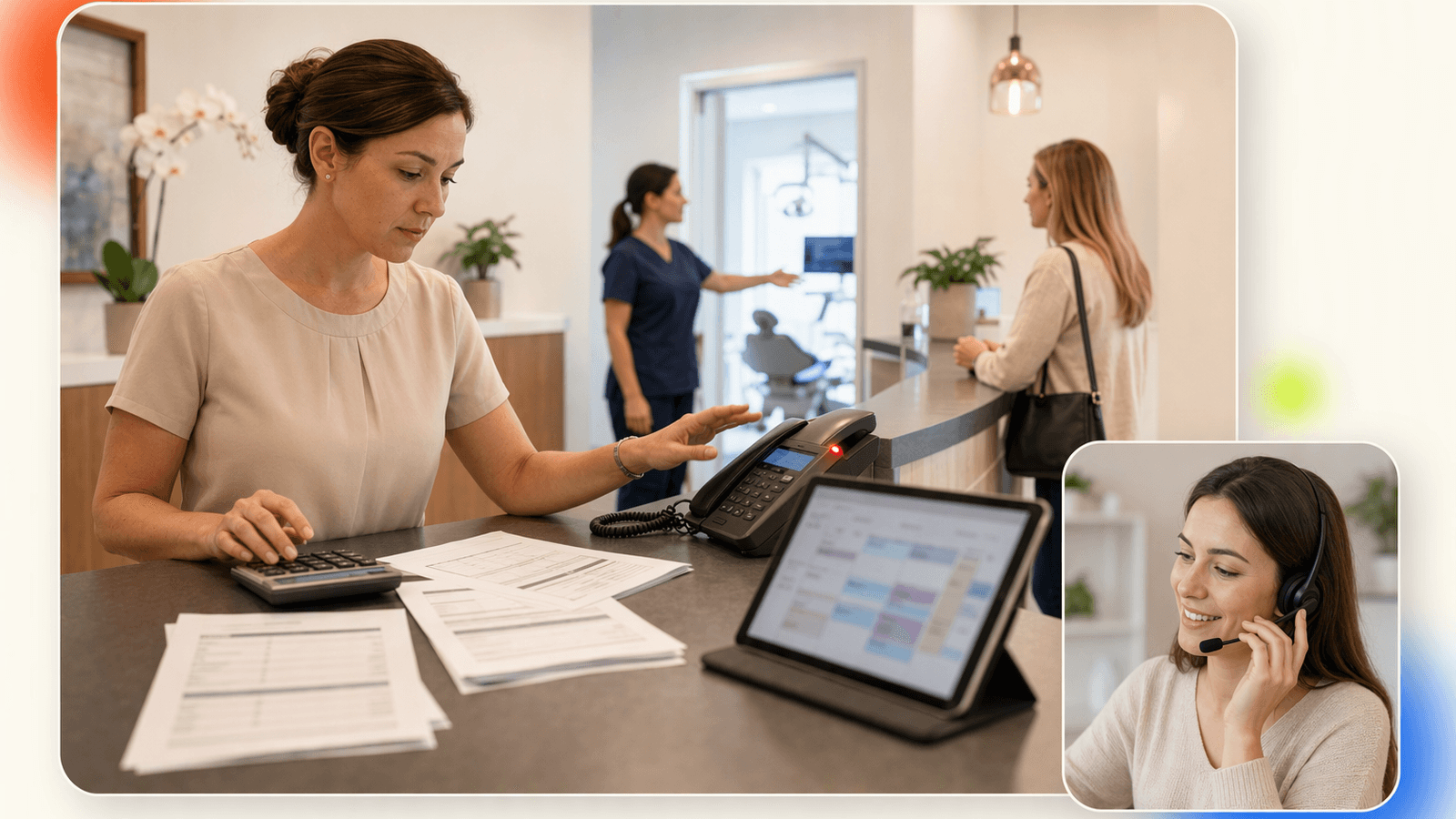
Virtual receptionist pricing usually falls into four buckets: monthly human answering plans, per-minute billing, per-call billing, and AI receptionist subscriptions. For a small appointment-based business, the right price is the lowest cost to reliably answer calls, handle bookings, and avoid missed appointments.
Quick answer:
- Human live answering services make sense when you need human judgment, custom intake, or complex routing, but costs can rise with minutes, after-hours coverage, and bilingual support.
- Per-minute answering service pricing can look affordable until longer sales or scheduling conversations add up.
- Answering service per call pricing is easier to forecast if calls are short and predictable.
- AI receptionist subscriptions are often the most affordable virtual receptionist option for salons, pet groomers, fitness studios, and wellness businesses.
- DeskBuddy starts at $39.9/month with 100 monthly calls on Standard, and a 7-day free trial with 20 calls and no credit card required.
If one recovered appointment is worth $50–$300+, many small service businesses can break even after just one saved booking.
What virtual receptionist pricing includes
Virtual receptionist cost is not just “someone answers the phone.” For a local service business, the real value is what happens after pickup.
| Pricing item | Why it matters for small businesses |
|---|---|
| Call answering | Prevents callers from hanging up or calling a competitor |
| Business information | Handles questions about hours, location, services, prices, and policies |
| Appointment booking | Turns a caller into a scheduled client |
| After-hours coverage | Captures evening and weekend demand |
| Call transfer or escalation | Sends urgent or complex calls to the owner or staff |
| Languages | Helps serve English, Spanish, or Chinese-speaking callers |
| Calendar or booking integration | Reduces double-booking and manual follow-up |
| Overage fees | Determines what happens when you exceed the plan |
The U.S. Bureau of Labor Statistics tracks receptionist wages separately from software or answering services, which is useful for context: hiring in-house means paying wages plus payroll taxes, training, scheduling, and coverage gaps. See BLS data for Receptionists and Information Clerks.
For a salon, pet groomer, or yoga studio, the best question is not “How much is a virtual receptionist?” It is: “How much am I paying per successfully handled appointment call?”
For DeskBuddy, the core package is built around that workflow: 7×24 call answering, common inquiry handling, natural conversation, and scheduling support through integrations like Google Calendar, Mindbody, and Square. You can review the product positioning on DeskBuddy’s AI receptionist homepage.
Common pricing models: monthly, per-minute, per-call, and AI subscription
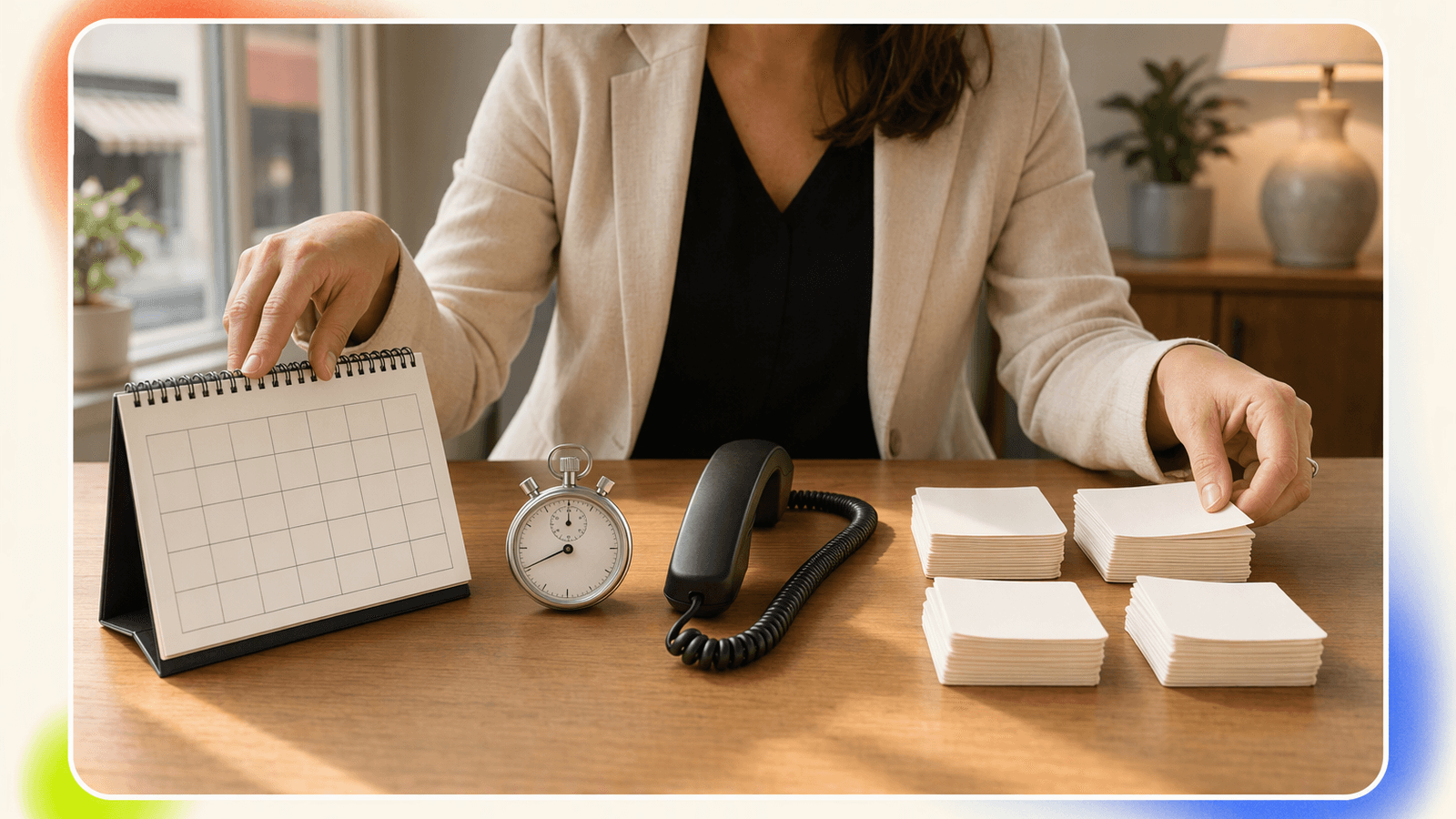
Most virtual receptionist pricing uses one of four models.
Monthly human answering plans
Monthly plans usually include a set amount of receptionist time or a bundle of services. Providers may charge more for higher call volume, extended hours, bilingual answering, appointment scheduling, or call transfers.
Official pricing pages from providers such as Ruby and Smith.ai show how human receptionist services package usage, add-ons, and plan tiers. Always check current pricing directly because plans and inclusions change.
Best fit: businesses that want live human receptionists and have enough call volume to justify the higher monthly commitment.
Watch out for: unused included minutes, high overage rates, limited scheduling integration, and add-ons that make the real bill higher than the advertised starting price.
Per-minute pricing
Per-minute answering service pricing charges based on how long calls last. This can be fair for short calls but expensive when callers ask detailed service questions.
Best fit: businesses with short, simple calls.
Watch out for: longer booking conversations, spam calls, and billing increments that round up.
Per-call pricing
Answering service per call pricing charges for each handled call. It is easier to understand than per-minute billing because a 90-second call and a 5-minute call may count the same, depending on the provider’s rules.
Best fit: predictable call volume and calls of similar complexity.
Watch out for: what counts as a billable call. Ask whether wrong numbers, hang-ups, transfers, or spam calls count.
AI receptionist subscription
An AI receptionist subscription usually charges a monthly fee with included calls or usage. For small service businesses, this model can be easier to budget because it is tied to call count instead of unpredictable call length.
DeskBuddy’s current plans are:
| DeskBuddy plan | Price | Included calls | Locations | Best fit |
|---|---|---|---|---|
| Free trial | $0 for 7 days | 20 calls | 1 | Testing real calls before paying |
| Standard | $39.9/month | 100 calls | 1 | Solo providers and small studios |
| Professional | $99.9/month | 300 calls | Up to 5 | Busy salons or growing teams |
Overages are $1.00 per call on Standard and $0.50 per call on Professional. Plans are month-to-month, with no hidden fees stated in the supplied product information.
For small teams comparing options, start with DeskBuddy’s appointment-focused AI receptionist and check whether your existing calendar workflow can stay intact through DeskBuddy calendar and booking integrations.
Pricing comparison: human virtual receptionist vs DeskBuddy AI receptionist
Here is the practical comparison for appointment-based local businesses.
| Criteria | Human virtual receptionist | DeskBuddy AI receptionist |
|---|---|---|
| Typical pricing style | Monthly, per-minute, or per-call | Monthly subscription with included calls |
| Starting cost | Often higher; check provider pages for current pricing | $39.9/month Standard |
| Coverage | Depends on plan and provider hours | 7×24 call answering |
| Appointment workflow | May require add-ons or manual messages | Built for appointment calls |
| Calendar sync | Varies by provider | Google Calendar, Mindbody, Square |
| Languages | Varies by provider and plan | English, Spanish, Chinese |
| Setup time | Can require onboarding and scripting | Designed for 5-minute setup |
| Best for | Complex calls needing human judgment | Common inquiries and booking calls |
| Limitations | Costs can scale with usage | Not meant for enterprise contact centers or every complex exception |
DeskBuddy does not replace every human receptionist service. If your calls require nuanced legal intake, medical triage, emergency dispatch, or detailed case qualification, use a specialist service. If most calls are “Are you open?”, “How much is a haircut?”, “Can I book Friday?”, or “Do you have Saturday grooming slots?”, an AI receptionist is often a better cost fit.
For broader market context, Grand View Research reports continued growth in business process outsourcing and customer support services, driven by cost pressure and demand for better coverage. See Grand View Research’s business process outsourcing market report.
Cost examples for solo providers, small salons, and multi-location businesses
The numbers below are planning examples, not promises of results. Replace the call counts and appointment values with your own.
Solo provider: independent stylist or trainer
Assume:
- 40 appointment-related calls per month
- 5–8 calls happen while serving clients
- Average appointment value: $100
- Needs basic booking and after-hours coverage
A low-volume solo provider may overpay for a human answering plan if most included minutes go unused. DeskBuddy Standard at $39.9/month includes 100 calls, so the effective subscription cost at 40 calls is about $1.00 per handled call before any recovered revenue.
If just one missed caller books a $100 appointment, the month is already covered.
Helpful next read: how DeskBuddy helps small businesses answer missed calls.
Small salon or pet grooming shop
Assume:
- 120 calls per month
- Average appointment value: $75–$150
- Needs scheduling, service questions, and occasional escalation
This business could use DeskBuddy Standard with overages or Professional. Standard includes 100 calls, then $1.00 per extra call. At 120 calls, that would be $39.9 + $20 = $59.9 for the month. Professional is $99.9/month with 300 calls, so it may be better if volume is growing or if the business wants support for more locations.
For salons already using Square, start with DeskBuddy’s Square-friendly appointment workflow.
Multi-location service business
Assume:
- 3 locations
- 240 calls per month
- Calls include hours, locations, bookings, rescheduling, and common service questions
- Manager wants consistent phone coverage
DeskBuddy Professional supports up to 5 locations and includes 300 monthly calls. That makes it a clean fit if the business does not need a full call center setup. For a manager, the bigger value may be consistency: every location gets calls answered after hours and during busy service windows.
Review the plan fit on DeskBuddy pricing and plan options.
What affects price: call volume, hours, languages, scheduling, and integrations
Five variables usually drive virtual receptionist pricing.
1. Call volume
The more calls you receive, the more you need to understand overages. A cheap virtual receptionist plan can become expensive if it includes too little usage.
Ask:
- How many calls are included?
- What happens after the limit?
- Are spam calls counted?
- Are missed or abandoned calls counted?
2. Hours of coverage
After-hours calls matter because buyers often call when they finally have time—after work, during lunch, or on weekends. Human live answering service pricing may rise for extended coverage. DeskBuddy is designed for 7×24 answering within its plan structure.
3. Languages
If your callers speak English, Spanish, or Chinese, multilingual support can directly affect booking conversion. Some human services charge more for bilingual support or limit it to certain plans. DeskBuddy supports English, Spanish, and Chinese based on the supplied product information.
4. Scheduling complexity
Simple booking is less expensive than complex workflows. If you have many service types, staff-specific calendars, deposits, cancellation policies, or location rules, test before committing.
DeskBuddy integrates with Google Calendar, Mindbody, and Square, so it is strongest when your appointment flow already lives in one of those systems.
5. Escalation rules
No receptionist option should trap a caller in a dead end. Decide when calls should go to you or a staff member:
- Angry customer
- Same-day cancellation
- High-value package inquiry
- Refund request
- Emergency or safety concern
- Anything outside your service rules
How to avoid overpaying for low call volume
Low call volume businesses often make one of two mistakes: they buy too much coverage, or they stay with voicemail and lose bookings.
Use this checklist before choosing an affordable virtual receptionist:
- Count your real calls for 14 days.
- Mark how many were missed, after-hours, or interrupted service.
- Separate booking calls from spam, vendors, and existing-client questions.
- Estimate average appointment value.
- Compare monthly plan cost against one recovered appointment.
- Check whether your booking calendar can sync directly.
- Avoid long contracts until you test real callers.
If you get fewer than 100 monthly appointment-related calls, DeskBuddy Standard is usually the first plan to test because it starts at $39.9/month and includes 100 calls. If you have no phone-based bookings at all, you may not need a virtual receptionist yet.
For a no-pressure test, use DeskBuddy’s virtual receptionist free trial.
How to calculate break-even from one recovered appointment
Here is a simple formula:
Break-even appointments = monthly receptionist cost ÷ average gross appointment value
| Monthly cost | Average appointment value | Break-even bookings |
|---|---|---|
| $39.9 | $50 | 0.8 bookings |
| $39.9 | $100 | 0.4 bookings |
| $99.9 | $75 | 1.3 bookings |
| $99.9 | $150 | 0.7 bookings |
| $300 | $100 | 3 bookings |
This is not full profit accounting. It does not include supplies, labor, rent, tips, or product cost. But it is a useful first-pass decision tool.
A nail salon with $65 average appointments needs about one recovered booking to cover DeskBuddy Standard. A massage studio with $120 sessions needs less than one recovered booking. A pet groomer with $90 appointments needs roughly one booking.
The hidden cost is interruption. If you answer calls while cutting hair, washing a dog, leading a class, or treating a client, you may keep the booking but weaken the in-person experience.
Free trial checklist before committing

A virtual receptionist free trial should prove the workflow, not just play a nice greeting. During the trial, test real business scenarios.
Use this checklist:
- Call during business hours while staff are busy.
- Call after hours and try to book an appointment.
- Ask about pricing, parking, cancellation policy, and service duration.
- Try a reschedule request.
- Ask for a service your business does not offer.
- Test English, Spanish, or Chinese if relevant.
- Confirm the appointment appears correctly in your calendar.
- Check how unclear or complex calls are escalated.
- Review whether the tone feels professional for your brand.
- Compare the trial call count with your expected monthly volume.
For DeskBuddy, the free trial includes 7 days and 20 calls, with no credit card required based on the supplied product information. That is enough to test a few realistic calls before you choose Standard or Professional.
You can start from DeskBuddy’s AI phone answering setup and keep your existing workflow if you use Google Calendar, Mindbody, or Square.
How to Build an App Like This with Tencent RTC
To build a virtual receptionist like DeskBuddy, use Tencent RTC for real-time audio transport, then connect the call session to speech-to-text, an AI dialog layer, business rules, and booking APIs. A practical architecture is: phone or web caller joins an RTC room, audio is streamed to your backend, the AI agent responds with synthesized speech, and your service writes confirmed appointments to Google Calendar, Mindbody, Square, or an internal booking system. For implementation details, start with Tencent RTC’s official TUICallKit integration documentation.
// Minimal frontend concept: start a receptionist call session.
import { TUICallKit } from '@tencentcloud/call-uikit-react';

await TUICallKit.login({
  SDKAppID: 0,
  userID: 'caller_123',
  userSig: 'GENERATED_USER_SIG'
});

await TUICallKit.call({
  userID: 'ai_receptionist',
  type: 1 // audio call
});
// Backend concept: save the completed booking after AI confirmation.
app.post('/booking/confirm', async (req, res) => {
  const { customerName, service, startTime, phone } = req.body;

  await calendar.events.insert({
    calendarId: 'primary',
    requestBody: {
      summary: `${service} - ${customerName}`,
      start: { dateTime: startTime },
      end: { dateTime: addMinutes(startTime, 60) },
      description: `Booked by AI receptionist. Phone: ${phone}`
    }
  });

  res.json({ ok: true });
});
Keep pricing logic separate from call logic: track call count, location, duration, escalation events, and booking outcomes in your database so plans and overages can be calculated accurately.
Never miss another customer call.
Get started freeKeep reading
Live Virtual Receptionist vs AI Receptionist Guide
Compare live virtual receptionist services with AI receptionists for booking calls, pricing, coverage, and customer fit. See what to choose.
AI Phone Answering Service vs Live Answering: 2026 Guide
Compare ai phone answering service options with live answering for booking calls, pricing, handoff, and 24/7 coverage. Try DeskBuddy today.

Answering Service Pricing Comparison: 2026 Cost Guide
Compare answering service pricing models, hidden fees, and AI receptionist costs. Use practical examples to choose the best fit.