Best After-Hours Answering Service for Booking Calls
Compare after hours answering service options for appointment calls, pricing, fit, and setup. See how to choose the right coverage today.
TL;DR
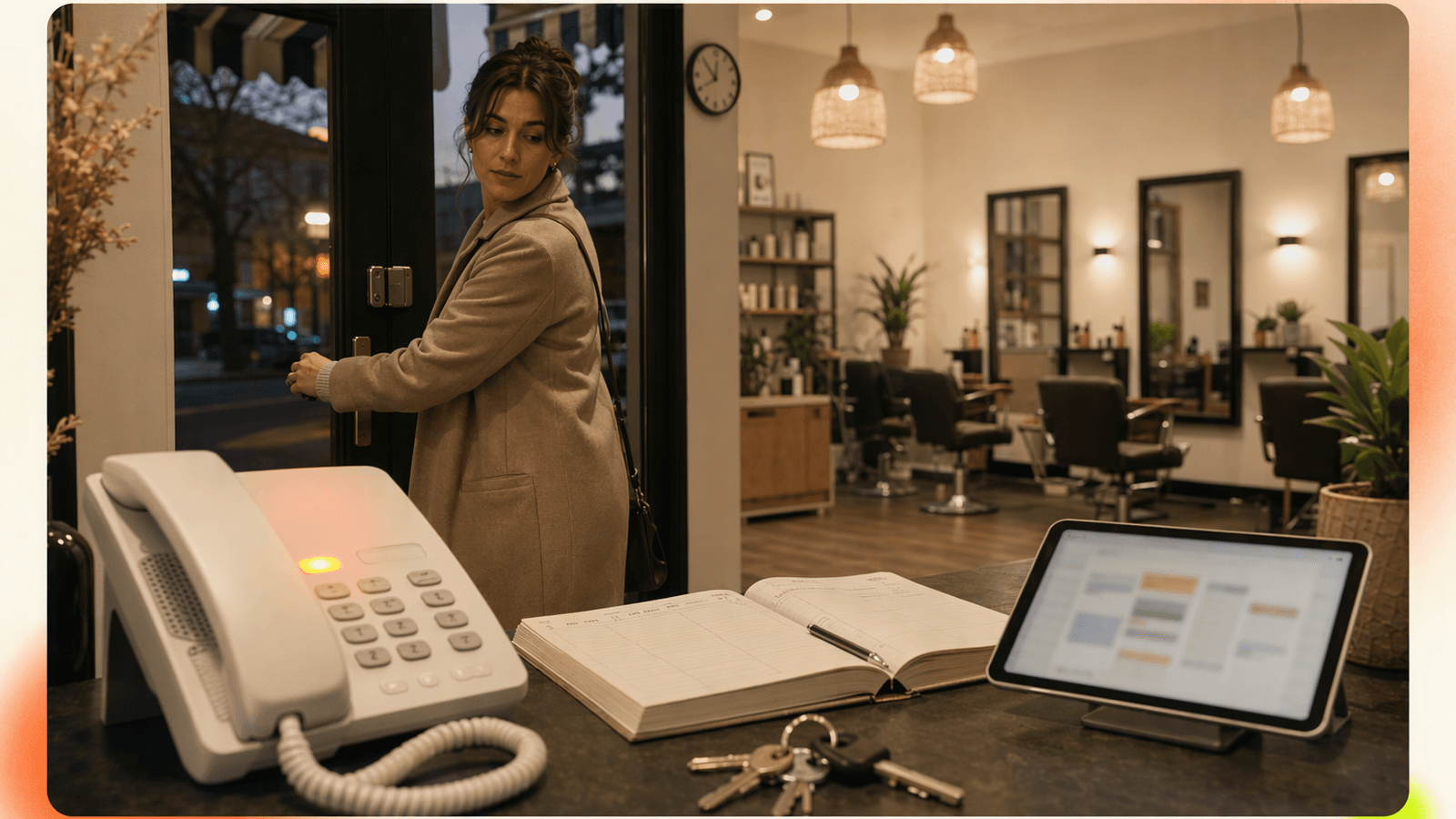
The best after hours answering service for appointment calls does more than take a message. It should answer quickly, understand common service questions, check availability, book or route the appointment, and hand off urgent issues.
Quick recommendation:
| Business need | Best fit |
|---|---|
| You need human judgment for sensitive or complex calls | Live receptionist service |
| You mainly need appointment calls answered after closing | AI phone receptionist like DeskBuddy’s AI receptionist |
| You only need a backup message box | Voicemail |
| You want calls sent to your cell after hours | Call forwarding |
| You need 24/7 coverage without hiring staff | AI or live 24 7 call answering service |
For most small appointment-based businesses, voicemail is cheap but loses booking intent. Live answering feels familiar but is often priced per minute. DeskBuddy is built for service businesses that want natural after-hours call answering, appointment help, multilingual support, and calendar connections starting at $39.9/month.
Why after-hours calls are high-intent booking opportunities
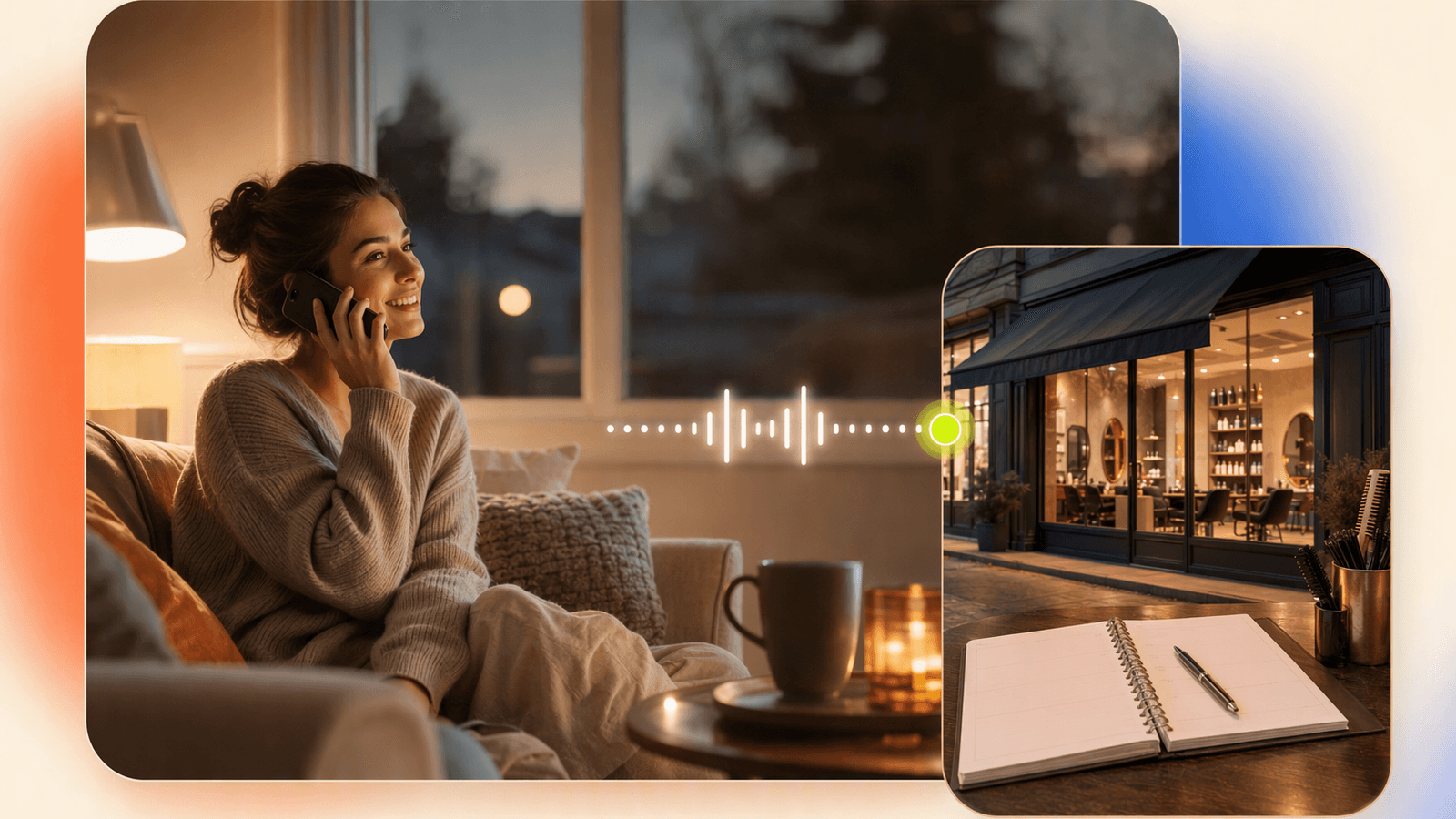
An after-hours caller is not casually browsing. They searched for a service, found your business, and chose to call. If nobody answers, they often call the next listing.
Appointment businesses sell time slots. A missed call at 7:30 p.m. can mean an empty chair at 11 a.m. tomorrow.
Hiring part-time coverage can be expensive once wages, training, schedule gaps, sick days, and turnover are included. The BLS Occupational Outlook Handbook is a useful baseline for understanding front-desk labor costs.
Consumer behavior also supports fast response. Google’s business profile guidance highlights phone calls, bookings, and messages as customer actions local businesses should manage carefully through Google Business Profile.
For a salon, massage studio, groomer, or yoga studio, the issue is simple:
- Clients call after work.
- Staff are off the clock.
- The owner is tired of answering from a personal phone.
- Voicemail does not book the appointment.
- Online booking helps, but not every customer wants to use it.
That is why an after hours phone answering service should be judged by booked outcomes, not just “calls answered.”
Best after-hours answering service options: live, AI, voicemail, and call forwarding
There are four common ways to cover calls after closing.
1. Live receptionist service
A live answering service uses human agents to answer calls, take messages, screen inquiries, and sometimes schedule appointments. Examples include providers such as Ruby and Smith.ai. See Ruby plans and pricing and Smith.ai virtual receptionist pricing.
Best fit:
- Legal, medical, or high-touch services with complex intake
- Businesses that prefer a human-only front desk experience
- Teams with enough call volume to justify per-minute plans
Tradeoffs:
- Pricing can rise as call length increases
- Quality depends on agent training and script accuracy
- Appointment scheduling may require extra setup
- Multilingual handling varies by provider and plan
2. AI phone receptionist
An AI phone receptionist answers calls naturally, handles common questions, captures appointment details, and connects with calendars or booking tools where supported.
DeskBuddy fits here. It is designed for service businesses that cannot justify a full-time receptionist but still need after-hours answering, appointment booking help, and a professional phone experience.
Best fit:
- Salons, spas, barbers, med spas, pet groomers, trainers, and wellness studios
- Owners who miss calls while serving clients
- Businesses that already use Google Calendar, Mindbody, or Square
- Teams that need English, Spanish, and Chinese support
Tradeoffs:
- Not a replacement for every human judgment call
- Complex complaints, emergencies, or policy exceptions should be escalated
- Works best when your service menu, hours, cancellation policy, and booking rules are clear
3. Voicemail
Voicemail is easy and inexpensive, but it pushes work to later. The caller still has to wait. You still have to listen, call back, and hope they have not already booked elsewhere.
Best fit:
- Very low call volume
- Businesses that do not depend on urgent booking requests
- Owners who are comfortable returning every call manually
Tradeoffs:
- Does not answer questions
- Does not book while the customer is ready
- Can make a busy business feel unavailable
4. Call forwarding
Call forwarding sends after-hours calls to another number, often the owner’s cell phone.
Best fit:
- Solo operators who want full control
- Short-term backup during a transition
- Low-volume businesses where interruptions are manageable
Tradeoffs:
- You are still the after-hours receptionist
- Calls interrupt personal time
- Customers may get inconsistent answers if multiple staff rotate coverage
Feature comparison: call pickup, appointment scheduling, FAQs, urgent handoff, and reporting
Use this table as a practical comparison checklist. Vendor-specific features change often, so confirm current details before buying.
| Feature | Voicemail | Call forwarding | Live answering service | DeskBuddy AI receptionist |
|---|---|---|---|---|
| Answers after hours | Partial | Yes, if you answer | Yes | Yes, 7×24 |
| Handles appointment requests | No | Manual | Sometimes | Yes, designed for bookings |
| Answers common FAQs | No | Manual | Usually script-based | Yes, using your business details |
| Checks calendar availability | No | Manual | Depends on provider | Google Calendar, Mindbody, Square integrations |
| Multilingual support | No | Depends on staff | Varies | English, Spanish, Chinese |
| Urgent handoff | No | You decide live | Usually available | Escalates complex cases to you |
| Reporting / call notes | Basic voicemail list | Phone history | Usually available | Call and booking workflow visibility |
| Setup effort | Low | Low | Medium | About 5 minutes, no technical setup |
| Best for | Message capture | Owner-controlled backup | Complex human intake | Appointment-based small businesses |
A good after hours call answering service should not force one workflow. A pet groomer may want new clients booked into a consultation slot, while existing clients can be routed to grooming times. A fitness studio may want class inquiries answered differently from personal training consultations.
That is where appointment-specific setup matters more than generic call pickup.
Pricing comparison: monthly AI plans vs per-minute answering services
Pricing is one of the biggest differences between AI and traditional after hours answering services.
Live receptionist services often charge monthly packages based on minutes, calls, or agent usage. Public pricing varies by provider and may change, so confirm directly with official pricing pages. Some providers advertise low entry prices, but final cost can depend on minutes, overages, holidays, bilingual coverage, or add-ons.
DeskBuddy uses monthly SaaS pricing:
| DeskBuddy plan | Price | Included calls | Locations | Support | Best for |
|---|---|---|---|---|---|
| Free trial | $0 for 7 days | 20 calls | 1 | — | Testing call flow |
| Standard | $39.9/month | 100 calls/month | 1 | Solo providers and small studios | |
| Professional | $99.9/month | 300 calls/month | Up to 5 | 1:1 dedicated support | Busy salons and growing teams |
Overages: Standard is $1.00/call. Professional is $0.50/call. DeskBuddy has no contract, no hidden fees, and the trial does not require a credit card.
Simple scenario: a massage therapist misses 8 after-hours calls per month. If two callers would have booked a $90 session, that is $180 in possible revenue. A $39.9/month answering setup does not need to recover every call to make sense.
For a multi-chair salon, the math can be larger. If a haircut, color, or lash appointment is worth $80 to $250, the cost of unanswered calls can exceed answering coverage quickly.
Industry fit: salons, spas, pet care, fitness, and wellness businesses
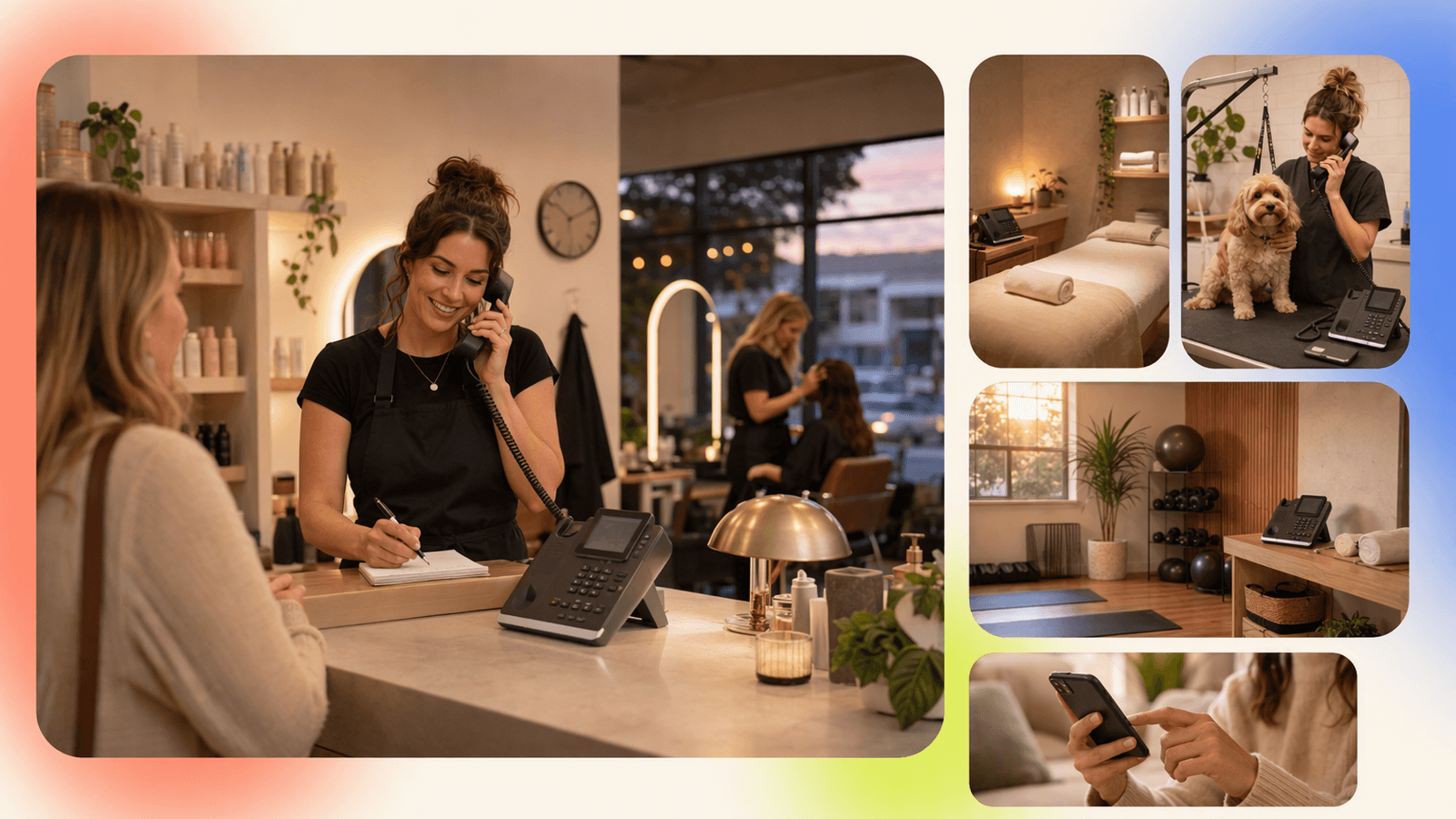
The best after hours answering service depends on how your customers book and what they ask before booking.
Salons and spas
Salons get calls about pricing, stylist availability, color services, reschedules, cancellations, and last-minute openings.
Useful setup:
- Service menu by duration
- Staff availability
- Deposit or cancellation policy
- New client questions
- Escalation for complex color corrections or complaints
If your salon already uses Square or Mindbody, DeskBuddy appointment call answering can help keep phone bookings aligned with your existing workflow.
Pet care
Pet groomers, boarding facilities, trainers, and vet-adjacent services receive high-intent calls after work hours.
Useful setup:
- Pet type and size
- Breed or coat condition
- Vaccination or health requirements
- First available appointment
- Urgent concern handoff
Fast call pickup also creates trust. People want to know a real business is paying attention.
Fitness and wellness
Fitness studios, yoga studios, private trainers, chiropractors, and wellness clinics get calls about trial classes, memberships, intro sessions, and availability.
Useful setup:
- Class schedules
- First-session booking
- Instructor or provider preferences
- Membership FAQs
- After-hours lead capture for follow-up
Businesses using Mindbody can benefit from a phone receptionist that understands booking intent, not just message taking.
How DeskBuddy answers after-hours appointment calls naturally
DeskBuddy is built for appointment-based businesses that want calls answered without hiring a full-time receptionist. It answers 7×24, speaks naturally, handles common inquiries, and helps customers complete appointment workflows.
What DeskBuddy does well:
- Picks up after-hours calls when staff are unavailable
- Uses natural conversation instead of rigid menus
- Helps callers with appointment requests
- Syncs with Google Calendar, Mindbody, and Square
- Supports English, Spanish, and Chinese
- Escalates complex situations to the business owner or staff
- Takes about 5 minutes to set up
- Starts at $39.9/month
DeskBuddy is not meant for every business. If you run a large enterprise contact center with complex compliance requirements, it may not be the right fit. If your business gets zero phone bookings and all customers book online, you may not need it.
But if you often say, “I couldn’t answer because I was with a client,” DeskBuddy is designed for that exact problem.
You can explore DeskBuddy for after-hours call answering, open the DeskBuddy console, or compare your current workflow against DeskBuddy’s appointment booking AI before switching.
Migration guide: moving from voicemail or a human service to AI call answering
Switching does not need to be complicated. Start with after-hours calls first, then expand once you trust the flow.
Step 1: List your top 20 caller questions
Common examples:
- “Are you open tomorrow?”
- “How much is a gel manicure?”
- “Do you groom large dogs?”
- “Can I book with Maria?”
- “Do you have anything after 5?”
- “What is your cancellation policy?”
Write short, plain answers.
Step 2: Define appointment rules
Your answering service needs booking boundaries:
- Which services can be booked by phone?
- How long does each service take?
- Which staff members handle which services?
- What information is required before booking?
- Which calls should be escalated?
For example, a salon might allow haircut bookings by phone but escalate major color correction requests.
Step 3: Connect your calendar workflow
DeskBuddy supports Google Calendar, Mindbody, and Square. If your team already works inside one of those systems, keep that process rather than forcing staff into a separate tool.
Start with one location or one service category. Test evening and weekend calls. Then add more rules after the first week.
Step 4: Update voicemail and call routing
Instead of sending after-hours callers to voicemail, route unanswered calls to your answering service. Keep voicemail as a fallback, but do not make it the first stop.
Step 5: Review call outcomes weekly
Look for:
- Calls answered
- Appointment requests
- FAQs handled
- Escalations
- Missed or unclear booking rules
- Services that need better descriptions
A 15-minute weekly review is enough for most small businesses. The goal is to stop losing obvious appointment opportunities.
Buyer checklist for choosing after-hours call coverage
Before choosing the best after hours answering service, ask:
- Does it answer calls 24/7 or only during extended business hours?
- Can it help book appointments, or does it only take messages?
- Does it integrate with the calendar or software you already use?
- Can it answer common pricing, hours, location, and service questions?
- How does it handle urgent or sensitive calls?
- Is pricing monthly, per minute, per call, or a mix?
- Are overages clear?
- Is bilingual or multilingual support included?
- How long does setup take?
- Can you test it without a long contract?
- Does it fit your industry’s booking style?
- Will your staff review call notes and follow-ups?
For many local service businesses, the answer is not “AI or human forever.” A practical setup may be:
- AI receptionist for routine after-hours bookings
- Owner or manager handoff for exceptions
- Human staff for in-person service and relationship building
- Online booking for customers who prefer self-service
That mix gives you coverage without turning your business into a 24-hour job.
How to Build an App Like This with Tencent RTC
If you are building a custom after-hours voice app instead of using a ready-made receptionist, Tencent RTC can provide the real-time audio layer while your backend manages business rules, AI responses, calendar access, and escalation. A typical flow is: create a room for each call, authenticate the caller or agent with a server-generated user signature, join audio-only from the web or mobile client, stream call events to your backend, then write appointment results into Google Calendar, Mindbody, Square, or your CRM. Tencent’s official TRTC documentation explains the SDK concepts and setup: Tencent RTC documentation.
import TRTC from "trtc-js-sdk";

const client = TRTC.createClient({
  mode: "rtc",
  sdkAppId: Number(process.env.SDK_APP_ID),
  userId: "caller_123",
  userSig: "SERVER_GENERATED_USER_SIG"
});

await client.join({ roomId: 10001 });

const localStream = TRTC.createStream({
  userId: "caller_123",
  audio: true,
  video: false
});

await localStream.initialize();
await client.publish(localStream);
On the backend, keep the appointment workflow separate from the audio session so it can be audited and retried.
app.post("/call-result", async (req, res) => {
  const { callerName, service, preferredTime, urgency } = req.body;

  if (urgency === "emergency") {
    await notifyOwner(req.body);
  } else {
    await createCalendarHold({ callerName, service, preferredTime });
  }

  res.sendStatus(200);
});
Never miss another customer call.
Get started freeKeep reading
Live Virtual Receptionist vs AI Receptionist Guide
Compare live virtual receptionist services with AI receptionists for booking calls, pricing, coverage, and customer fit. See what to choose.
AI Phone Answering Service vs Live Answering: 2026 Guide
Compare ai phone answering service options with live answering for booking calls, pricing, handoff, and 24/7 coverage. Try DeskBuddy today.
Answering Service Pricing Comparison: 2026 Cost Guide
Compare answering service pricing models, hidden fees, and AI receptionist costs. Use practical examples to choose the best fit.