Best Virtual Receptionist for Small Businesses 2026
Compare the best virtual receptionist small business options for calls, bookings, pricing, reviews, and trials. See what fits your team.

TL;DR: the best choice depends on your call problem
The best virtual receptionist for small business is not always the biggest call answering company. For appointment-based teams, the winner is the service that can answer calls when you are busy, understand booking questions, sync with your calendar, handle after-hours demand, and cost less than the appointments it helps you save.
Quick decision guide:
| If your business needs… | Best fit |
|---|---|
| 24/7 booking help without hiring staff | AI receptionist software like DeskBuddy’s AI phone receptionist |
| A human voice for complex intake or legal/medical triage | Live human receptionist service |
| Human backup plus AI-assisted call handling | Hybrid virtual receptionist companies |
| Health, wellness, salon, pet, or fitness workflows | Niche appointment-focused providers |
| Lowest monthly cost and fast setup | Affordable virtual receptionist with a free trial |
For salons, spas, pet groomers, fitness studios, massage therapists, and wellness businesses, the main question is simple: “Can this service answer my phone and help book clients while I’m with another customer?”
What small businesses should expect from a virtual receptionist
A business virtual receptionist should do more than take a message. At minimum, it should protect revenue when you cannot pick up: during services, after hours, weekends, lunch breaks, staff shortages, and peak call times.
For local appointment businesses, look for seven practical capabilities:
- Call coverage: Can it answer during business hours, after hours, and weekends?
- Booking workflow: Can it help callers choose a service, time, staff member, or location?
- Calendar connection: Does it sync with Google Calendar, Square, Mindbody, or your booking tool?
- Escalation: Can it transfer or notify you when a caller has an urgent request?
- Language support: Can it handle English, Spanish, or Chinese callers if your market needs it?
- Setup speed: Can a non-technical owner launch it in minutes, not weeks?
- Pricing clarity: Are minutes, calls, setup fees, overages, and cancellation terms clear?
The U.S. Bureau of Labor Statistics lists receptionist and information clerk wage data; see the official BLS receptionist wage data for current labor benchmarks. A virtual receptionist service does not replace every front-desk task, but it can cover the gap between “the phone rang” and “someone booked.”
Best virtual receptionist categories: AI, live human, hybrid, and niche industry services
Most virtual receptionist companies fall into four categories. Comparing categories first helps you avoid paying for features you do not need.
AI receptionist software
AI receptionist software is best when your main problem is missed calls, routine questions, and appointment booking. It can answer consistently, run after hours, and avoid per-minute live-agent costs.
Best for: salons, spas, pet services, fitness studios, solo providers, and small multi-location teams.
Tradeoff: If calls require sensitive judgment, long intake forms, or compliance-heavy decisions, you may still want human backup.
DeskBuddy fits here. It is built for service-based small businesses and supports 7×24 phone answering, natural conversation, appointment help, Google Calendar, Mindbody, and Square integrations, plus English, Spanish, and Chinese. You can review DeskBuddy features for appointment calls and DeskBuddy calendar integrations before testing it.
Live human receptionist services
Live human receptionist services use trained agents to answer calls, take messages, route calls, and sometimes schedule appointments. Common examples include Ruby, PATLive, AnswerConnect, Nexa, and similar providers. Verify current plan details on official pages such as Ruby, PATLive, and AnswerConnect.
Best for: businesses where callers expect human warmth, detailed intake, or complex routing.
Tradeoff: Pricing is often tied to minutes, call volume, or higher monthly packages. Quality can vary by agent training, script clarity, and onboarding.
Hybrid receptionist services
Hybrid providers combine human agents with AI-assisted workflows. Smith.ai is a well-known example; check Smith.ai’s official pricing page for current terms.
Best for: lead-heavy businesses that need human handling for qualified prospects, outbound follow-up, or CRM workflows.
Tradeoff: Hybrid services can be powerful but may be more than a small salon, grooming shop, or studio needs if the real job is answering booking calls reliably.
Niche industry receptionist services
Some providers focus on healthcare, wellness, legal, dental, real estate, or other industries.
Best for: businesses with specialized intake or regulated workflows.
Tradeoff: Confirm whether the service actually integrates with your scheduling tool. A good script without calendar access can still leave you doing manual follow-up.
Feature comparison for appointment booking businesses
Here is a practical virtual receptionist comparison for appointment-based teams. Competitor details change often, so verify current limits, pricing, and integrations on each provider’s official website.
| Feature | DeskBuddy | Live human services | Hybrid services | Basic answering services |
|---|---|---|---|---|
| 24/7 call answering | Yes | Often | Often | Sometimes |
| Appointment-focused design | Yes | Varies | Varies | Limited |
| Google Calendar integration | Yes | Varies | Varies | Rare or manual |
| Mindbody integration | Yes | Varies | Varies | Rare or manual |
| Square integration | Yes | Varies | Varies | Rare or manual |
| English, Spanish, Chinese | Yes | Varies | Varies | Varies |
| Fast self-serve setup | 5 minutes | Usually onboarding required | Usually onboarding required | Varies |
| Human judgment for complex calls | Escalates complex cases | Strong | Strong | Varies |
| Best use case | Appointment calls | High-touch intake | Lead qualification | Message taking |
The most common mistake is comparing only “answered calls.” For a salon, pet groomer, or fitness studio, the better question is: “How many callers can complete the next step without me stopping a service?”
Pricing comparison and total cost of ownership
An affordable virtual receptionist is not just the cheapest monthly plan. Total cost includes base price, usage fees, setup time, staff interruptions, and missed appointment value.
DeskBuddy pricing is simple:
| Plan | Price | Monthly calls | Locations | Best for |
|---|---|---|---|---|
| Free trial | $0 for 7 days | 20 calls | 1 | Testing real calls |
| Standard | $39.9/month | 100 calls | 1 | Solo providers and small studios |
| Professional | $99.9/month | 300 calls | Up to 5 | Busy salons and growing teams |
Standard overage is $1.00 per call. Professional overage is $0.50 per call. There is no contract, no hidden fee, and the free trial does not require a credit card. You can check DeskBuddy pricing and free trial details.
For comparison, many live receptionist services price by minute or package. A lower base plan can become expensive if you receive long calls, repeated rescheduling calls, or after-hours volume.
A simple total-cost worksheet:
| Cost factor | Question to ask |
|---|---|
| Missed bookings | How many calls do we miss per week? |
| Average appointment value | Is a new booking worth $50, $100, $200, or more? |
| Staff interruption | How often does staff stop work to pick up? |
| After-hours demand | Do callers reach voicemail after 6 p.m. or on weekends? |
| Manual follow-up | Who calls back, and how quickly? |
| Overage risk | Are fees per minute, per call, or included? |
If one recovered appointment is worth $50–$300, even a small number of saved calls can justify a purpose-built virtual receptionist service.
Review signals to look for before choosing a provider
Virtual receptionist reviews are useful only if you know what to scan for. Star ratings alone do not tell you whether the service will work for your front desk.
Look for these review signals:
- Caller experience: Do customers say conversations feel clear and helpful?
- Booking accuracy: Are appointments captured correctly?
- Speed to answer: Are calls picked up quickly during busy times?
- After-hours reliability: Does coverage actually work nights and weekends?
- Onboarding quality: Did setup take days, weeks, or repeated corrections?
- Billing clarity: Are users surprised by minutes, overages, or add-ons?
- Escalation: Are urgent or unusual calls handled gracefully?
- Industry fit: Are reviewers similar to your business type?
For general review literacy, BrightLocal’s Local Consumer Review Survey is useful because it shows how much consumers rely on reviews when choosing local businesses.
Why DeskBuddy is built for salons, spas, pet services, and fitness studios
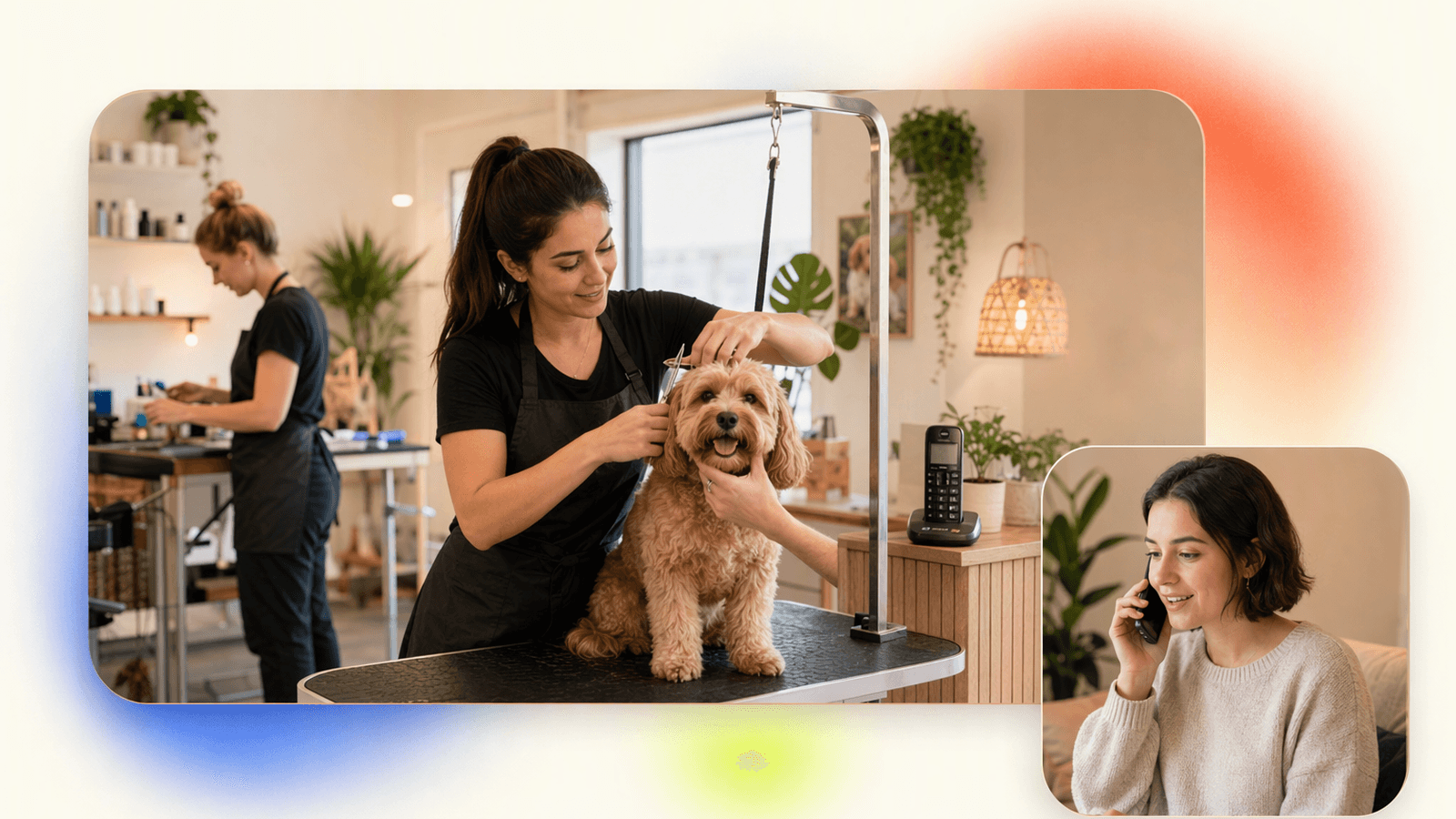
DeskBuddy is not designed for enterprise call centers or businesses that never take phone appointments. It is built for small appointment-based teams that lose money when calls go unanswered.
That makes it a strong fit for:
- Hair salons and barbershops
- Nail salons and lash studios
- Massage and spa businesses
- Pet grooming shops and pet service teams
- Yoga studios, gyms, trainers, and wellness providers
- Small multi-location service businesses
A generic answering service may collect a name and number. DeskBuddy is designed to answer common questions and move the caller toward a booking while syncing with tools service businesses already use.
DeskBuddy supports:
- 7×24 call answering
- Natural phone conversations
- Appointment assistance
- Google Calendar, Mindbody, and Square integrations
- English, Spanish, and Chinese
- 5-minute setup
- Escalation for complex situations
- Plans starting at $39.9/month
If you use Square or Mindbody, review DeskBuddy integration support. If you want a quick test, start with the DeskBuddy virtual receptionist free trial.
A realistic example: a groomer is bathing a dog and cannot safely pick up the phone. A caller wants a Saturday appointment and asks about breed pricing. Without coverage, that call goes to voicemail. With DeskBuddy, the caller can get help immediately.
Migration guide from voicemail, missed calls, or manual call handling
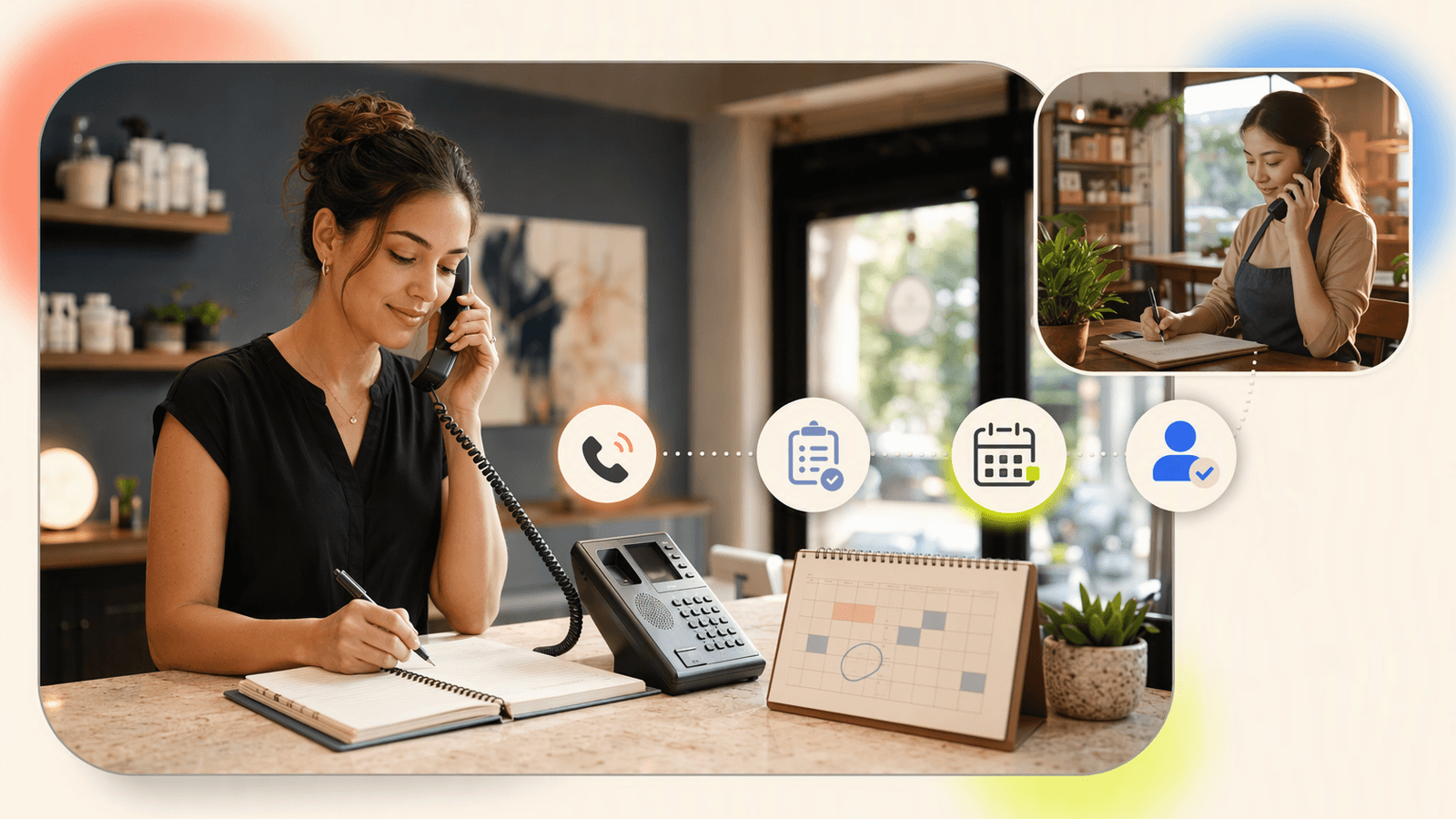
You do not need to redesign your business to move to a virtual receptionist. Start with the calls you already receive.
Step 1: List your top 20 caller questions
Examples:
- “Are you open today?”
- “Do you have anything after 5 p.m.?”
- “How much is a haircut?”
- “Can I book a nail fill?”
- “Do you groom large dogs?”
- “Can I reschedule?”
- “Where are you located?”
- “Do you take walk-ins?”
Step 2: Define your booking rules
Write down the rules a new receptionist would need:
- Services offered
- Appointment length
- Staff availability
- Cancellation policy
- New-client requirements
- Deposit or payment expectations
- When to escalate to the owner
Step 3: Connect your calendar
If you use Google Calendar, Mindbody, or Square, connect the tool so availability stays current. If you are still using a paper calendar, move your most-booked services into a digital calendar before testing any receptionist service.
Step 4: Forward missed and after-hours calls
Start with after-hours calls, overflow calls, or calls you would normally miss during appointments. This lets you compare before-and-after without changing your whole front desk.
Step 5: Review call summaries and adjust
During the first week, check where callers hesitate. Improve service names, pricing notes, staff rules, and escalation instructions. For a simple launch path, visit DeskBuddy setup guidance for small teams.
Decision checklist for owners and managers
Use this checklist before signing up with any virtual receptionist service:
- Does it answer calls when we are with clients?
- Does it support after-hours and weekend coverage?
- Can it help with appointments, not just messages?
- Does it connect to our calendar or booking software?
- Can it handle our callers’ languages?
- Are pricing, overages, and cancellation terms clear?
- Is there a virtual receptionist free trial?
- Can complex calls be escalated?
- Does setup fit our time and technical comfort?
- Do reviews mention businesses like ours?
- Will it reduce interruptions for staff?
- Is the monthly cost lower than the value of a few recovered appointments?
If most of your revenue comes from booked services, prioritize appointment workflow over general call answering.
How to Build an App Like This with Tencent RTC
If you are building your own AI receptionist or agent handoff console, Tencent RTC can provide the real-time voice layer for browser or mobile clients. A typical architecture uses telephony or call forwarding at the edge, a conversation service for intent detection and booking logic, and Tencent RTC for live audio rooms when a human owner needs to join or monitor a call. Start with the official TRTC Web quick-start documentation at https://trtc.io/document/50865.
A minimal backend issues temporary credentials and room metadata:
app.post("/rtc-token", async (req, res) => {
  const { userId, roomId } = req.body;
  const userSig = genTestUserSig({ userID: userId }).userSig;
  res.json({ sdkAppId: process.env.SDK_APP_ID, userId, roomId, userSig });
});
The front end then joins the room when escalation is needed:
const client = TRTC.createClient({ mode: "rtc", sdkAppId, userId, userSig });
await client.join({ roomId });
const stream = TRTC.createStream({ audio: true, video: false });
await stream.initialize();
await client.publish(stream);
For production, store call summaries, appointment outcomes, and escalation reasons in your CRM or booking database. Keep tokens short-lived, log failed joins, and test audio quality on the devices your staff actually use.
Never miss another customer call.
Get started freeKeep reading
Live Virtual Receptionist vs AI Receptionist Guide
Compare live virtual receptionist services with AI receptionists for booking calls, pricing, coverage, and customer fit. See what to choose.
AI Phone Answering Service vs Live Answering: 2026 Guide
Compare ai phone answering service options with live answering for booking calls, pricing, handoff, and 24/7 coverage. Try DeskBuddy today.

Answering Service Pricing Comparison: 2026 Cost Guide
Compare answering service pricing models, hidden fees, and AI receptionist costs. Use practical examples to choose the best fit.