Ruby Receptionist Pricing vs AI Receptionist Cost
Compare ruby receptionist pricing with DeskBuddy AI receptionist costs, booking coverage, and tradeoffs. Use this checklist before you switch.

TL;DR
If you are searching for ruby receptionist pricing, you are probably asking: “Do I need a live virtual receptionist, or do I just need every appointment call answered?” For many salons, pet groomers, spas, fitness studios, and wellness businesses, the cheaper and more practical option is an AI receptionist that answers calls, handles common questions, and helps book appointments.
Quick answer:
- Choose a Ruby-style live receptionist if callers need human judgment, detailed intake, complex routing, or high-touch admin help.
- Choose DeskBuddy if your main problem is missed appointment calls, after-hours bookings, staff interruptions, and basic customer questions.
- Cost difference matters: DeskBuddy starts at $39.9/month for 100 calls, while live virtual receptionist services commonly start much higher and often scale with minutes or call volume. Always verify Ruby’s current plans on the official Ruby pricing page before deciding.
- Best small-business test: if one recovered booking is worth $50–$300+, an AI receptionist can often pay for itself with only a few saved calls.
Why buyers search for Ruby Receptionist pricing
Owners search “ruby receptionist pricing” because the phone has become a bottleneck.
A salon owner is coloring a client’s hair and hears the phone ring. A dog groomer has both hands on a nervous pet. A yoga studio manager is teaching while new students call after work. Those missed calls often become missed bookings.
Live virtual receptionist companies such as Ruby offer real people answering calls on behalf of a business. That can create a polished front-desk experience without hiring a full-time employee. But buyers quickly run into three practical questions:
- What is the monthly minimum?
- What happens when call volume spikes?
- Can the receptionist actually book into my calendar, or are they just taking messages?
For appointment-based service businesses, price only tells part of the story. The real comparison is virtual receptionist cost per useful booking handled.
The U.S. Bureau of Labor Statistics tracks receptionist wage data by occupation, which is useful when comparing outsourced support against hiring in-house. See the BLS Receptionists Occupational Outlook for current wage benchmarks.
What live receptionist services typically include
A live virtual receptionist service usually provides trained human agents who answer calls using your business name and instructions. Depending on the provider and plan, services may include:
- Call answering during business hours or extended hours
- Message taking and forwarding
- Basic call routing
- Lead capture
- Appointment request handling
- Bilingual answering on selected plans
- Overflow coverage when your staff is busy
- Live chat or intake services, depending on the company
Ruby’s own site positions the company around virtual receptionist and live chat support. Because plan details can change, use Ruby’s official page as the source of truth for current packages, included minutes, overage fees, and supported features.
The biggest value of a live receptionist is judgment. A trained person can listen to a messy caller request, ask clarifying questions, and decide when to escalate. That is useful for law firms, medical offices, home services, and businesses with complex intake workflows.
For small appointment businesses, many calls are more repeatable:
- “Are you open Saturday?”
- “How much is a haircut?”
- “Can I book a gel manicure?”
- “Can I reschedule my appointment?”
Those calls do not always require a live person. They require fast pickup, accurate information, and a booking workflow that connects to the schedule.
Pricing comparison: Ruby-style live answering vs DeskBuddy AI receptionist
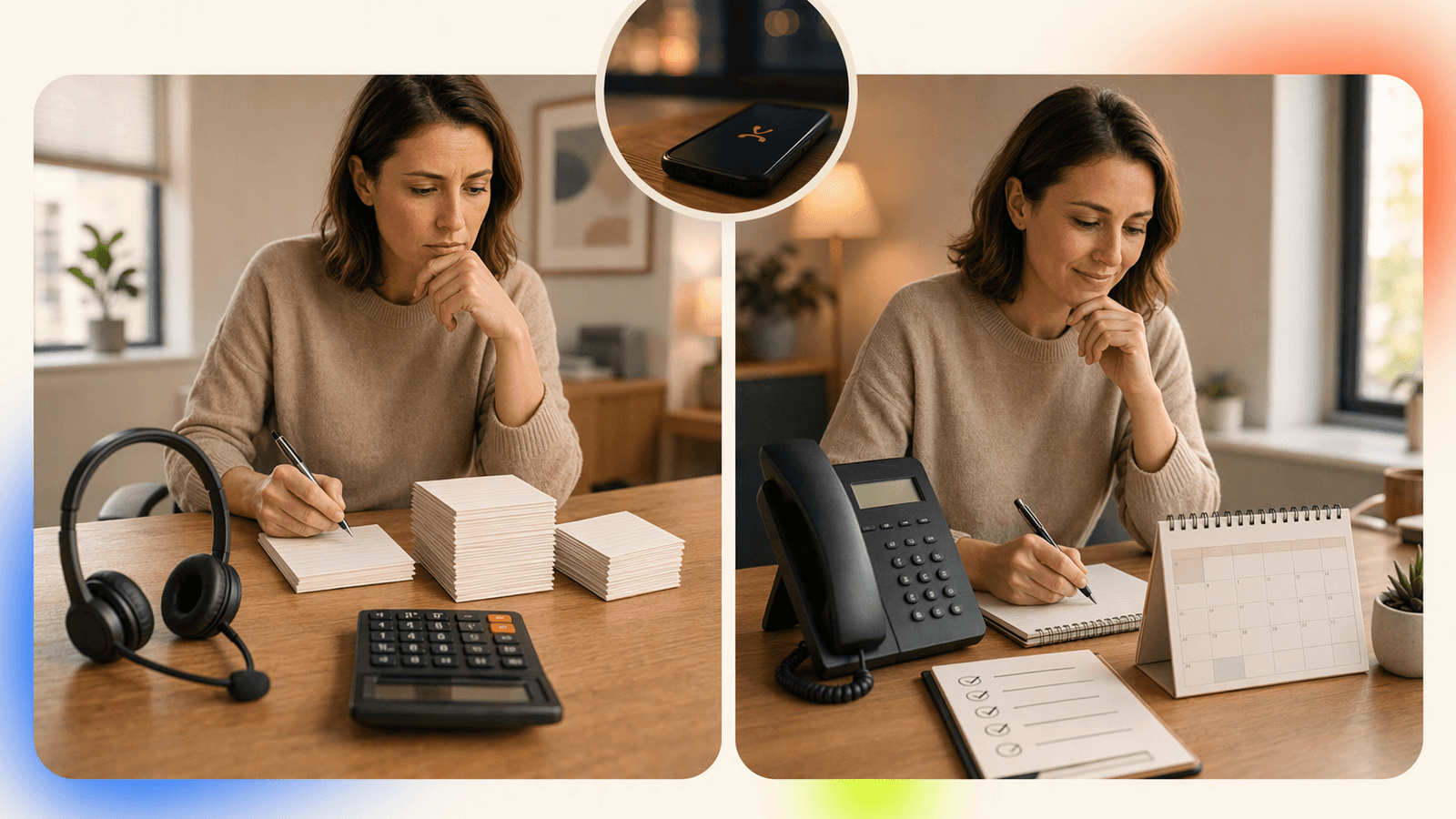
Here is the practical pricing view for a small appointment business.
| Option | Typical pricing model | Best for | Watch-outs |
|---|---|---|---|
| Full-time front desk hire | Often $2,500–$4,000/month in total staffing cost, depending on market and hours | Busy locations needing in-person help | Payroll, training, absences, limited after-hours coverage |
| Ruby-style live virtual receptionist | Commonly starts around $300+/month; current Ruby pricing should be verified on its official page | Businesses needing human call handling and admin judgment | Cost can rise with minutes, call volume, or premium coverage |
| DeskBuddy Standard | $39.9/month, 100 calls included, $1.00 per extra call | Solo owners and small studios | Best for appointment-focused calls, not complex admin work |
| DeskBuddy Professional | $99.9/month, 300 calls included, up to 5 locations, $0.50 per extra call | Growing salons, pet care shops, wellness teams | Best when your booking process is clear and calendar-based |
| DeskBuddy free trial | $0 for 7 days, 20 calls, no credit card required | Testing real call flow before switching | Trial volume is limited |
DeskBuddy is built for service businesses that need a 24/7 AI receptionist for appointment calls, not a general admin assistant. It answers calls, handles common questions, and helps customers complete booking workflows.
If callers mostly need to book, confirm, reschedule, or ask basic service questions, paying by live-receptionist minutes may be more expensive than you need. If callers need careful case-by-case intake, a live receptionist may still be the better fit.
Feature comparison: call pickup, appointment booking, after-hours coverage, and calendar sync
Price matters, but operational fit matters more. A cheap service that cannot book appointments creates more work for you.
| Feature | Ruby-style live receptionist | DeskBuddy AI receptionist |
|---|---|---|
| Call pickup | Human receptionist answers during covered plan hours | AI receptionist answers 24/7 |
| Appointment booking | May depend on instructions, plan, and supported workflow | Built for appointment workflows |
| After-hours coverage | May be available depending on plan | Included 24/7 coverage |
| Calendar sync | Must verify with provider and plan; not assumed | Google Calendar, Mindbody, and Square integrations |
| Languages | Varies by provider and plan | English, Spanish, and Chinese |
| Setup time | Usually requires scripts and account setup | Designed for 5-minute setup |
| Escalation | Human can route nuanced issues | Complex cases can be handed back to the owner |
| Best fit | High-touch call handling | Missed calls, bookings, common questions, after-hours demand |
DeskBuddy’s advantage is not that it replaces every live receptionist use case. It focuses on the most common pain for local service businesses: “I was busy, the phone rang, and I lost the booking.”
If your business already uses scheduling tools, see DeskBuddy calendar integrations for appointment workflows and compare whether your current answering provider can update availability directly or only send you messages.
For broader context on hiring pressure, the NFIB Small Business Jobs Report is a useful recurring source on small-business staffing conditions.
Where a live receptionist may still be worth the cost
A live virtual receptionist can be the right choice when calls are not predictable.
Consider staying with, or choosing, a live receptionist if your business has:
- Complex intake forms that require judgment
- Sensitive customer situations
- Multi-step routing across departments
- Legal, insurance, or medical screening needs
- High-value calls where a human touch is part of the brand
- Frequent exceptions that do not fit a standard booking flow
For example, a med spa offering several consultation types may need a person to ask detailed pre-qualification questions before scheduling. A home services company may need dispatch judgment based on urgency, geography, and crew availability.
The key is to separate “we need human judgment” from “we need the phone answered.” Many appointment businesses are paying for the first when they mostly need the second.
Where AI call answering is more practical for small appointment businesses
DeskBuddy is most practical when your calls follow repeatable appointment patterns.
Good-fit examples include:
- A hair salon that misses calls while stylists are with clients
- A nail studio that gets booking calls after closing
- A pet groomer that needs to answer pricing and availability questions
- A massage therapist who works solo and cannot interrupt sessions
- A yoga studio that receives new-student calls outside class hours
- A wellness clinic that uses Square, Google Calendar, or Mindbody
In these businesses, callers usually want three things:
- A fast answer
- Clear information
- A confirmed next step
DeskBuddy is designed around that workflow. It can answer common questions, help with booking, and sync appointment activity with supported calendar systems. That makes it a strong fit for owners comparing AI appointment answering for small businesses with higher live virtual receptionist costs.
A simple cost scenario: a solo stylist charges $120 for a color appointment and misses three calls per week. Even if only two missed callers per month would have booked, that is $240 in possible revenue. DeskBuddy Standard at $39.9/month only needs to recover a small portion of those calls to make financial sense.
Migration guide: switching from live receptionist to AI receptionist

Switching does not need to be abrupt. The safest path is to test your real call flow first.
Step 1: Review your last 30 days of calls
Look at call logs, voicemail, texts, and staff notes. Group calls into categories:
- New appointment
- Reschedule
- Cancellation
- Pricing question
- Hours or location question
- Service details
- Complex issue
- Emergency or urgent request
If 60–80% of calls are simple booking or information calls, AI answering is worth testing.
Step 2: Write your call rules in plain language
Start with:
- Business hours
- Services offered
- Average appointment length
- Starting prices or price ranges
- Cancellation policy
- Staff or provider availability rules
- When to escalate to the owner
DeskBuddy is designed for owners, not technical teams. You should be able to describe your booking rules the same way you would train a new front desk person.
Step 3: Connect your scheduling workflow
DeskBuddy supports Google Calendar, Mindbody, and Square. If those are already part of your operation, you can keep your existing process instead of rebuilding around a new tool.
Step 4: Run a trial during low-risk hours
Start with after-hours calls, lunch breaks, or overflow when your staff is busy. Compare:
- How many calls were answered?
- How many were booking-related?
- How many needed escalation?
- Did staff interruptions decrease?
DeskBuddy offers a 7-day free trial with 20 calls and no credit card required.
Step 5: Keep live support for exceptions if needed
Some businesses use both: AI for common appointment calls and a live person for complex cases. That hybrid model can reduce virtual receptionist cost without removing human help where it matters.
Decision checklist for cost-conscious owners
Use this checklist before choosing between Ruby, another live virtual receptionist company, or DeskBuddy.
Choose a live virtual receptionist if:
- Your calls require human judgment
- You need detailed intake or custom routing
- You want callers to always speak with a person
- You have high-value calls where nuance matters
- Your budget can support higher monthly minimums and usage-based fees
Choose DeskBuddy if:
- Your biggest issue is missed appointment calls
- You need after-hours coverage
- You already use Google Calendar, Mindbody, or Square
- You want predictable monthly pricing
- You serve English, Spanish, or Chinese-speaking callers
- You cannot justify a full-time front desk hire
- You want setup measured in minutes, not weeks
Ask any provider these pricing questions
Before signing up, ask:
- What is included in the base monthly price?
- Are calls billed by minute, by call, or by plan allowance?
- What are overage fees?
- Is after-hours coverage included?
- Can the service book directly into my calendar?
- Are bilingual calls included or extra?
- Can I cancel without a long contract?
- What happens when a caller asks something outside the script?
For a broader answering service pricing comparison, include at least three options: one live receptionist provider, one AI receptionist, and your current “do nothing” cost from missed calls.
DeskBuddy’s published plans are simple: Standard at $39.9/month for 100 calls and Professional at $99.9/month for 300 calls and up to 5 locations. See DeskBuddy pricing and AI receptionist plans to decide whether the call allowance fits your business.
How to Build an App Like This with Tencent RTC
To build an AI receptionist workflow, treat the phone call as a real-time audio session plus business automation. Tencent RTC can handle low-latency audio transport, while your backend manages caller identity, business rules, AI responses, escalation, and calendar actions. A typical flow is: inbound call starts, your server creates or joins an RTC room, audio is streamed to speech recognition and an AI agent, the agent checks availability, then your backend writes the booking to Google Calendar, Square, Mindbody, or your scheduling system. For implementation details, start with the official Tencent RTC documentation, such as Tencent RTC TUICallKit documentation.
Example receptionist configuration:
{
  "businessName": "Luna Hair Studio",
  "languages": ["en", "es"],
  "bookingProvider": "google_calendar",
  "escalateTo": "+15551234567",
  "rules": {
    "colorAppointmentMinutes": 120,
    "cancelPolicyHours": 24,
    "afterHoursBooking": true
  }
}
Example backend webhook shape:
app.post("/call-event", async (req, res) => {
  const { caller, intent, requestedTime } = req.body;

  if (intent === "book_appointment") {
    const slot = await calendar.findOpenSlot(requestedTime);
    return res.json({ action: "confirm_booking", slot });
  }

  res.json({ action: "escalate", phone: process.env.OWNER_PHONE });
});
Never miss another customer call.
Get started freeKeep reading
Live Virtual Receptionist vs AI Receptionist Guide
Compare live virtual receptionist services with AI receptionists for booking calls, pricing, coverage, and customer fit. See what to choose.
AI Phone Answering Service vs Live Answering: 2026 Guide
Compare ai phone answering service options with live answering for booking calls, pricing, handoff, and 24/7 coverage. Try DeskBuddy today.

Answering Service Pricing Comparison: 2026 Cost Guide
Compare answering service pricing models, hidden fees, and AI receptionist costs. Use practical examples to choose the best fit.