Salon Software Comparison: Booking, POS, and AI Features
Compare salon software for booking, POS, reminders, reports, and AI phone coverage—then see how to build a smarter salon stack.
TL;DR
The best salon software stack is usually not one tool that does everything. Most salons need a reliable scheduling and POS platform first, then a phone-answering layer for missed calls, after-hours inquiries, and appointment requests from clients who still prefer to call.
| If your salon needs... | Start with... | Add DeskBuddy when... |
|---|---|---|
| Simple scheduling and payments | Square Appointments or Acuity | Calls interrupt services or go unanswered |
| Spa, wellness, or class-based scheduling | Mindbody | Clients call about services, availability, or memberships |
| Low-friction online booking | Fresha | Phone leads bypass your booking page |
| Salon-specific reminders | Schedulicity | You need 7×24 call coverage |
| Multi-location operations | A larger salon platform | You need consistent phone handling |
If you are comparing top salon software, do not stop at the booking calendar. Ask whether your system captures demand across online booking, walk-ins, reminders, POS checkout, and phone calls. DeskBuddy’s AI receptionist for salons covers the phone gap by answering calls, handling common questions, and helping with appointment workflows.
What salon software should include beyond a booking calendar
A booking calendar is the minimum. A serious salon software comparison should check how the tool supports discovery, booking, reminders, checkout, rebooking, and repeat purchases.
For a hair salon, nail studio, spa, lash studio, or massage practice, the best software should help with:
- Online booking pages
- Staff calendars and service durations
- Client profiles and visit history
- Deposits, cancellation rules, and no-show controls
- SMS or email reminders
- POS, tips, gift cards, packages, memberships, or retail
- Reports for revenue, rebooking, and staff performance
- Phone coverage for clients who do not book online
That last point is often missed. Many platforms are strong at online spa booking software, but they do not answer the phone while your stylist is applying color, your nail tech is with a client, or your spa team is in treatment rooms.
The U.S. Bureau of Labor Statistics lists receptionists and information clerks as a real labor category with ongoing wage costs, which is why many small salons look for software-supported alternatives before hiring full-time front desk help: Receptionists and Information Clerks.
Feature comparison: scheduling, client profiles, reminders, POS, staff management, and reporting
Feature depth changes by plan, so verify current details on each vendor’s official site before switching.
| Feature area | What to look for | Why it matters in a salon |
|---|---|---|
| Scheduling | Staff calendars, buffers, recurring appointments | Prevents double-booking |
| Online booking | Public page, deposits, cancellation rules | Lets clients book without waiting |
| Client profiles | Notes, history, formulas, preferences | Improves repeat visits |
| Reminders | SMS/email reminders | Reduces no-shows |
| POS | Payments, tips, refunds, retail | Speeds checkout |
| Staff management | Permissions, commissions, schedules | Replaces spreadsheets |
| Reporting | Sales, utilization, rebooking | Shows revenue leaks |
| Phone coverage | Call answering, intake, escalation | Captures demand when staff are busy |
A strong salon stack connects these parts. If a caller asks, “Do you have anything after 5 with Mia?” your booking workflow should not depend on someone checking voicemail three hours later.
For salons that already have online booking but still lose calls, DeskBuddy’s 24/7 appointment call answering can sit beside the scheduling platform instead of forcing a full migration.
AI feature comparison: online assistants vs phone-answering AI
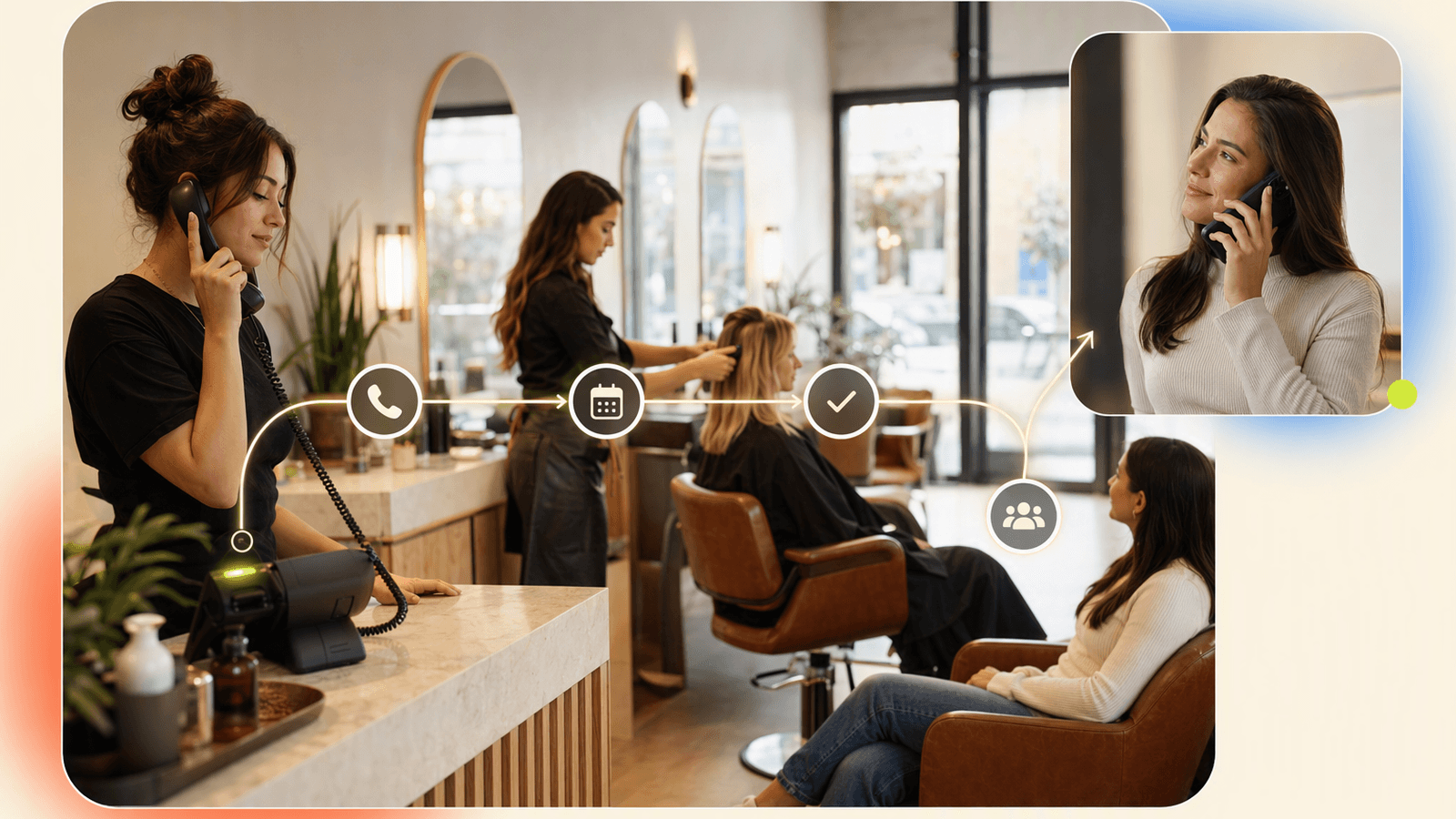
When owners ask, “Which salon software has the best AI features?” they often mean different things.
| AI feature type | Common use | Limitation |
|---|---|---|
| Online booking suggestions | Recommending slots or services | Does not help if the client calls |
| Marketing recommendations | Identifying lapsed clients | Requires clean history and follow-up |
| Message drafting | Writing promotions or replies | Still needs staff review |
| Call-answering AI | Answering calls and handling FAQs | Should escalate complex cases |
Online AI is helpful, but it does not solve the phone problem. Many clients still call because they want to ask:
- “How much is a gel manicure with removal?”
- “Can I book a blowout before 10 a.m. Saturday?”
- “Do you take walk-ins?”
- “Can I reschedule my facial?”
DeskBuddy focuses on that phone layer. It supports English, Spanish, and Chinese, and can sync with Google Calendar, Mindbody, and Square workflows. It is not meant to replace every salon management platform. It is meant to stop appointment calls from falling through the cracks.
Pricing comparison: salon platforms vs AI receptionist add-ons

Pricing varies because salon platforms charge through monthly subscriptions, per-staff pricing, payment processing fees, marketplace fees, hardware costs, or add-ons.
Check official pricing before deciding:
- Square Appointments pricing
- Fresha pricing
- Mindbody pricing
- Acuity Scheduling pricing
- Schedulicity pricing
| Cost category | Salon platform | AI receptionist add-on |
|---|---|---|
| Core monthly fee | Based on plan, staff, or location | DeskBuddy starts at $39.9/month |
| Payment fees | Charged on card transactions | Not a payment processor |
| SMS/reminder fees | Included or metered | Focused on phone conversations |
| Marketplace fees | Possible | Not a marketplace |
| Hardware | Card readers and terminals | No front-desk hardware required |
| Labor replacement | Reduces admin work | Covers calls without a full-time receptionist |
DeskBuddy plans include:
| DeskBuddy plan | Price | Monthly calls | Best fit |
|---|---|---|---|
| Free trial | $0 for 7 days | 20 | Testing call coverage |
| Standard | $39.9/month | 100 | Solo stylists, nail techs, small studios |
| Professional | $99.9/month | 300 | Busy salons or teams up to 5 locations |
Standard overage is $1.00 per call. Professional overage is $0.50 per call. Plans are month-to-month, with no hidden fees, and the trial does not require a credit card. See DeskBuddy pricing and trial options for current details.
A simple cost test: if one recovered appointment is worth $75, $120, or $200, missed-call recovery can pay for itself quickly.
Where tools like Square, Mindbody, Fresha, Acuity, and Schedulicity fit
No single platform is “best” for every salon. The right choice depends on your business model.
Square Appointments
Square Appointments is a natural fit for small salons already using Square for payments. It keeps scheduling and checkout close together, which is convenient for solo stylists, nail salons, and small teams.
Mindbody
Mindbody is common in fitness, wellness, spa, and membership-based businesses. DeskBuddy can connect with Mindbody for businesses that want phone coverage around that workflow. Learn more about DeskBuddy integrations with Mindbody, Square, and Google Calendar.
Fresha
Fresha is popular with beauty and wellness businesses that want online booking, payments, and marketplace-style discovery. Review marketplace, payment, and plan economics against your actual booking volume.
Acuity Scheduling
Acuity is a general scheduling tool used by many appointment businesses. It can work well for simple services, consultations, and solo providers, but it is not a salon-first operating system.
Schedulicity
Schedulicity is often considered by salon, spa, and wellness providers looking for appointment scheduling and client booking. Evaluate POS depth, reporting, and phone coverage separately.
How DeskBuddy complements salon software by answering appointment calls
DeskBuddy is not trying to be your salon POS, inventory system, payroll tool, or marketplace. It is a virtual salon receptionist designed for the moment your phone rings and no one can answer.
That moment happens when a stylist is with a client, a nail tech is wearing gloves, a massage therapist is in session, the owner is driving between locations, or a client calls after closing because they finally had time to book.
DeskBuddy answers 7×24, handles common questions, helps with appointment workflows, and can pass complex situations to you. It supports English, Spanish, and Chinese, which matters for salons serving multilingual neighborhoods.
DeskBuddy is built for small service businesses and can be set up in about five minutes. It has handled 10,000+ real calls, is used by 1,000+ businesses, and has 500+ reviews averaging 4.9/5 based on the supplied DeskBuddy product data.
If your current salon software works, keep it. Add DeskBuddy to catch calls around it.
Migration guide: adding AI phone booking without replacing your current system
You do not need to rip out your salon software to add AI phone coverage. Use this low-risk rollout.
Step 1: Audit your missed calls
For one week, write down missed service-time calls, after-hours voicemails, FAQ calls, booking requests, rescheduling requests, and calls that required owner judgment.
Step 2: Clean up your service menu
Standardize service names, durations, starting prices or price ranges, staff availability, cancellation rules, and new-client instructions.
Step 3: Connect your calendar workflow
DeskBuddy supports Google Calendar, Mindbody, and Square integrations. If you use one of those, connect the system so appointment details stay aligned. If you use another platform, decide whether DeskBuddy should collect booking details for staff follow-up or route specific calls to you.
Step 4: Define escalation rules
Tell DeskBuddy what should be handed off, such as refund disputes, allergic reaction concerns, bridal party pricing, color correction consultations, complaints, and VIP clients.
Step 5: Test after-hours first
Start with evenings and Sundays. Once you trust the flow, expand to busy service hours.
You can start a 7-day DeskBuddy trial and test with real salon call scenarios before changing your main front-desk process.
Decision checklist for choosing the best salon software stack
Use this checklist before you compare salon software demos.
Scheduling and booking
- Can clients book online without calling?
- Can staff control buffers and service durations?
- Can you handle multi-service appointments?
POS and checkout
- Does it support tips, deposits, refunds, and retail?
- Are card processing fees clear?
- Can staff check out clients quickly?
Client management
- Can you store formulas, notes, preferences, and visit history?
- Can staff see what they need without exposing too much?
Staff operations
- Does it support commissions or staff reporting?
- Can you manage permissions?
- Does it show utilization by provider?
Phone coverage
- Who answers when staff are busy?
- What happens after closing?
- Are Spanish or Chinese callers supported?
- Can booking calls sync with your existing calendar?
- Are complex calls escalated?
Total cost
- What is the monthly platform fee?
- What are payment processing fees?
- Are reminders, marketing, or marketplace features extra?
- What is the cost of missed calls?
For many salons, the winning stack is simple: salon software for scheduling and payments, plus DeskBuddy’s appointment booking AI for phone calls.
How to Build an App Like This with Tencent RTC
To build a salon voice assistant or receptionist layer with Tencent RTC, separate the product into three parts: real-time audio, conversation logic, and booking-system actions. Tencent RTC handles low-latency audio sessions; your backend manages identity, call metadata, escalation rules, and calendar updates. Start with a minimal staff dashboard that shows live calls, transcription status, caller intent, and whether the AI should collect details or route to a human. See Tencent RTC’s official documentation at https://trtc.io/document/51007.
// Server-side example: receive an AI booking intent and create a task
app.post("/webhook/booking-intent", async (req, res) => {
  const { caller, service, staff, preferredTime, notes } = req.body;

  await db.bookingRequests.insert({
    caller,
    service,
    staff,
    preferredTime,
    notes,
    status: "needs_confirmation",
    source: "ai_phone_call"
  });

  res.json({ ok: true, message: "Booking request saved" });
});
For live escalation, let the AI stay in the RTC room while a manager joins. The manager can listen, take over, or mark the call for follow-up.
// Client-side example: join a support room for escalation
await rtcClient.join({
  sdkAppId,
  userId: "salon-manager-1",
  userSig,
  roomId: "call_98231"
});
await rtcClient.publishLocalAudio();
Never miss another customer call.
Get started freeKeep reading
Live Virtual Receptionist vs AI Receptionist Guide
Compare live virtual receptionist services with AI receptionists for booking calls, pricing, coverage, and customer fit. See what to choose.
AI Phone Answering Service vs Live Answering: 2026 Guide
Compare ai phone answering service options with live answering for booking calls, pricing, handoff, and 24/7 coverage. Try DeskBuddy today.

Answering Service Pricing Comparison: 2026 Cost Guide
Compare answering service pricing models, hidden fees, and AI receptionist costs. Use practical examples to choose the best fit.