Smith.ai Reviews & Pricing vs AI Receptionists in 2026
Read Smith.ai virtual receptionist reviews, compare pricing models, and see when an AI receptionist like DeskBuddy fits appointment businesses.

TL;DR
If you are reading Smith.ai virtual receptionist reviews, you are probably trying to answer one practical question: “Will this help me stop missing calls without hiring a full-time front desk?” Smith.ai is positioned as a professional receptionist and call-handling provider, while DeskBuddy is built for small appointment-based businesses that need an AI receptionist to answer calls, handle common questions, and help customers book appointments 24/7.
For law firms, sales teams, and businesses that need human-led intake, a live virtual receptionist service can make sense. For salons, spas, pet care shops, fitness studios, wellness practices, and solo providers that mostly receive appointment calls, DeskBuddy is often the simpler fit: plans start at $39.90/month, include a 7-day free trial, and support Google Calendar, Mindbody, and Square workflows.
What buyers are usually looking for in Smith.ai reviews
Most people searching for “smith ai virtual receptionist reviews” have a call problem:
- Will someone answer after hours?
- How much does a virtual receptionist cost as call volume grows?
- Can the service book appointments, not just take messages?
- Will it work with my calendar or scheduling software?
- Is a live virtual receptionist worth the higher monthly cost?
Review sites such as Trustpilot’s Smith.ai review page and Indeed’s Smith.ai employer review page appear in search results. Those pages may help buyers evaluate sentiment, but their page bodies were not available in the provided research set, so this article does not infer specific ratings, complaints, or praise from them.
The useful buying lens is simple: if your callers mostly need service answers and appointments, judge any provider by how well it turns calls into confirmed bookings without adding operational friction.
The cost pressure is real. See the BLS Occupational Employment and Wage Statistics for receptionists for current labor benchmarks.
Smith.ai positioning vs AI receptionist tools for appointment businesses
Smith.ai is commonly evaluated as a virtual receptionist company for businesses that want calls answered by receptionists, often with intake, call routing, lead qualification, and related front-office support. Verify current services and plans on the official Smith.ai website and Smith.ai pricing page because packages and limits can change.
DeskBuddy has a narrower focus: appointment-based local service businesses.
That difference matters. A salon owner does not usually need a complex sales intake workflow. They need the phone answered while a stylist is coloring hair. A dog grooming shop needs after-hours callers to ask about availability instead of leaving a voicemail.
DeskBuddy is designed to:
- Answer incoming appointment calls 24/7
- Handle common questions in natural conversation
- Help customers book available times
- Sync with Google Calendar, Mindbody, and Square
- Support English, Spanish, and Chinese
- Escalate complex calls when needed
- Go live in minutes without technical setup
Feature comparison: live answering, AI answering, scheduling, multilingual support, and integrations
The table below uses verified DeskBuddy product facts from the current DeskBuddy knowledge base. For Smith.ai, confirm current details on Smith.ai’s official pages before purchasing.
| Decision area | Smith.ai-style virtual receptionist | DeskBuddy AI receptionist |
|---|---|---|
| Core model | Live virtual receptionist and related call services | AI phone receptionist for appointment-based service businesses |
| Best-known use case | Intake, call answering, routing, lead handling | Missed call recovery, appointment booking, after-hours coverage |
| 24/7 coverage | Check official plan details and availability | Yes, built for 7×24 call answering |
| Appointment workflow | May depend on plan, script, and connected tools | Designed around appointment calls and booking workflows |
| Calendar integrations | Verify on official Smith.ai pages | Google Calendar, Mindbody, Square |
| Multilingual support | Verify current language coverage | English, Spanish, Chinese |
| Setup | May require onboarding and call-handling instructions | 5-minute setup, no technical work required |
| Escalation | Typically part of receptionist workflows; verify plan details | Complex cases can be transferred or escalated |
| Pricing model | Often service-plan based; verify current call/minute structure | Monthly SaaS plans from $39.90/month |
For appointment businesses, the biggest feature is not “someone picked up.” It is whether the call ends with the next useful step: a booked appointment, a clear answer, or a proper escalation.
DeskBuddy’s supported integrations make it easier to keep your current workflow:
- Connect appointment calls with Google Calendar
- Use DeskBuddy with Mindbody scheduling workflows
- Support Square-based service businesses
Pricing comparison: Smith.ai-style plans vs DeskBuddy’s monthly AI receptionist pricing
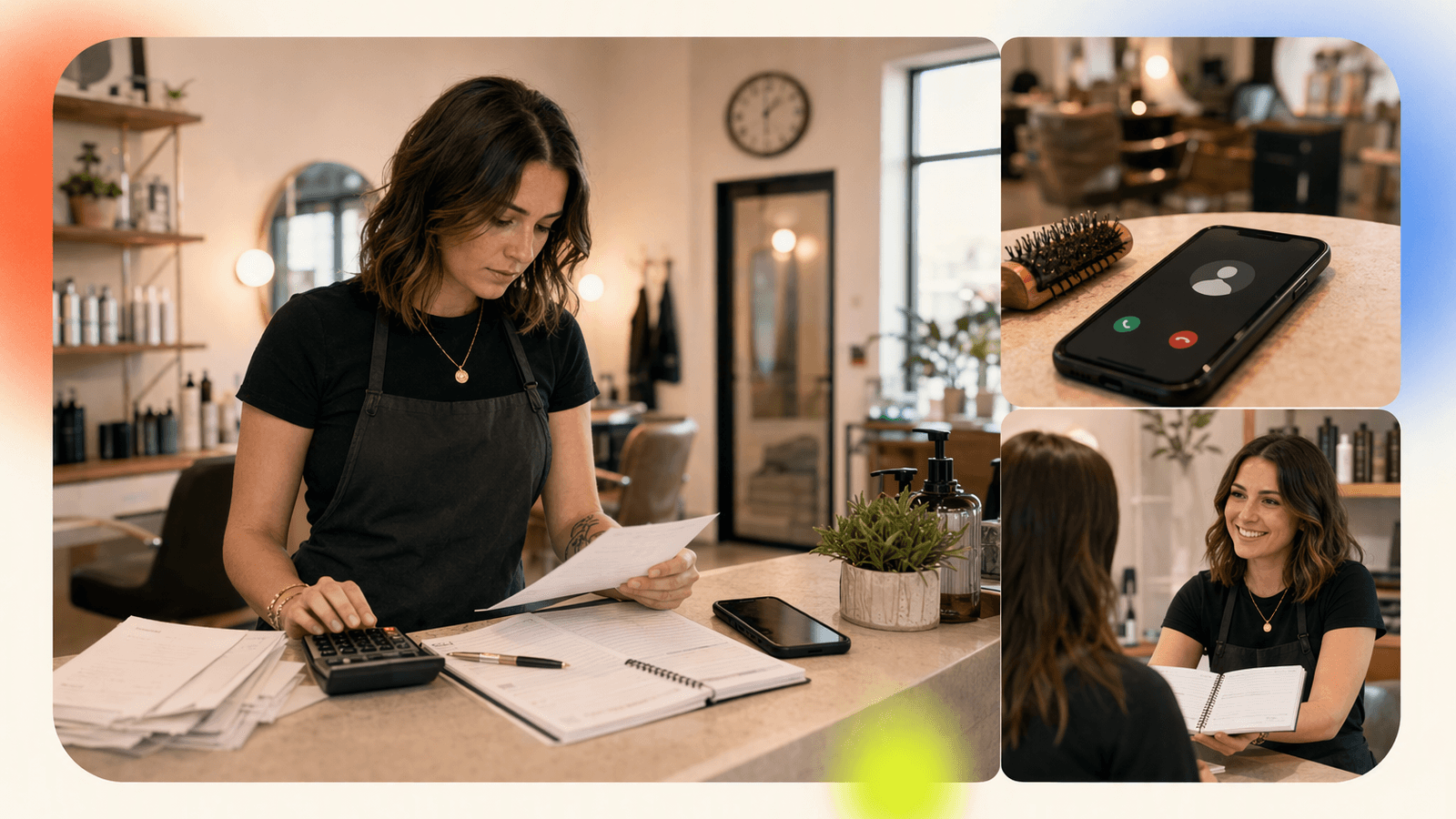
“How does Smith.ai’s pricing compare to other 24/7 virtual receptionist services?” usually comes down to three variables:
- Base monthly fee
- Included calls or minutes
- Overage charges when call volume spikes
Many live virtual receptionist and answering service pricing models charge by minute, call bundle, or plan tier. That can work when every call requires human judgment. For small appointment businesses, the cost can feel unpredictable if callers ask long questions, call after hours, or reschedule often.
DeskBuddy’s current published pricing is simpler:
| DeskBuddy plan | Monthly price | Included calls | Locations | Support | Best fit |
|---|---|---|---|---|---|
| Free trial | $0 for 7 days | 20 calls | 1 | Trial access | Test before paying |
| Standard | $39.90/month | 100 calls/month | 1 | Solo providers and small studios | |
| Professional | $99.90/month | 300 calls/month | Up to 5 | 1:1 dedicated support | Busy salons, spas, pet care, and fitness teams |
DeskBuddy overage pricing:
- Standard: $1.00 per extra call
- Professional: $0.50 per extra call
- No contract
- Cancel anytime
- No hidden fees
- No credit card required for trial
A solo stylist missing three calls per week may only need one recovered booking to justify a $39.90/month AI receptionist plan. A busy pet grooming shop with 250 monthly calls may prefer DeskBuddy Professional.
For Smith.ai or any live provider, check included calls or minutes, overage rate, after-hours coverage, scheduling support, bilingual answering, cancellation terms, and setup fees.
For DeskBuddy details, review DeskBuddy pricing and trial options.
Best-fit businesses for each option
Smith.ai-style live virtual receptionist services may fit when
A live virtual receptionist service can be the better option if your calls involve nuance, high-value intake, or sensitive decision-making.
Examples:
- Law firms qualifying potential clients
- Agencies routing sales calls by account type
- Medical or professional offices with complex intake rules
- Businesses that want human-led call screening
- Companies with detailed scripts and multiple departments
In these cases, paying more for live handling may be justified if each call has high value or requires judgment beyond appointment logistics.
DeskBuddy may fit when
DeskBuddy is built for service businesses where missed calls usually mean missed bookings.
Examples:
- Hair salons and barbershops
- Nail salons and beauty studios
- Massage and spa businesses
- Pet grooming shops
- Dog trainers and pet boarding providers
- Yoga studios and gyms
- Personal trainers
- Wellness and recovery studios
DeskBuddy is especially useful when the owner or staff cannot answer during service. If you are washing a dog, cutting hair, coaching a session, or massaging a client, stopping to answer the phone hurts both the current customer experience and the next booking opportunity.
For vertical examples, see DeskBuddy for salon call answering, DeskBuddy for pet care businesses, and DeskBuddy for fitness and wellness studios.
Migration guide: moving from a virtual receptionist service to DeskBuddy
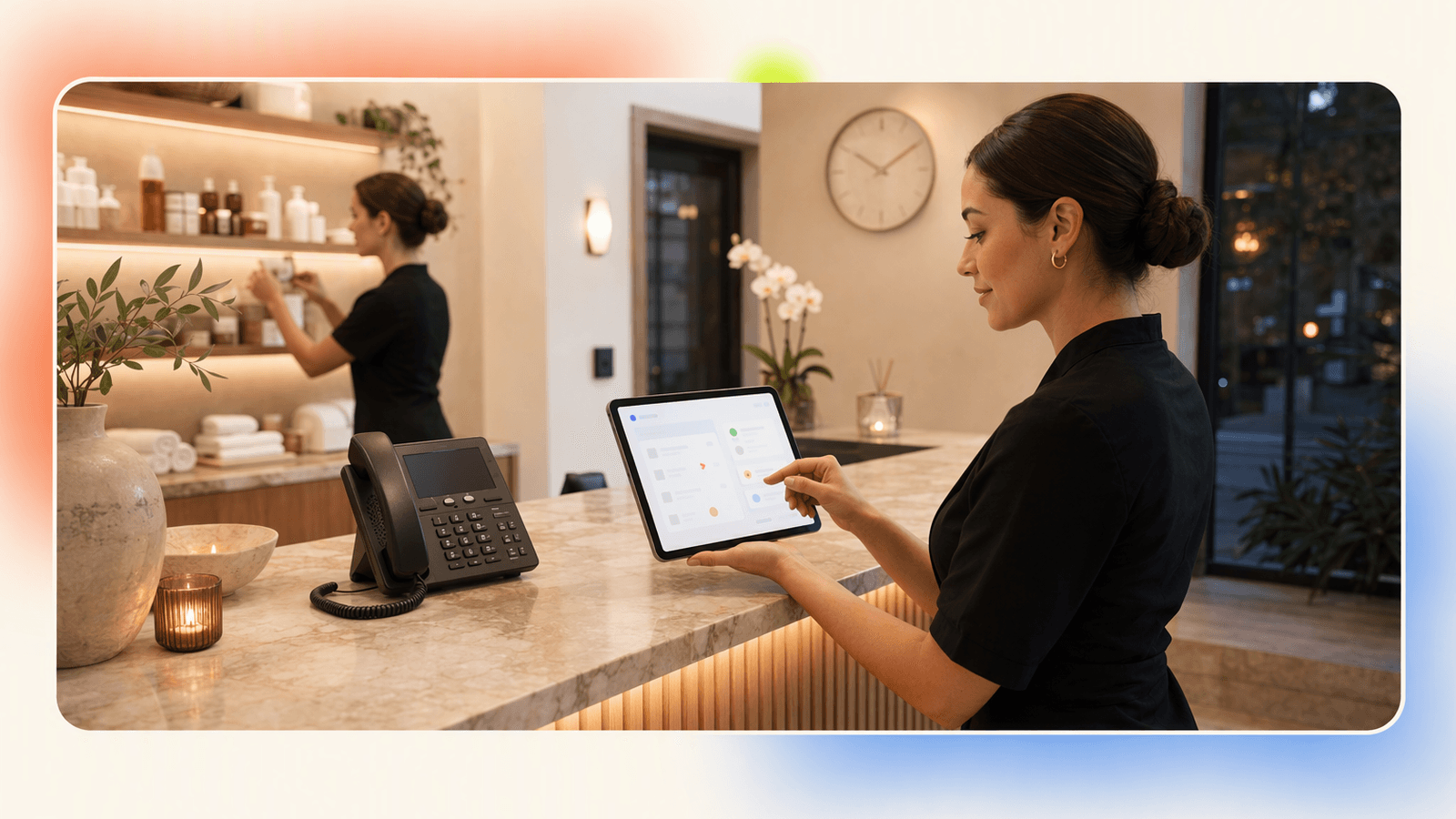
If you already use a live virtual receptionist service, move call handling in a controlled way.
Step 1: Export your current call reasons
Look at the last 30–60 days of calls. Group them into buckets:
- New appointment request
- Reschedule or cancel
- Pricing question
- Hours and location
- Service availability
- Staff-specific request
- Emergency or urgent issue
- Sales or vendor call
If 60–80% of calls are appointment or basic information calls, DeskBuddy may cover a large portion of your daily call load.
Step 2: Write your “must-answer” business facts
Prepare the basics:
- Business hours
- Services and typical duration
- Starting prices or price ranges
- Cancellation policy
- Deposit policy, if any
- Staff names or specialties
- Parking or arrival instructions
- What calls should be escalated
Keep it short. A caller does not need your full website read aloud. They need a clear answer and a next step.
Step 3: Connect your scheduling workflow
DeskBuddy supports Google Calendar, Mindbody, and Square. Choose the system your team already uses so staff do not have to manage a second calendar.
Start here: set up DeskBuddy for appointment booking.
Step 4: Test with real call scenarios
Before forwarding all calls, test:
- “Do you have openings this Saturday?”
- “How much is a full grooming appointment?”
- “Can I reschedule my appointment?”
- “Do you speak Spanish?”
- “Can I talk to the owner?”
Listen for clarity, tone, and whether the next step is correct.
Step 5: Forward after-hours calls first
A low-risk migration path is to start with after-hours calls. Keep your current daytime process while DeskBuddy handles evenings, weekends, and closed-day inquiries.
After one or two weeks, review calls answered, appointments requested, common questions, escalations, and any incorrect or unclear answers. Then decide whether to extend coverage to busy daytime periods.
Questions to ask before choosing a 24/7 receptionist provider
Use this checklist before signing with any virtual receptionist company, live or AI.
Coverage and call quality
- Does it answer 24/7, including weekends?
- Is after-hours coverage included or extra?
- What happens when several calls arrive close together?
- Can callers speak naturally?
- Can complex calls be escalated to you?
Scheduling workflow
- Can it book appointments directly?
- Does it sync with your actual calendar?
- Can it handle reschedules and cancellations?
- Can it avoid double-booking?
Pricing
- Is pricing based on calls, minutes, or users?
- What is included in the base plan?
- What are the overage fees?
- Are setup fees required?
- Can you cancel anytime?
Languages and customer experience
- Which languages are supported?
- Is bilingual support included?
- Does the voice experience sound natural?
- Can it answer common service questions?
Independent review sources can help, but read them carefully. Look for patterns across multiple reviews rather than one extreme complaint or one glowing testimonial. Also compare claims against official pricing pages and current terms.
Final recommendation for salons, spas, pet care, and fitness businesses
If your business needs human-led intake, detailed call screening, or complex sales routing, Smith.ai-style live virtual receptionist services are worth evaluating. Check current Smith.ai pricing and service details directly before comparing offers.
If your main problem is simpler — “I miss appointment calls when I’m busy or closed” — DeskBuddy is likely the cleaner first test. It is purpose-built for small appointment businesses, starts at $39.90/month, includes a free 7-day trial, supports 24/7 answering, and connects with Google Calendar, Mindbody, and Square.
For a salon, spa, pet care shop, or fitness studio, the best receptionist provider is the one that answers quickly, books accurately, and does not create extra work for the owner.
How to Build an App Like This with Tencent RTC
To build an AI receptionist or receptionist handoff app with Tencent RTC, separate the workflow into three layers: phone intake, conversation logic, and live escalation. The AI layer can answer routine questions and check appointment availability. Tencent RTC can power the real-time audio room used when the caller needs a human owner, manager, or remote receptionist to join instantly. Review the official Tencent RTC Web SDK documentation at https://trtc.io/document/48195 before implementation.
A simple backend can create an escalation session when the AI detects a high-risk or high-value call:
app.post("/api/escalate-call", async (req, res) => {
  const { callId, customerName, reason } = req.body;

  const roomId = `desk-${callId}`;
  await notifyOwner({ roomId, customerName, reason });

  res.json({ roomId, status: "owner_notified" });
});
On the web console, the owner joins the RTC room and takes over the conversation:
import TRTC from "trtc-sdk-v5";

const trtc = TRTC.create();
await trtc.enterRoom({ sdkAppId, userId, userSig, roomId });
await trtc.startLocalAudio();
await trtc.startRemoteAudio({ userId: callerId });
For production, add signed user identities, call logs, consent notices, escalation rules, and calendar writeback so a completed call can become a confirmed booking.
Never miss another customer call.
Get started freeKeep reading
Live Virtual Receptionist vs AI Receptionist Guide
Compare live virtual receptionist services with AI receptionists for booking calls, pricing, coverage, and customer fit. See what to choose.
AI Phone Answering Service vs Live Answering: 2026 Guide
Compare ai phone answering service options with live answering for booking calls, pricing, handoff, and 24/7 coverage. Try DeskBuddy today.

Answering Service Pricing Comparison: 2026 Cost Guide
Compare answering service pricing models, hidden fees, and AI receptionist costs. Use practical examples to choose the best fit.