Virtual Receptionist Cost: 2026 Pricing Breakdown Guide
Compare virtual receptionist cost by call volume, coverage, and booking needs. See pricing examples and cut costs without missed calls.
TL;DR
Virtual receptionist cost depends on who answers the call, monthly call volume, coverage hours, and what happens after the call is answered. A live answering service may charge by the minute, by the call, or by plan tier. An AI receptionist such as DeskBuddy is usually more predictable for appointment-based businesses because pricing can be tied to monthly call allowances rather than staff time.
For a salon, pet groomer, massage studio, fitness business, or wellness clinic, the cheapest option is not always the best. A “cheap virtual receptionist” that only takes messages may still cost bookings if it cannot answer service questions, check availability, or help customers schedule.
DeskBuddy starts at $39.9/month for 100 calls and is built for local service businesses that need 7×24 phone coverage, appointment support, and calendar integrations. See DeskBuddy pricing for appointment-based businesses.
Average virtual receptionist cost factors
The average virtual receptionist cost comes down to six practical cost drivers:
| Cost factor | Why it changes price | What to check before buying |
|---|---|---|
| Call volume | More calls usually means more minutes, tasks, or a higher plan | Are spam, missed, and short calls billable? |
| Call length | Live services often meter time | Are long consultation calls priced differently? |
| Coverage hours | Nights, weekends, and holidays may cost more | Is after-hours answering included? |
| Booking work | Scheduling takes more effort than message taking | Can the service book, cancel, and reschedule? |
| Language support | Bilingual calls may require special staffing | Which languages are included? |
| Integrations | Calendar access reduces manual follow-up | Does it sync with your booking tools? |
There is also a “replacement cost” to compare against. Hiring an in-house receptionist is far more expensive than most answering services. The U.S. Bureau of Labor Statistics publishes wage data for receptionists and information clerks and data on employer compensation costs.
For small service businesses, the real question is: How much does it cost to make sure every bookable call gets answered well?
The cost difference between live answering and AI receptionists
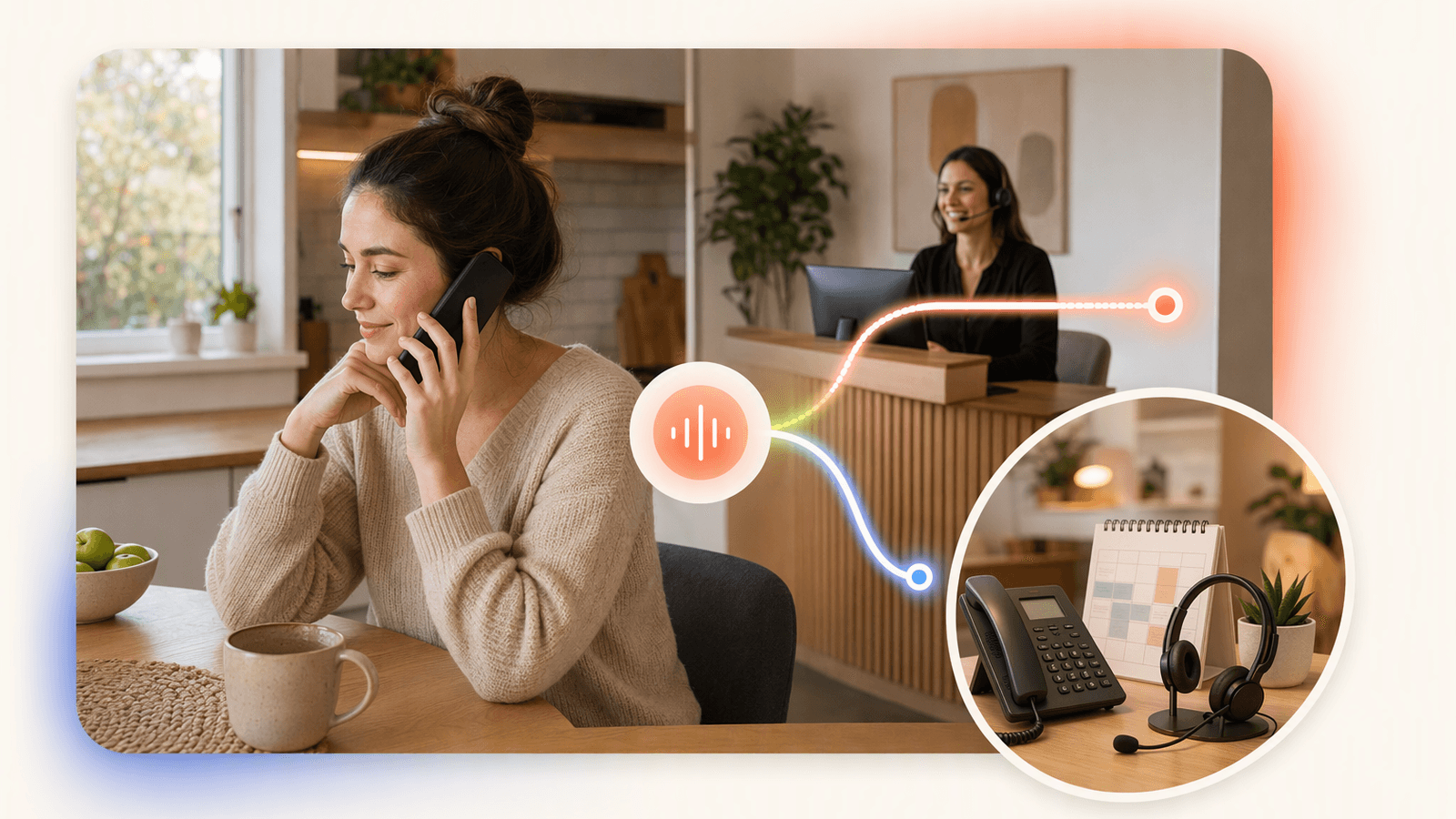
Live answering services and AI receptionists solve overlapping problems, but their cost structures are different.
| Option | Common pricing style | Best fit | Main tradeoff |
|---|---|---|---|
| Live answering service | Per-minute, per-call, or tiered plans | Complex intake or judgment calls | Cost can rise when calls run long |
| Dedicated remote receptionist | Monthly staffing cost | High-touch businesses needing one person | Usually much more expensive |
| AI receptionist | Flat plans with call allowances | Repeatable appointment calls | Needs clear setup and escalation rules |
| In-house receptionist | Wages, benefits, taxes, training | Busy front desk with walk-ins | Highest fixed cost |
A live receptionist can be valuable when every call requires human judgment. But many local service calls are repeatable:
- “Do you have availability tomorrow?”
- “How much is a haircut and color?”
- “Can I reschedule my dog grooming appointment?”
- “Are you open Saturday?”
That is where an AI receptionist can reduce cost while still protecting the customer experience. DeskBuddy answers calls, handles common questions, supports English, Spanish, and Chinese, and connects with Google Calendar, Mindbody, and Square. Learn more about DeskBuddy AI phone answering for service businesses.
For live answering pricing references, review provider pages directly because plans change: ReceptionHQ pricing, Smith.ai pricing, and Ruby pricing.
Pricing comparison by call volume and business type
Use call volume first. A solo provider with 40 calls per month should not buy like a multi-location salon taking 250 calls per month.
| Business type | Typical phone pattern | Cost risk with live answering | Better pricing structure |
|---|---|---|---|
| Solo hairstylist or nail tech | Short booking calls | Paying for minutes while with clients | Low monthly plan with booking support |
| Pet groomer | Morning rush, many reschedules | Long calls about pet size and coat type | Call allowance with clear overages |
| Massage or wellness studio | Evening and weekend inquiries | Missed calls become lost appointments | 7×24 coverage included |
| Fitness studio | Class, membership, and schedule questions | Repetitive calls consume staff time | Booking-system integration |
| Multi-provider salon | Calls for different staff and services | Transfers and rules add cost | Multi-location or multi-staff plan |
A simple answering service pricing comparison should include:
- Base monthly plan
- Included calls or minutes
- Overage fee
- After-hours coverage
- Booking or calendar-management fees
- Bilingual support fees
- Setup fees or cancellation requirements
For appointment-heavy businesses, the booking step matters most. A $25 message-taking plan may look affordable, but if every caller still needs a callback, the owner remains the bottleneck.
See DeskBuddy appointment booking workflows and DeskBuddy calendar integrations.
Hidden cost drivers: after-hours coverage, bilingual calls, booking tasks, and overages

The published monthly price is only the starting point. These four items often decide the real phone answering service pricing.
After-hours answering service cost
After-hours calls matter because customers often search and call outside business hours. If the call goes to voicemail, many will not wait. Ask whether nights, weekends, and holidays are included or priced separately. DeskBuddy includes 7×24 answering.
Bilingual call handling
If you serve English, Spanish, and Chinese-speaking customers, language support can become a cost driver. Live services may require bilingual staff availability, which may not be included in every plan. DeskBuddy supports English, Spanish, and Chinese for common appointment and inquiry workflows.
Booking tasks
Message taking is cheaper than booking because booking requires context: service duration, staff availability, buffer time, new-client information, cancellation rules, and payment or deposit instructions when relevant.
Overage fees
Overages can turn an affordable virtual receptionist into an unpredictable bill. DeskBuddy keeps this simple:
- Standard: $39.9/month, 100 calls included, $1.00 per extra call
- Professional: $99.9/month, 300 calls included, $0.50 per extra call
Review DeskBuddy plan limits and overage pricing before choosing a tier.
DeskBuddy pricing examples for solo providers and growing teams
DeskBuddy has three straightforward options:
| Plan | Monthly price | Included calls | Locations | Best fit |
|---|---|---|---|---|
| Free trial | $0 for 7 days | 20 calls | 1 | Testing real customer calls |
| Standard | $39.9/month | 100 calls | 1 | Solo providers and small studios |
| Professional | $99.9/month | 300 calls | Up to 5 | Growing salons, pet shops, and wellness teams |
Example 1: solo hair stylist
You receive about 60 appointment calls per month. Standard covers the volume at $39.9/month. If one recovered appointment is worth $100 to $250, the plan can pay for itself with one additional booking.
Example 2: pet grooming shop
You take 180 calls per month across booking, rescheduling, and service questions. Professional is likely a better fit because it includes 300 calls and lower overage pricing.
Example 3: fitness or wellness studio
You already use Mindbody or Square and want phone calls to fit your existing workflow. DeskBuddy integrates with Mindbody and Square. See DeskBuddy for salons, pet care, fitness, and wellness teams.
How many recovered appointments it takes to break even
Use this simple formula:
Break-even bookings = monthly receptionist cost ÷ average appointment value
| Monthly cost | Average appointment value | Bookings needed to break even |
|---|---|---|
| $39.9 | $50 | 1 |
| $39.9 | $150 | 1 |
| $99.9 | $50 | 2 |
| $99.9 | $150 | 1 |
| $300 | $100 | 3 |
| $800 | $100 | 8 |
If an answering service only captures messages but does not help customers book, the owner still has to call back. If the customer already booked elsewhere, the “cheap” option did not save money.
Cost-saving tips that do not hurt customer experience
Track missed calls for two weeks
Count calls missed during services, lunch breaks, evenings, and weekends.Separate bookable calls from general calls
A call asking for an appointment is more valuable than a vendor call.Use a plan with predictable overages
A low base fee can become expensive if overages are unclear.Connect your calendar
Calendar integration reduces callbacks and double-booking risk. DeskBuddy supports Google Calendar, Mindbody, and Square.Write clear service rules
List services, durations, staff preferences, cancellation windows, and questions to ask new clients.Use escalation for complex calls
Refund disputes, medical concerns, angry customers, and unusual requests should be routed to the owner or manager.Review call patterns monthly
If you regularly exceed your plan, upgrade before overages become routine.
For a simple starting point, try DeskBuddy’s 7-day free trial with real calls before committing.
Questions to ask before signing up
Before choosing any virtual receptionist or answering service, ask:
- Are calls billed by minute, by call, or by monthly allowance?
- What happens when I exceed the plan?
- Is after-hours coverage included?
- Can the receptionist book, cancel, and reschedule appointments?
- Which calendars or booking systems are supported?
- Are bilingual calls included or priced separately?
- Can I customize service names, prices, staff rules, and escalation rules?
- Is there a contract, setup fee, or cancellation fee?
- Can I test it with real calls before paying?
If the provider cannot answer these clearly, the final cost may be higher than the advertised price.
How to Build an App Like This with Tencent RTC
To build an AI receptionist, treat the phone call as a real-time audio session with business logic behind it. Tencent RTC can handle low-latency audio transport while your backend manages caller identity, speech recognition, intent routing, calendar lookup, and escalation. A practical flow is: receive the call, create or join an RTC room, stream audio to your AI layer, check availability in the business calendar, confirm the booking, then send the result to the owner’s CRM or scheduling tool. Start with Tencent RTC’s official integration guidance, such as the TRTC Web SDK documentation.
const client = TRTC.createClient({ mode: 'rtc', sdkAppId, userId, userSig });
await client.join({ roomId });
const localStream = TRTC.createStream({ audio: true, video: false });
await localStream.initialize();
client.publish(localStream);
Your backend should keep receptionist rules outside the media layer so each business can update hours, services, staff, and escalation contacts without redeploying call infrastructure.
{
  "businessHours": "Mon-Sat 09:00-18:00",
  "fallbackAction": "transfer_to_owner",
  "bookingSystems": ["Google Calendar", "Mindbody", "Square"]
}
Never miss another customer call.
Get started freeKeep reading
Live Virtual Receptionist vs AI Receptionist Guide
Compare live virtual receptionist services with AI receptionists for booking calls, pricing, coverage, and customer fit. See what to choose.

AI Phone Answering Service vs Live Answering: 2026 Guide
Compare ai phone answering service options with live answering for booking calls, pricing, handoff, and 24/7 coverage. Try DeskBuddy today.

Answering Service Pricing Comparison: 2026 Cost Guide
Compare answering service pricing models, hidden fees, and AI receptionist costs. Use practical examples to choose the best fit.