After Hours Virtual Receptionist: Capture Bookings
Learn how an after hours virtual receptionist captures calls, books appointments, and reduces next-day follow-up. Try DeskBuddy.
TL;DR
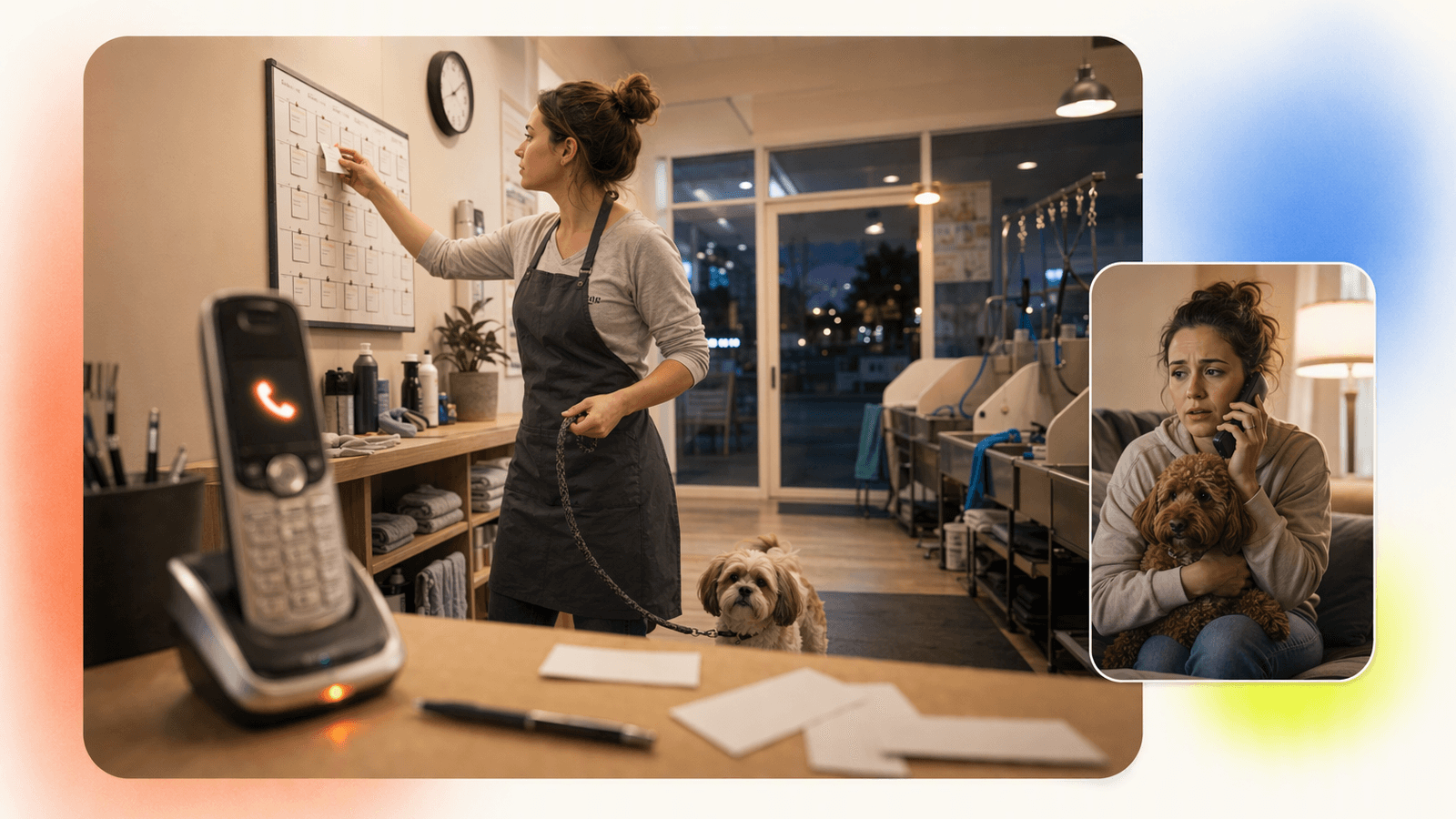
An after hours virtual receptionist should do more than take messages. For appointment-based businesses, it should answer the call, understand what the customer needs, check availability, help book or reschedule, answer common questions, and escalate urgent issues to the right person.
For salons, spas, pet care businesses, and fitness studios, the biggest win is simple: callers who reach you at 7:30 p.m., on Sunday morning, or during a holiday weekend can still become booked appointments instead of voicemail hangups.
DeskBuddy is built for that workflow. It answers calls 24/7, supports natural conversation in English, Spanish, and Chinese, and syncs with Google Calendar, Mindbody, and Square. Plans start at $39.9/month, with a 7-day free trial and no credit card required through DeskBuddy’s AI phone receptionist.
What an after-hours virtual receptionist should handle
A good after hours virtual receptionist is not just a polite voice after closing time. It should protect revenue when your front desk is closed.
| Caller need | What the receptionist should do |
|---|---|
| Book a new appointment | Ask for service, preferred time, contact details, and confirm the booking |
| Reschedule or cancel | Check the calendar and update the appointment if allowed |
| Ask service questions | Answer pricing ranges, duration, location, parking, prep, and policies |
| Handle after-hours urgency | Escalate true urgent calls based on your rules |
| Capture missed opportunities | Take structured notes so staff can follow up when needed |
| Handle language preference | Continue in English, Spanish, or Chinese when possible |
The key difference between a message-taking service and virtual receptionist appointment scheduling is whether the call can end with a confirmed next step. “Someone will call you tomorrow” is better than voicemail, but “You’re booked for Tuesday at 10:30” is what protects revenue.
For a setup built around appointments rather than generic call handling, see DeskBuddy’s appointment booking AI.
Common after-hours caller scenarios for salons, spas, pet care, and fitness studios
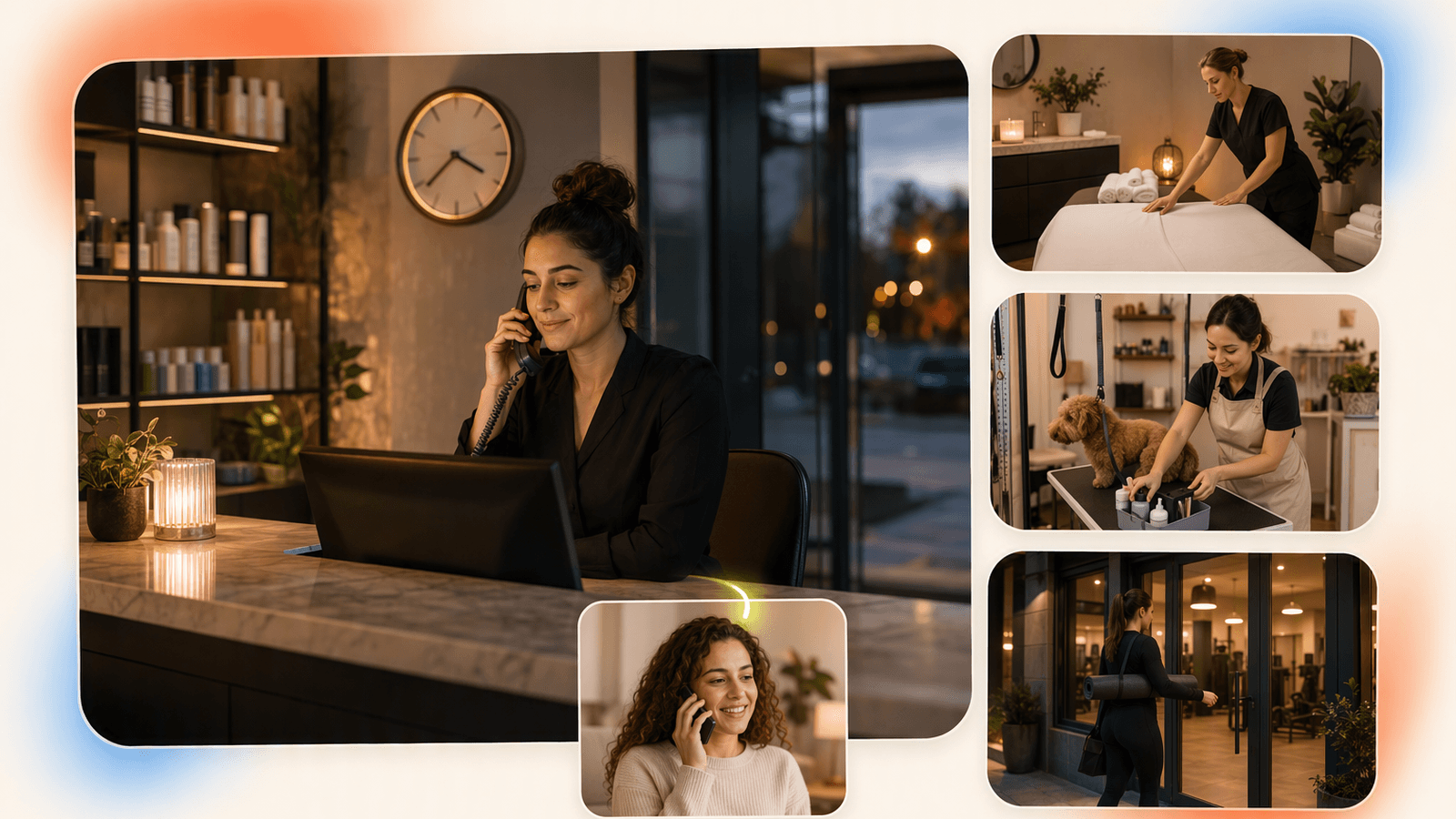
After-hours calls usually come from people who finally have time to handle personal tasks after work, childcare, or errands.
Salon and spa calls
A client calls at 8:45 p.m. because she needs a haircut before a Friday event. She may ask:
- Do you have availability after 5 p.m.?
- How long does a cut and color take?
- Can I book with a specific stylist?
- What is your cancellation policy?
An after hours phone answering service that only takes a message creates a delay. A receptionist that checks availability can turn the call into a booking before the client searches for another salon.
Pet care calls
A dog owner calls Sunday evening because their dog needs grooming before boarding. They may ask about large breeds, vaccine requirements, nail trimming, and drop-off times.
Pet services are high-trust. If the caller gets a calm, clear answer, they are more likely to book. The American Pet Products Association reports continued high spending in the U.S. pet industry, which means competition for local pet care bookings is real. Source: American Pet Products Association industry data.
Fitness and wellness calls
A prospective member calls after work to ask about a trial class, personal training, or a massage appointment. They want fast answers about beginner classes, consultations, evening availability, and cancellation fees.
Mindbody is widely used in fitness and wellness scheduling, and DeskBuddy can sync with Mindbody so the after-hours call does not become a sticky note for tomorrow. Learn more about DeskBuddy’s Mindbody and calendar integrations.
Why voicemail loses bookings and creates next-day follow-up work
Voicemail feels like a backup plan, but for many service businesses it is a leak.
The common pattern looks like this:
- Customer calls after hours.
- Voicemail answers.
- Customer hangs up or leaves an incomplete message.
- Staff listen the next morning.
- Staff call back between appointments.
- Customer has already booked somewhere else or does not answer.
DeskBuddy’s product research reflects what many owners already feel: a large share of callers do not leave voicemail, and every missed booking can represent $50–$300+ in lost appointment value depending on the service.
Voicemail also creates hidden labor. A salon manager may spend the first 30 minutes of the morning sorting messages, checking the calendar, texting clients, and trying to fill gaps.
The U.S. Bureau of Labor Statistics lists receptionists as a dedicated office and administrative role, which is a reminder that professional call handling is real work. Source: BLS Occupational Outlook Handbook: Receptionists.
If your staff are already stretched, replacing voicemail with DeskBuddy’s 24/7 call answering for appointments is often the lighter lift.
Feature comparison: live receptionist vs AI receptionist after hours
Live receptionists and AI receptionists can both be useful. The right choice depends on call volume, budget, complexity, and how much appointment scheduling you want handled after closing.
| Feature | Live virtual receptionist | DeskBuddy AI receptionist |
|---|---|---|
| Coverage | Often nights/weekends depending on plan | 24/7 call answering |
| Cost model | Monthly base plus usage or per-minute billing | Monthly SaaS plans from $39.9/month |
| Appointment focus | Varies by provider and setup | Built for service-business booking workflows |
| Calendar syncing | May require higher-tier setup or manual work | Google Calendar, Mindbody, and Square integrations |
| Language support | Depends on staffing | English, Spanish, and Chinese |
| Multiple calls | Limited by staffing and plan | Designed for concurrent incoming calls |
| Best fit | Sensitive, complex, high-touch calls | Routine booking, FAQs, after-hours coverage, overflow calls |
A human receptionist may be better for emotionally sensitive, high-risk, or highly customized conversations. DeskBuddy is a strong fit when most calls are about booking, availability, hours, services, pricing basics, and simple follow-up.
Pricing comparison: per-minute services vs DeskBuddy’s monthly plans
After hours answering service cost can be hard to compare because providers price differently. Some after hours telephone answering services charge by the minute. Others bundle calls, charge setup fees, or require custom quotes.
| Option | Typical cost structure | Watch-outs |
|---|---|---|
| Owner answers after hours | “Free” cash cost | Personal time, interruptions, burnout |
| Voicemail | Low cost | Lost bookings, next-day follow-up |
| Live after hours call answering company | Often usage-based; virtual front desk services can run $1–$3/minute | Costs rise with longer calls; calendar work may vary |
| Full-time front desk hire | Often $2,500–$4,000/month or more when fully loaded | Does not automatically cover nights, weekends, or sick days |
| DeskBuddy Standard | $39.9/month, 100 calls/month, 1 location | Good for solo providers and small studios |
| DeskBuddy Professional | $99.9/month, 300 calls/month, up to 5 locations | Good for busier teams and growing businesses |
DeskBuddy also offers a 7-day free trial with 20 calls, no contract, no hidden fees, and no credit card required. Overage is $1.00/call on Standard and $0.50/call on Professional.
For a salon service worth $85, a grooming appointment worth $70, or a massage worth $120, recovering even one appointment can cover the Standard plan. See current plan details on DeskBuddy pricing.
How calendar integrations prevent double booking
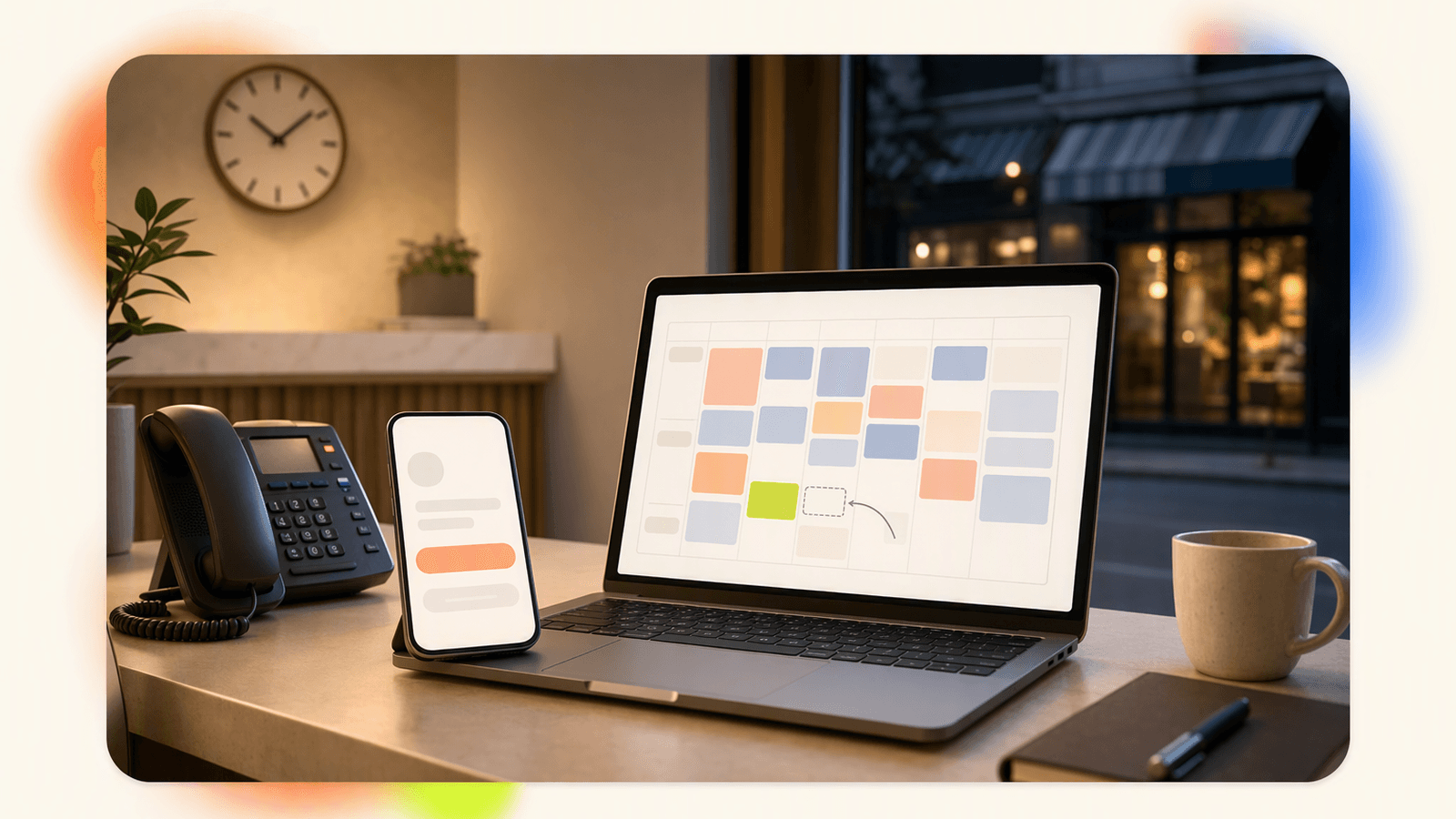
The difference between “taking a message” and “booking an appointment” is calendar accuracy.
Without calendar sync, after-hours call handling creates risk:
- A caller requests Tuesday at 4 p.m.
- The receptionist writes it down.
- Staff check the calendar in the morning.
- That slot is already taken.
- Staff call back with a different time.
DeskBuddy connects with Google Calendar, Mindbody, and Square so availability can stay aligned with the tools your team already uses. Google also documents shared calendar and event workflows for businesses that use Calendar as their scheduling source. Source: Google Calendar Help.
A clean after-hours workflow should work like this:
- Caller asks for an appointment.
- DeskBuddy confirms service type, preferred provider, and time window.
- DeskBuddy checks connected availability.
- Caller chooses an open slot.
- Appointment is placed on the calendar.
- Staff see the confirmed booking the next morning.
If you already rely on Square for payments and business operations, start with DeskBuddy’s Square-compatible booking workflow.
Best practices for after-hours scripts, escalation rules, and customer expectations
You do not need a long script. You need clear rules.
Keep the greeting short
Use a greeting that sounds like your business:
“Thanks for calling Willow Pet Grooming. I can help with appointments, service questions, and messages while the team is away. How can I help?”
Define what can be booked
List the services DeskBuddy can help schedule, such as haircuts, color consultations, massage, nail appointments, dog grooming, trial fitness classes, and personal training consultations.
Also define what should not be booked without staff review, such as corrective color, aggressive pet handling, injury-related fitness questions, or complex multi-service packages.
Set escalation triggers
Escalate when the caller says or implies:
- A pet has a medical issue
- A client is angry about a charge
- Someone needs same-day help outside policy
- A staff member is requested by name for a sensitive issue
- The caller asks for the owner or manager directly
Be honest about after-hours limits
Good customer experience does not require pretending the full team is available at midnight:
“I can help you find an appointment time now. If this needs manager approval, I’ll make sure the team sees it first thing in the morning.”
How to launch after-hours coverage in under a week
You can launch after-hours telephone answering service coverage quickly if you keep the first version simple.
Day 1: Identify your missed-call window
Look at your phone history. Mark calls before opening, during lunch rush, while staff were with clients, after closing, and on weekends or holidays. If you see even 10 missed calls per month, after-hours coverage is worth testing.
Day 2: Write your service rules
Create a one-page list with business hours, services, durations, starting prices or ranges, cancellation policy, booking rules, escalation contacts, and supported languages.
Day 3: Connect your calendar
Choose the calendar source your team actually trusts. DeskBuddy supports Google Calendar, Mindbody, and Square. Do not connect a calendar that staff forget to update.
Day 4: Test five common calls
Call your own number after hours and test:
- New booking
- Reschedule request
- Price question
- Location or parking question
- Escalation request
Listen for clarity, not perfection. The goal is to remove friction for real callers.
Day 5: Turn on call forwarding after closing
Most businesses can forward after-hours calls from their existing phone provider. Start with nights and weekends, then expand to lunch breaks or overflow if needed.
Day 6–7: Review results
Track calls answered, appointments booked, messages captured, escalations, missed-call reduction, and staff follow-up time saved.
DeskBuddy has been used by 1,000+ businesses and has handled 10,000+ real calls, with 99.9% online availability and a 4.9/5 rating across 500+ reviews based on supplied product data. If you want to test without changing your whole phone process, start with the DeskBuddy 7-day free trial.
How to Build an App Like This with Tencent RTC
To build an after-hours receptionist product, use Tencent RTC for real-time audio transport, then connect the audio session to speech recognition, an AI dialog service, calendar APIs, and escalation logic. A typical architecture is: inbound call or web call enters a room, your backend creates a signed RTC user identity, the AI agent joins as a participant, transcribes speech, decides the next action, and writes confirmed bookings to Google Calendar, Mindbody, or Square. Keep appointment rules server-side so the agent cannot book blocked services or override manager-only policies. Tencent documents UserSig generation for secure room access here: Tencent RTC UserSig documentation.
const TLSSigAPIv2 = require("tls-sig-api-v2");

function createRtcCredential(userId) {
  const api = new TLSSigAPIv2.Api(
    Number(process.env.TRTC_SDK_APP_ID),
    process.env.TRTC_SECRET_KEY
  );

  return api.genUserSig(userId, 60 * 60);
}
Then route completed intents to your booking layer rather than storing unstructured notes.
app.post("/booking-intent", async (req, res) => {
  const { service, preferredTime, callerPhone } = req.body;

  const slot = await calendar.findOpenSlot(service, preferredTime);
  if (!slot) return res.json({ status: "offer_alternatives" });

  const appointment = await calendar.createEvent({
    service,
    start: slot.start,
    phone: callerPhone
  });

  res.json({ status: "confirmed", appointmentId: appointment.id });
});
Never miss another customer call.
Get started freeKeep reading
Bilingual Virtual Receptionist for Appointment Calls
Learn how a bilingual virtual receptionist handles English, Spanish, and Chinese appointment calls. Compare options and try DeskBuddy.
24/7 Call Answering Service for Appointment Businesses
Compare 24 7 call answering service options for salons, spas, pet care, and fitness studios. See how DeskBuddy books calls—start free.
Virtual Medical Receptionist Guide for Small Clinics
Learn how a virtual medical receptionist covers appointment calls, after-hours questions, messages, and handoffs. See the checklist.