Virtual Medical Receptionist Guide for Small Clinics
Learn how a virtual medical receptionist covers appointment calls, after-hours questions, messages, and handoffs. See the checklist.
TL;DR
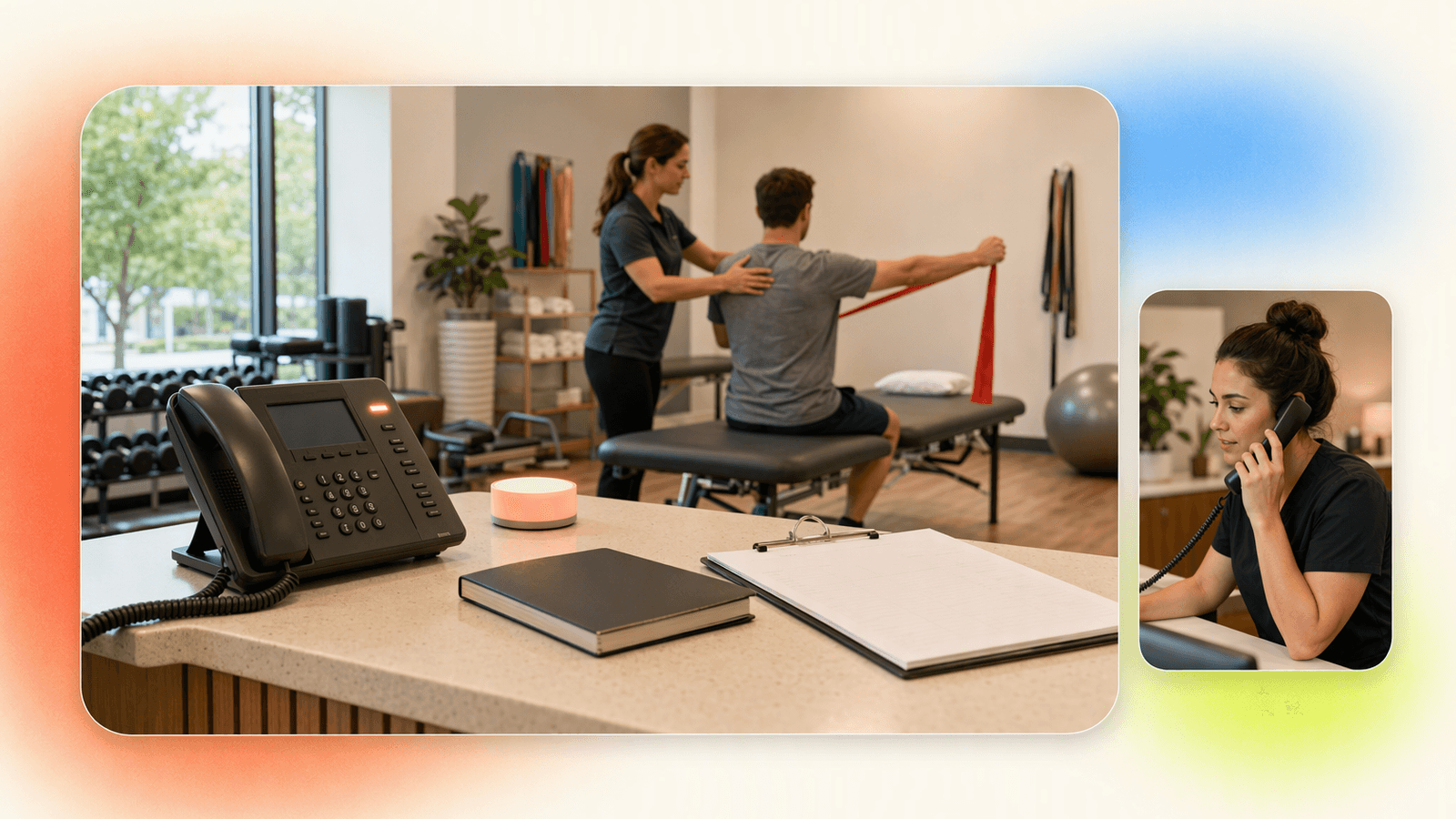
A virtual medical receptionist helps small clinics and wellness practices answer appointment calls during visits, lunch breaks, evenings, weekends, and staffing gaps. The right setup can answer common questions, collect basic caller details, help with booking, route urgent issues, and organize non-urgent messages.
For small medical offices, med spas, physical therapy clinics, chiropractic practices, massage studios, and wellness providers, use the receptionist for scheduling and front-desk questions. Send clinical, emergency, billing-dispute, and sensitive medical conversations to trained staff.
DeskBuddy is a good fit when your main problem is missed appointment calls, not clinical triage. It offers 7×24 AI phone answering, appointment-focused conversations, Google Calendar, Mindbody, and Square integrations, multilingual support in English, Spanish, and Chinese, and plans starting at $39.9/month. Start with DeskBuddy’s AI receptionist for local service businesses if your goal is to pick up more calls without hiring a full-time front desk.
What a virtual medical receptionist can handle
A virtual medical receptionist covers front-desk phone work that keeps a small practice running:
- Answering “Are you open?” and “Where are you located?”
- Explaining approved service categories, visit types, and preparation instructions
- Helping callers request, book, reschedule, or cancel appointments
- Capturing name, phone number, preferred time, and basic reason for visit
- Taking messages for staff follow-up
- Routing urgent or sensitive calls to a human
- Supporting after-hours and bilingual callers
The key is scope. A virtual receptionist should not replace a licensed clinician, nurse line, emergency service, billing specialist, or compliance officer. It should reduce avoidable missed calls and protect staff focus during patient care.
According to the U.S. Bureau of Labor Statistics, receptionists and information clerks remain a large staffing category, and labor costs vary by region and role. Source: U.S. Bureau of Labor Statistics receptionist data.
Helpful next reads: AI phone answering for appointment-based businesses, DeskBuddy pricing and plans, and virtual receptionist appointment scheduling.
Common call scenarios for small clinics and wellness practices
During visits
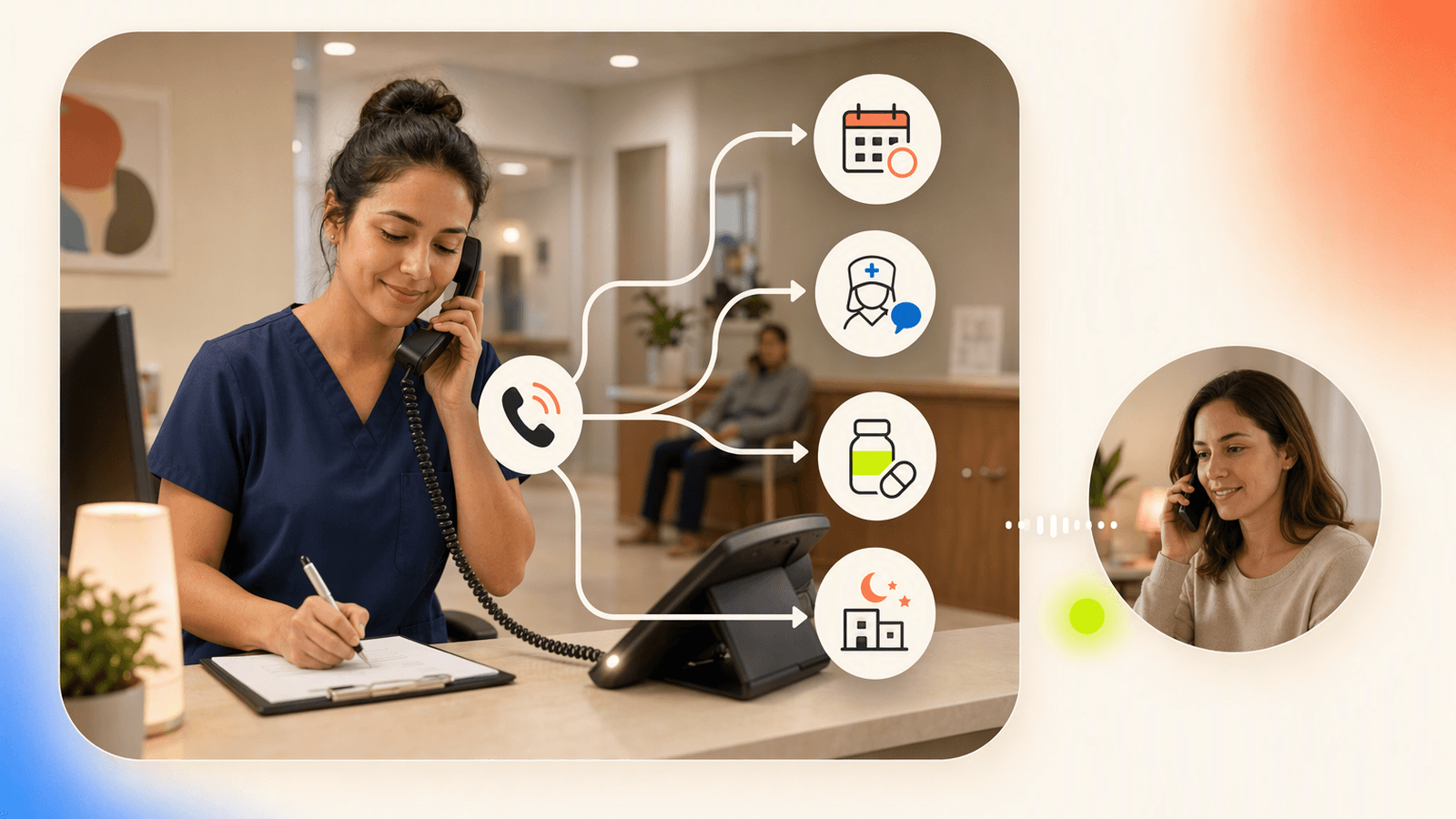
A solo chiropractor, esthetician, physical therapist, or wellness provider cannot stop mid-session to answer every call. A virtual receptionist can greet the caller, ask what they need, check available time slots if connected to the right calendar workflow, and capture the request.
Lunch breaks and front-desk overload
Small clinics often have one person handling check-in, checkout, insurance cards, room flow, and phones. Call coverage helps separate routine appointment calls from calls that need staff judgment.
After hours
Evening callers may be looking for “first available,” trying to reschedule tomorrow’s appointment, or comparing nearby providers. An after hours answering service or AI receptionist keeps the door open when your office is closed.
New patient inquiries
Typical questions include:
- “Are you taking new patients?”
- “How soon can I come in?”
- “Where are you located?”
- “Do I need to fill anything out before I arrive?”
For clinical eligibility, insurance interpretation, or medical advice, the call should move to staff.
Bilingual callers
A bilingual virtual receptionist can reduce friction for callers who prefer Spanish, Chinese, or another supported language. DeskBuddy supports English, Spanish, and Chinese.
Important limitations and when human staff should take over
Healthcare and wellness calls require careful boundaries. Human staff should take over when the caller:
- Reports chest pain, difficulty breathing, severe bleeding, fainting, or emergency symptoms
- Asks whether they should take medication, stop medication, or change treatment
- Wants test results, diagnosis interpretation, or medical advice
- Shares detailed protected health information not approved for this workflow
- Has a complaint, refund dispute, legal threat, or privacy concern
- Needs insurance verification, prior authorization, or billing resolution
- Sounds confused, distressed, angry, or unsafe
For U.S. healthcare organizations, privacy obligations depend on whether the practice is a covered entity or business associate under HIPAA. Review the official HHS HIPAA guidance and your own legal/compliance requirements before using any call-handling tool for sensitive patient information.
A practical rule: use the receptionist for front-desk logistics, not clinical care.
Feature comparison: scheduling, FAQs, messages, after-hours routing, and multilingual calls
| Need | In-house front desk | Live answering service | AI receptionist |
|---|---|---|---|
| Appointment requests | Strong during staffed hours | Varies by script and integration | Strong when calendar workflow is clear |
| FAQs | Strong if trained | Good for approved scripts | Good for approved business info |
| Messages | Strong, but can be delayed | Usually available | Available with structured capture |
| After-hours coverage | Usually weak unless staffed | Strong, often paid by minute | Strong with 7×24 coverage |
| Multilingual calls | Depends on hiring | Depends on provider | DeskBuddy supports English, Spanish, Chinese |
| Cost control | Harder as hours grow | Can rise with minutes | Predictable monthly plans |
| Clinical judgment | Best handled by trained staff | Limited unless specialized | Must escalate to human staff |
Live medical answering services can be valuable, especially when every call needs human judgment. But for many small wellness offices, the first bottleneck is simpler: calls go unanswered when staff are busy.
That is where an appointment-focused AI receptionist can help. It covers repetitive calls, keeps basic requests moving, and escalates calls that should not be handled without staff.
For related setup ideas, see DeskBuddy for after-hours call answering and bilingual AI receptionist support.
Pricing comparison: in-house front desk, live answering service, and AI receptionist
| Option | Typical cost pattern | Best for | Watch-outs |
|---|---|---|---|
| In-house receptionist | Often thousands per month after wages and overhead | Busy clinics needing daily human judgment | Hiring, training, sick days, lunch coverage, evenings |
| Live answering service | Often per-minute or tiered monthly pricing | Practices needing human call handling after hours | Cost can rise with call volume; calendar integration varies |
| AI receptionist | Monthly SaaS subscription | Appointment-heavy offices with repeatable call patterns | Must set escalation rules and privacy boundaries |
DeskBuddy pricing is designed for small service businesses:
| Plan | Price | Monthly calls | Best fit |
|---|---|---|---|
| Free trial | $0 for 7 days | 20 calls | Testing call flow |
| Standard | $39.9/month | 100 calls | Solo provider or small studio |
| Professional | $99.9/month | 300 calls | Busier team or up to 5 locations |
Overages are $1.00 per call on Standard and $0.50 per call on Professional. There is no contract, no hidden fee, and the free trial does not require a credit card.
If one recovered appointment is worth $50–$300+, a low monthly plan can pay for itself quickly when the call flow is a fit. Compare your options with DeskBuddy’s virtual receptionist overview and AI receptionist pricing for small businesses.
How DeskBuddy supports appointment-focused call handling
DeskBuddy is built for appointment-based small businesses that need help answering the phone. For medical-adjacent and wellness offices, that means focusing on the front-desk layer: booking requests, business questions, messages, and routing.
DeskBuddy can help you:
- Answer calls 7×24 so fewer callers land in voicemail
- Use natural conversation instead of rigid scripts
- Help callers with appointment booking workflows
- Sync with Google Calendar for real-time scheduling
- Support Mindbody for fitness and wellness booking workflows
- Connect with Square for businesses already using Square operations
- Support English, Spanish, and Chinese callers
- Escalate complex or sensitive cases to your team
- Go live in about 5 minutes without technical setup
DeskBuddy is already used by 1,000+ businesses, has handled 10,000+ real calls, and maintains 99.9% online availability based on the supplied product background. It is best for small teams that want professional phone coverage without hiring a full-time receptionist.
It is not designed for hospitals, emergency lines, high-volume enterprise contact centers, or clinical triage.
Implementation checklist for medical and wellness offices
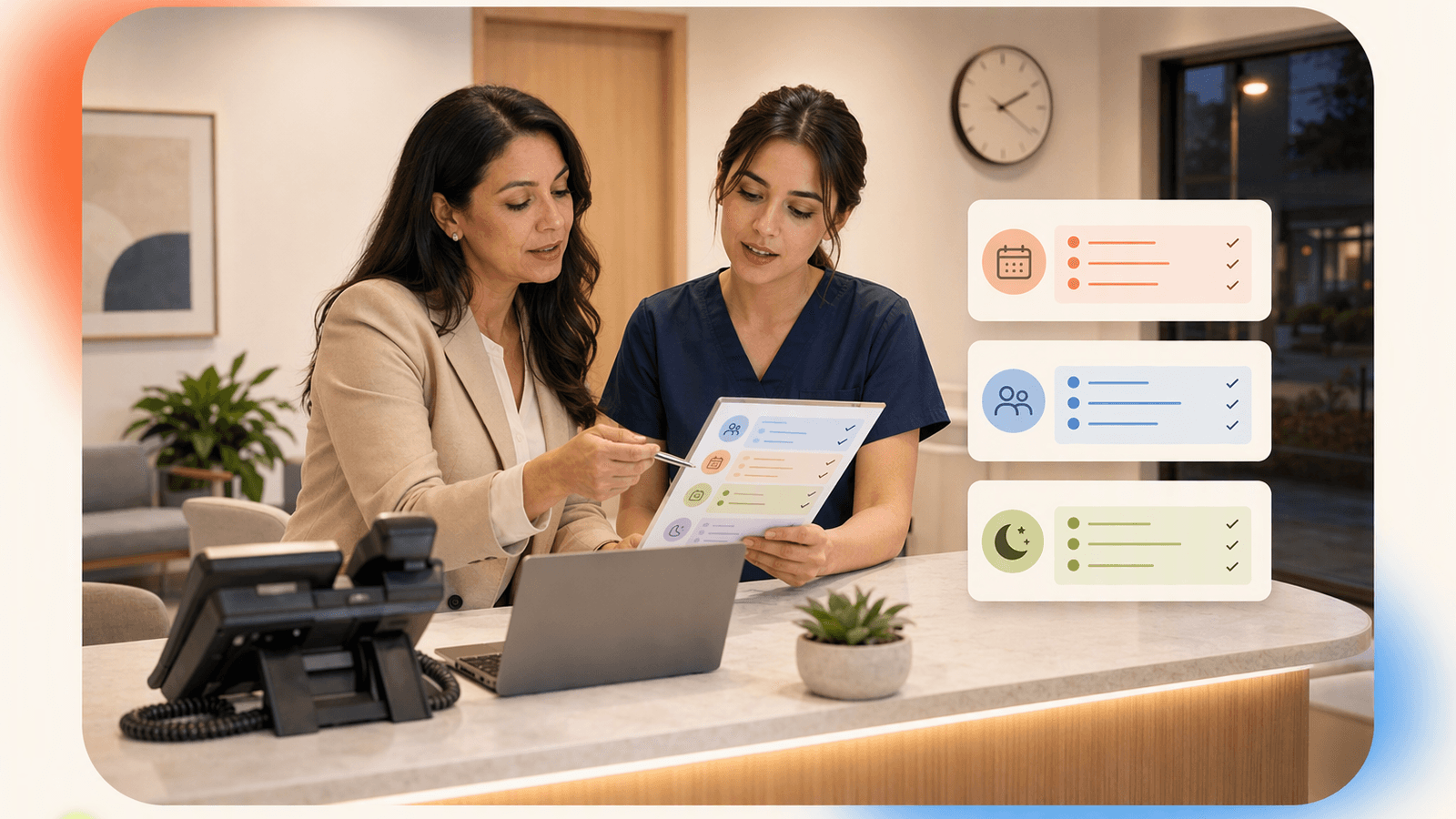
Use this checklist before turning on any virtual receptionist healthcare workflow.
Define allowed call types
Examples: new appointment requests, reschedules, cancellations, hours, location, parking, preparation instructions, accepted service categories.Define blocked call types
Examples: symptoms, medication questions, test results, urgent concerns, insurance disputes, legal/privacy complaints.Write your escalation rules
Decide who gets notified, how fast, and through which channel.Clean up your calendar
Appointment slots should match real provider availability, visit lengths, buffers, and lunch breaks.Prepare approved answers
Include hours, address, directions, cancellation policy, new-patient instructions, and what to bring.Avoid collecting unnecessary sensitive details
Ask for the minimum needed to route or book the call.Test five real scenarios
New appointment, reschedule, cancellation, after-hours message, urgent symptom escalation.Review the first week daily
Look for confusing questions, wrong routing, unclear availability, or missing FAQs.
For scheduling setup, start with DeskBuddy appointment booking AI and Google Calendar appointment call handling.
How to track fewer missed calls and better patient access
Do not judge success by “it feels quieter.” Track the numbers before and after implementation.
Measure these weekly:
- Total inbound calls
- Missed calls
- Calls answered after hours
- Appointment requests captured
- Appointments booked or requested
- Calls escalated to staff
- Calls that needed correction
- Staff interruptions during visits
A simple scorecard works:
| Metric | Before DeskBuddy | After 30 days | Goal |
|---|---|---|---|
| Missed calls per week | Reduce | ||
| After-hours calls captured | Increase | ||
| Appointment requests | Increase | ||
| Staff interruptions | Reduce | ||
| Escalation accuracy | Improve |
Patient access is a major healthcare concern. The Agency for Healthcare Research and Quality publishes resources on care access and patient experience. For small practices, phone responsiveness is one of the most visible access points. Also review HHS telehealth and privacy resources if your practice mixes phone, scheduling, and virtual care workflows.
How to Build an App Like This with Tencent RTC
If you are building a custom receptionist experience, Tencent RTC can power the real-time audio layer for browser-based staff consoles, live handoff, internal escalation, or video follow-up. A typical architecture is: your backend authenticates staff, creates a secure UserSig, stores call metadata, and sends staff into a TRTC room when the AI receptionist escalates a caller. Keep protected health information out of logs unless your compliance review approves it. Use Tencent RTC for real-time communication; use your booking system, CRM, or EHR workflow for scheduling records and follow-up tasks. See the official Tencent RTC documentation at https://trtc.io/document/51003.
Backend token endpoint:
app.get("/rtc-token", requireStaffLogin, (req, res) => {
  const userID = req.user.id;
  const roomID = req.query.roomID;
  const userSig = createUserSig({ userID }); // generate on server only
  res.json({ sdkAppID: process.env.TRTC_SDK_APP_ID, userID, userSig, roomID });
});
Client-side staff join flow:
const { sdkAppID, userID, userSig, roomID } =
  await fetch(`/rtc-token?roomID=${call.roomID}`).then(r => r.json());

await trtc.enterRoom({ sdkAppID, userID, userSig, roomID });
await trtc.startLocalAudio();
Never miss another customer call.
Get started freeKeep reading
Medical Office Virtual Receptionist: Fewer Missed Calls
See how a medical office virtual receptionist reduces missed calls, books visits, routes urgent issues, and controls staffing costs. Start with DeskBuddy.
Virtual Salon Receptionist: Book More Clients 24/7
Learn how a virtual salon receptionist answers calls, books clients, and supports after-hours scheduling without hiring front desk staff.
Spa Booking Software Guide: Stop Missing Calls in 2026
Compare spa booking software features, pricing, and phone coverage. Learn how to choose tools that capture more bookings with DeskBuddy.