Spa Booking Software Guide: Stop Missing Calls in 2026
Compare spa booking software features, pricing, and phone coverage. Learn how to choose tools that capture more bookings with DeskBuddy.
TL;DR
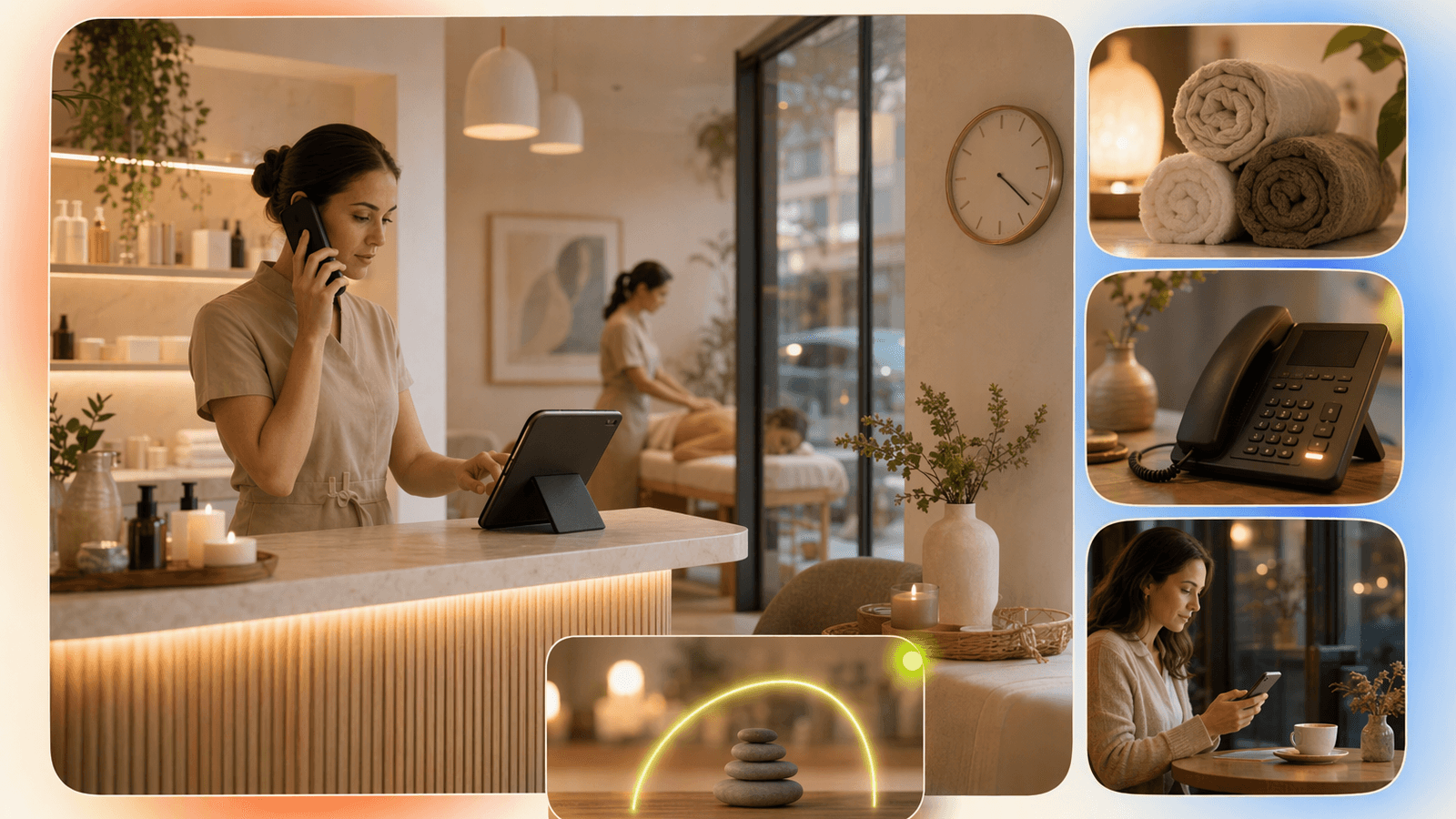
The best spa booking software in 2026 should manage online booking, staff availability, reminders, intake forms, client notes, payments, packages, memberships, and after-hours appointment requests.
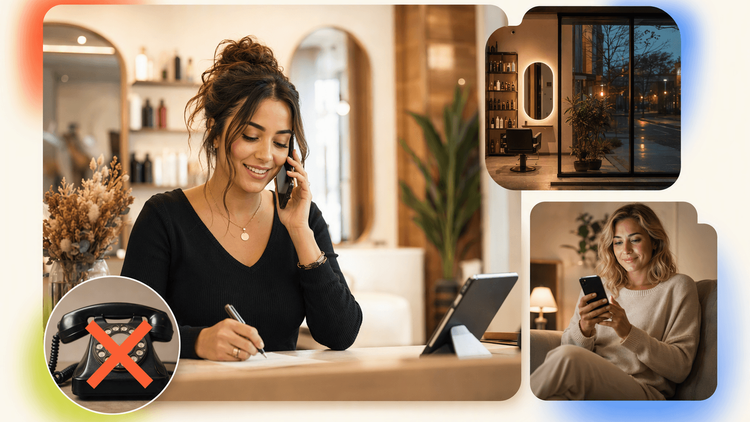
But many online spa booking software tools still leave one gap: phone calls. Clients call about service fit, pricing, availability, gift cards, cancellation rules, and same-day openings. If no one answers, many will not leave a message.
For most small spas, the practical stack is:
- A scheduling system such as Square, Mindbody, Acuity, Vagaro, or another salon/spa platform
- Payment and client records inside the tool you already use
- A call-handling layer like DeskBuddy’s AI receptionist for appointment businesses to answer calls, handle common questions, and help with bookings
What spa booking software should do in 2026
Spa booking software should reduce front-desk work without making the client experience feel cold. At minimum, it should:
- Show real availability by staff member, room, service, and location
- Let clients book online from your website, search profile, or social channels
- Send appointment reminders and reduce no-shows
- Store client details such as allergies, preferences, skin concerns, and notes
- Support checkout, deposits, packages, memberships, or gift cards when needed
The top spa platforms already cover much of this. Square Appointments highlights online booking, staff scheduling, customer profiles, payments, reminders, contracts, and cancellation fees. Vagaro’s spa software emphasizes booking, forms, SOAP notes, loyalty, packages, and client details.
Those features matter, but spa owners should ask one more question: “What happens when the client calls?” Online booking works well when the client knows what to choose. Phone booking matters when they need reassurance: a first-time facial client, a couples massage request, or a same-day opening with a preferred provider.
Why online booking alone does not cover every client
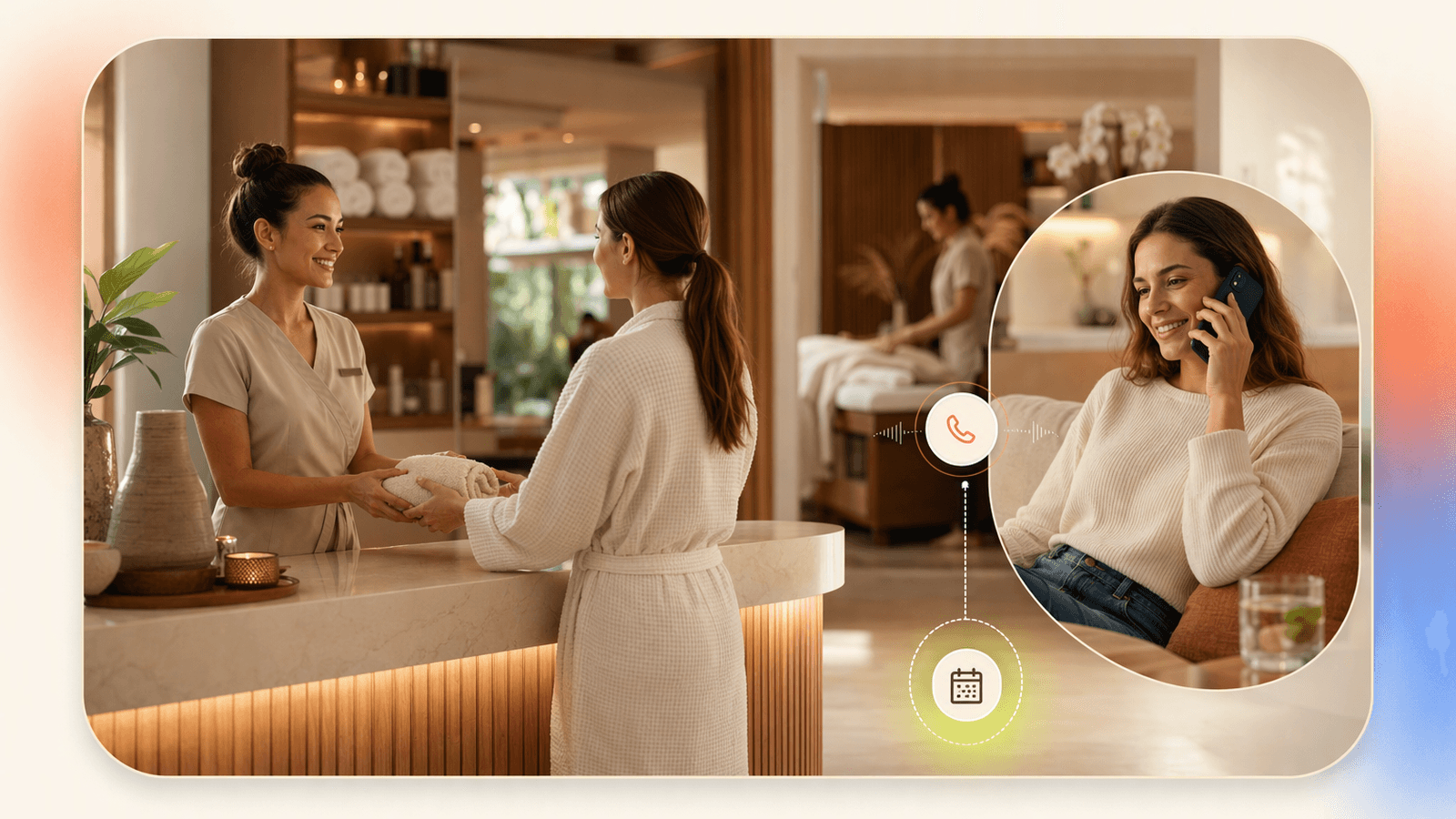
Online booking is essential, but it does not replace phone coverage for every spa. Some clients call because they are comparing options, booking for someone else, asking about contraindications, or trying to schedule multiple services together.
Common spa call scenarios include:
- “Do you have anything open after 5 p.m. today?”
- “Is this facial safe for sensitive skin?”
- “Can I book a couples massage?”
- “Can I use a gift card for this?”
- “I’m running late. Should I still come?”
If these calls arrive during a massage, facial, waxing appointment, or closing shift, your team can interrupt the service, let the call go unanswered, or call back later after the client has booked elsewhere.
DeskBuddy’s product data shows appointment-based businesses often lose $50–$300+ when a booking call is missed. That range fits many spa services, from express treatments to premium packages.
This is where a virtual salon receptionist or AI phone receptionist becomes useful. It does not replace your booking platform. It covers the phone side of the booking journey.
Feature comparison: scheduling, reminders, intake, payments, memberships, and phone booking
When you compare salon software or spa appointment booking software, separate calendar features from client communication features.
| Feature area | What to look for | Why it matters for spas |
|---|---|---|
| Scheduling | Staff calendars, room/resource booking, buffers | Prevents double-booking rooms or overloading providers |
| Online booking | Website widget, booking links, service menus | Captures self-service clients |
| Reminders | SMS/email reminders, confirmation requests | Reduces no-shows |
| Intake forms | Waivers, health history, custom forms | Helps prepare for facials, massage, waxing, or wellness services |
| Client profiles | Notes, preferences, allergies, history | Improves returning-client experience |
| Payments | Deposits, tips, cancellation fees, gift cards | Protects revenue and speeds checkout |
| Packages and memberships | Prepaid sessions, recurring billing, member pricing | Supports retention |
| Phone booking | Call answering, after-hours coverage, FAQ handling | Captures clients who do not complete online booking |
Most booking software for spa businesses focuses on the first seven rows. DeskBuddy focuses on the phone-booking row and connects that experience back to scheduling workflows through Google Calendar, Square, and Mindbody integrations.
Spas can add DeskBuddy’s phone-booking coverage without replacing the scheduling platform they already use.
Pricing comparison: standalone booking tools vs salon/spa platforms vs AI receptionist add-ons

Pricing changes often, so always confirm on the vendor’s official pricing page before buying.
| Tool category | Typical fit | Pricing pattern | Watch-outs |
|---|---|---|---|
| Standalone schedulers | Solo providers, simple menus | Lower monthly cost; often per-user tiers | May lack spa-specific POS, memberships, or inventory |
| Salon/spa platforms | Growing spas needing POS, forms, reports | Monthly fee plus processing and add-ons | Costs rise with staff, locations, messaging, or marketing |
| Marketplace platforms | Spas wanting discovery plus booking | Subscriptions, commissions, or paid visibility | Review client ownership and fees |
| Human receptionist services | Human call handling | Priced by minute, volume, or plan | Can become expensive; integrations vary |
| AI receptionist add-ons | Spas missing calls | Monthly subscription | Needs clear service rules and calendar setup |
DeskBuddy pricing is intentionally simple for small appointment businesses:
| DeskBuddy plan | Price | Monthly calls | Best for |
|---|---|---|---|
| Free trial | $0 for 7 days | 20 calls | Testing phone coverage without a credit card |
| Standard | $39.9/month | 100 calls | Solo estheticians, massage therapists, small studios |
| Professional | $99.9/month | 300 calls | Busy spas, multi-provider teams, up to 5 locations |
Standard overage is $1.00 per call, and Professional overage is $0.50 per call. There are no contracts, hidden fees, or required credit card for the trial.
For vendor verification, review Square Appointments pricing, Vagaro’s spa software page, and Acuity Scheduling pricing. For labor context, the U.S. Bureau of Labor Statistics provides wage data for receptionists and information clerks.
How DeskBuddy fills the phone-call gap for spa bookings
DeskBuddy is an AI phone receptionist for service businesses. For spas, it can answer calls 24/7, speak naturally with clients, handle common questions, and help move callers toward booking instead of voicemail.
A typical spa call workflow looks like this:
- A client calls after hours asking for a facial appointment this weekend.
- DeskBuddy asks what service they want, preferred time, and provider preference.
- It checks availability through the connected calendar workflow.
- It helps capture booking details or guides the client to the next step.
- If the caller asks something sensitive or unusual, DeskBuddy escalates to the owner or staff.
This works especially well for after-hours booking requests, simple reschedules, availability questions, service menu questions, location details, cancellation policies, and multilingual calls in English, Spanish, or Chinese.
DeskBuddy is not meant to make clinical or high-risk treatment decisions. Staff should still handle medical contraindications, complaints, refunds, complex membership disputes, and anything requiring professional judgment.
Spa owners can use DeskBuddy for 24/7 call answering while keeping sensitive or judgment-heavy questions assigned to staff.
Integration considerations for Google Calendar, Square, and Mindbody workflows
Before you choose spa booking software, map where the source of truth lives. That prevents double entry and calendar confusion.
If you use Google Calendar
Google Calendar works well for solo providers and small studios. Keep services simple, add buffers, and block personal time clearly. DeskBuddy can sync with Google Calendar so phone bookings align with real availability.
If you use Square
Square is strong when booking and payment live together. Many spas like it because appointments, checkout, cards, tips, deposits, and customer profiles can sit in one ecosystem. DeskBuddy integrates with Square workflows, making it a fit for spas that want to keep Square while adding better call coverage.
If you use Mindbody
Mindbody is often used by wellness, fitness, spa, and multi-service businesses that need memberships, classes, packages, and complex schedules. DeskBuddy supports Mindbody integration, which helps phone callers access the same booking flow your staff relies on.
Best practices for reducing no-shows and filling open appointment slots
The best spa appointment booking software setup should protect your calendar.
Use these rules:
- Require confirmation for high-value appointments. Longer treatments, packages, and first-time appointments deserve extra confirmation.
- Use deposits or cancellation fees when appropriate. Many spa platforms support payment rules that protect staff time.
- Set realistic buffers. A 60-minute massage is not a 60-minute calendar block if you need room reset, notes, laundry, and checkout.
- Create a short-notice waitlist. When someone cancels, contact clients who asked for earlier times.
- Answer after-hours calls. Many clients book during evenings, Sundays, lunch breaks, or after work.
- Keep your service menu understandable. If clients cannot tell the difference between two facials, they may call.
DeskBuddy helps most with rules 5 and 6. If your software sends reminders but callers still cannot reach you, the calendar is only half protected.
Buyer checklist for choosing spa booking software
Use this checklist before you sign a contract or migrate systems.
Scheduling and operations
- Can it handle staff, rooms, equipment, buffers, and multiple locations?
- Can clients book, reschedule, or cancel based on your rules?
- Can you block cleanup time and provider breaks?
- Can you see daily schedules clearly on mobile?
Client experience
- Is the booking page easy for first-time spa clients?
- Can clients choose a provider or “first available”?
- Can you collect intake forms before the visit?
- Can you store preferences, allergies, notes, and service history?
- Does the system support SMS or email reminders?
Revenue protection
- Can you take deposits?
- Can you set cancellation or no-show fees?
- Can you sell packages, memberships, gift cards, or products?
- Does reporting show booking sources and revenue by service?
- Are payment processing fees clear?
Phone coverage
- Who answers when your team is in treatment rooms?
- Who answers after hours?
- Can callers ask questions before booking?
- Can phone bookings sync with your calendar workflow?
- Can the receptionist escalate complex or sensitive calls?
- Does it support the languages your clients use?
If phone calls are a major source of bookings, do not choose spa booking software based only on the online booking page. Choose the calendar you like, then make sure calls are answered.
How to Build an App Like This with Tencent RTC
To build an AI receptionist or live receptionist layer for a spa booking app, use Tencent RTC for low-latency audio sessions, then connect the call state to your booking backend. The RTC layer should handle real-time voice, while your application server stores spa rules, checks calendar availability, logs transcripts, and triggers escalation to a human when needed. Start with Tencent’s official RTC documentation, such as the TRTC Web quick start, then add your scheduling integrations.
A simple browser-side agent or AI audio room can initialize the RTC session like this:
import TRTC from "trtc-sdk-v5";

const client = TRTC.create();
await client.enterRoom({
  sdkAppId: Number(process.env.NEXT_PUBLIC_TRTC_APP_ID),
  userId: "spa-ai-receptionist",
  userSig: userSigFromServer,
  roomId: 1001
});
Your backend can treat each call as a booking intent and route it to the right system:
app.post("/api/call-intent", async (req, res) => {
  const { service, preferredTime, provider } = req.body;
  const slots = await calendar.findOpenSlots({ service, preferredTime, provider });
  res.json({ availableSlots: slots.slice(0, 3) });
});
Keep treatment guidance, refunds, complaints, and medical questions in an escalation queue instead of letting automation answer them.
Never miss another customer call.
Get started freeKeep reading
Virtual Medical Receptionist Guide for Small Clinics
Learn how a virtual medical receptionist covers appointment calls, after-hours questions, messages, and handoffs. See the checklist.
Medical Office Virtual Receptionist: Fewer Missed Calls
See how a medical office virtual receptionist reduces missed calls, books visits, routes urgent issues, and controls staffing costs. Start with DeskBuddy.
Virtual Salon Receptionist: Book More Clients 24/7
Learn how a virtual salon receptionist answers calls, books clients, and supports after-hours scheduling without hiring front desk staff.