Virtual Salon Receptionist: Book More Clients 24/7
Learn how a virtual salon receptionist answers calls, books clients, and supports after-hours scheduling without hiring front desk staff.
TL;DR
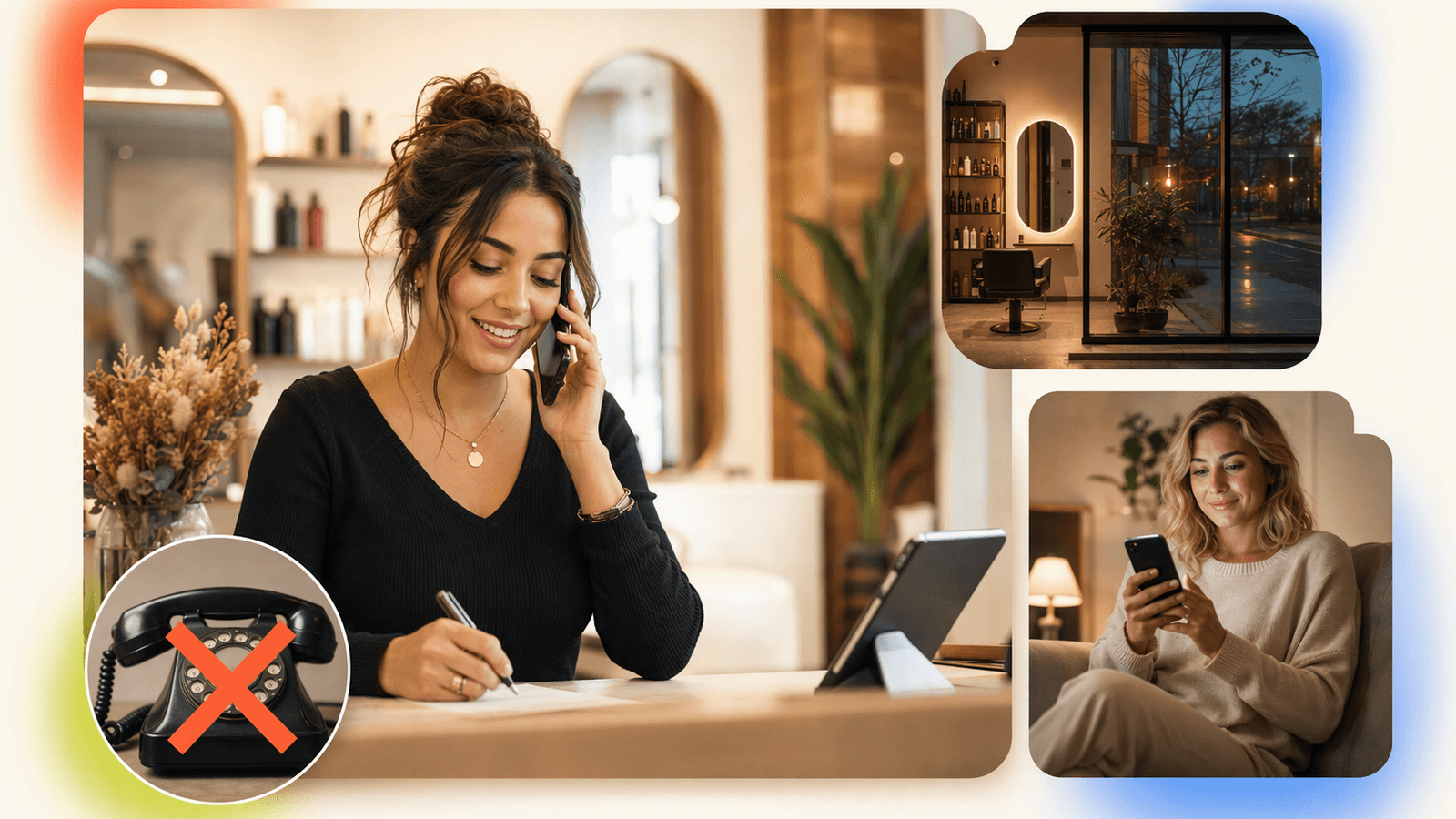
A virtual salon receptionist helps salons answer calls, handle common questions, and book appointments without paying for full-time front desk staff. For small salons, nail studios, lash rooms, barbershops, and spas, the best setup is usually both: online booking for self-serve clients, plus phone coverage for callers who want help choosing a service, confirming availability, or booking after hours.
DeskBuddy answers salon calls 7×24, speaks naturally with clients, supports English, Spanish, and Chinese, and syncs appointments with Google Calendar, Mindbody, and Square. Plans start at $39.9/month with a 7-day free trial, so a salon can test whether recovered bookings justify the cost before changing its front desk workflow. Salon owners can explore DeskBuddy’s virtual receptionist before changing their existing scheduling process.
Why salons miss calls during services
Salons miss calls because call volume often overlaps with service time. A stylist cannot stop mid-color application to answer, “Do you have balayage openings this Saturday?” A nail tech cannot pick up while finishing gel extensions. The caller reaches voicemail, hangs up, and calls the next salon.
| Call window | Why it gets missed | What the caller often wants |
|---|---|---|
| 9–11 a.m. | Opening tasks, walk-ins | Same-day appointment, pricing |
| Lunch | Stylists stacked with clients | Reschedule, cancellation |
| 3–6 p.m. | Peak service time | Evening or weekend booking |
| After closing | No one is at the desk | Next available slot |
| Weekends | Small team, high foot traffic | Urgent or group appointment |
Service revenue is perishable. An empty 2 p.m. haircut slot or manicure opening cannot be sold tomorrow. Grand View Research notes continued demand in the global beauty and personal care services market: Grand View Research beauty and personal care services market.
Useful internal resources: AI phone answering for appointment businesses and DeskBuddy pricing and free trial.
What a virtual salon receptionist should handle
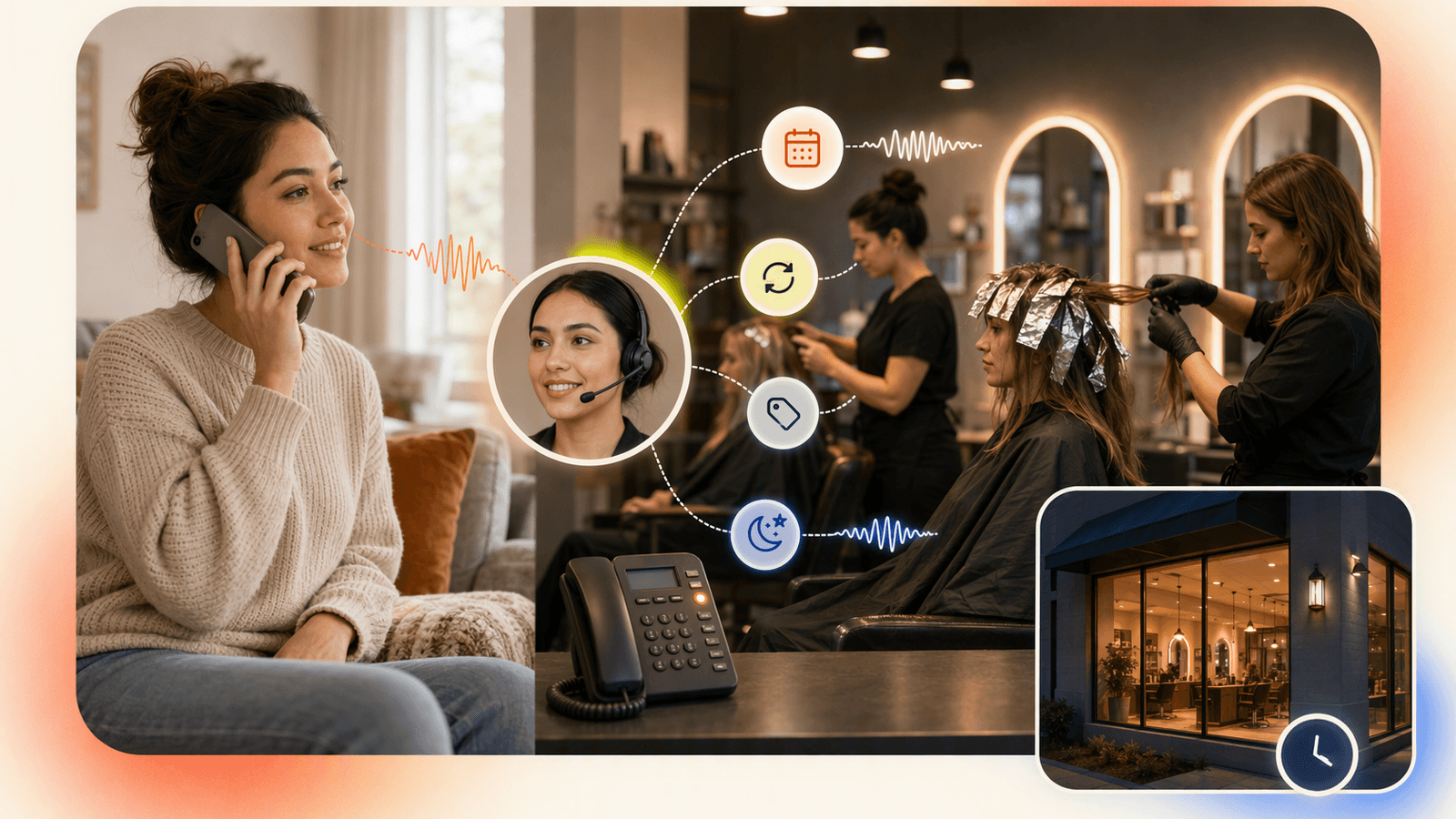
A virtual salon receptionist should do more than take messages. It should convert caller intent into a clean next step.
At minimum, it should handle:
- New appointment requests — “I need a haircut and blowout this Friday after 4.”
- Service questions — “What is the difference between gel manicure and builder gel?”
- Availability checks — “Is Mia available Saturday morning?”
- Basic pricing guidance — Using your approved price ranges and rules.
- Rescheduling and cancellations — Capturing the client’s name, requested change, and urgency.
- After-hours answering — Helping callers when the salon is closed.
- Escalation — For complaints, medical concerns, color corrections, bridal parties, or anything outside your rules.
DeskBuddy is designed for virtual receptionist appointment scheduling in service businesses. It can answer calls, collect booking details, and work with your connected calendar or scheduling workflow. If a conversation becomes too complex, it can route the issue back to your team. Salons can review DeskBuddy for appointment-based businesses to evaluate the workflow.
Phone booking vs online booking: why salons need both
Online booking is valuable. Many clients want to pick a service, choose a time, and book without calling. That is why tools like Square Appointments, Mindbody, Acuity, Fresha, Schedulicity, and other top salon software platforms are popular.
But phone callers are often new clients unsure which service to choose, older clients who prefer speaking before booking, people with timing constraints, or high-value clients planning group services.
| Question | Online booking software answers | Virtual salon receptionist answers |
|---|---|---|
| Can clients self-book? | Yes | Sometimes, through calendar workflow |
| Can someone explain services by phone? | Usually no | Yes |
| Can after-hours callers get help? | Only if they use the booking link | Yes |
| Can uncertain clients be guided? | Limited | Yes |
| Can staff avoid interruptions? | Partly | Yes |
For product research, compare official scheduling pages such as Square Appointments, Mindbody business software, and Acuity Scheduling. Then decide how phone calls will be covered.
Feature comparison: salon software, live answering, and AI receptionist
When you compare salon software, separate tools by job.
| Capability | Salon software | Live answering service | DeskBuddy AI receptionist |
|---|---|---|---|
| Online booking page | Strong | Usually no | Works alongside booking tools |
| Calendar management | Strong | Depends on setup | Google Calendar, Mindbody, Square integrations |
| Phone answering | Usually no | Yes | Yes, 7×24 |
| After-hours coverage | Booking link only | Plan-dependent | Included |
| Natural client conversation | No | Yes | Yes |
| Multilingual support | Varies | Varies | English, Spanish, Chinese |
| Setup effort | Medium | Medium to high | Designed for 5-minute setup |
| Cost for small salons | Varies | Often hundreds/month or per minute | Starts at $39.9/month |
Live answering services can be useful, especially for luxury salons or medical spas that require human call handling. However, published answering plans can cost hundreds per month, and some charge by call, minute, or coverage hours. Always check the vendor’s current pricing page, such as My Salon Desk plans and pricing, before comparing.
Pricing comparison: front desk hire vs virtual receptionist vs DeskBuddy
For many salon owners, the question is: “What is the lowest-risk way to stop missing bookings?”
| Option | Typical cost structure | Strength | Watch-out |
|---|---|---|---|
| Full-time front desk hire | Often $2,500–$4,000/month when wages, taxes, and coverage are considered | Human presence | Expensive for 1–5 chair salons; no natural 24/7 coverage |
| Part-time receptionist | Hourly wage | Good during peak windows | Misses after-hours and days off |
| Live virtual receptionist | Monthly, per-minute, or per-call pricing | Human call handling | Can become costly |
| DeskBuddy Standard | $39.9/month, 100 calls | Low-cost 24/7 coverage | Best for straightforward workflows |
| DeskBuddy Professional | $99.9/month, 300 calls, up to 5 locations | Good for growing salons | Needs clear service rules |
The U.S. Bureau of Labor Statistics provides wage data for receptionists and information clerks: BLS Occupational Employment and Wage Statistics. Wage is only part of the expense. Owners also need to consider hiring time, training, sick days, weekend coverage, and management.
If one recovered appointment is worth $50–$300+, a $39.9/month plan can pay for itself quickly for salons that currently miss calls.
How DeskBuddy works with common salon scheduling workflows
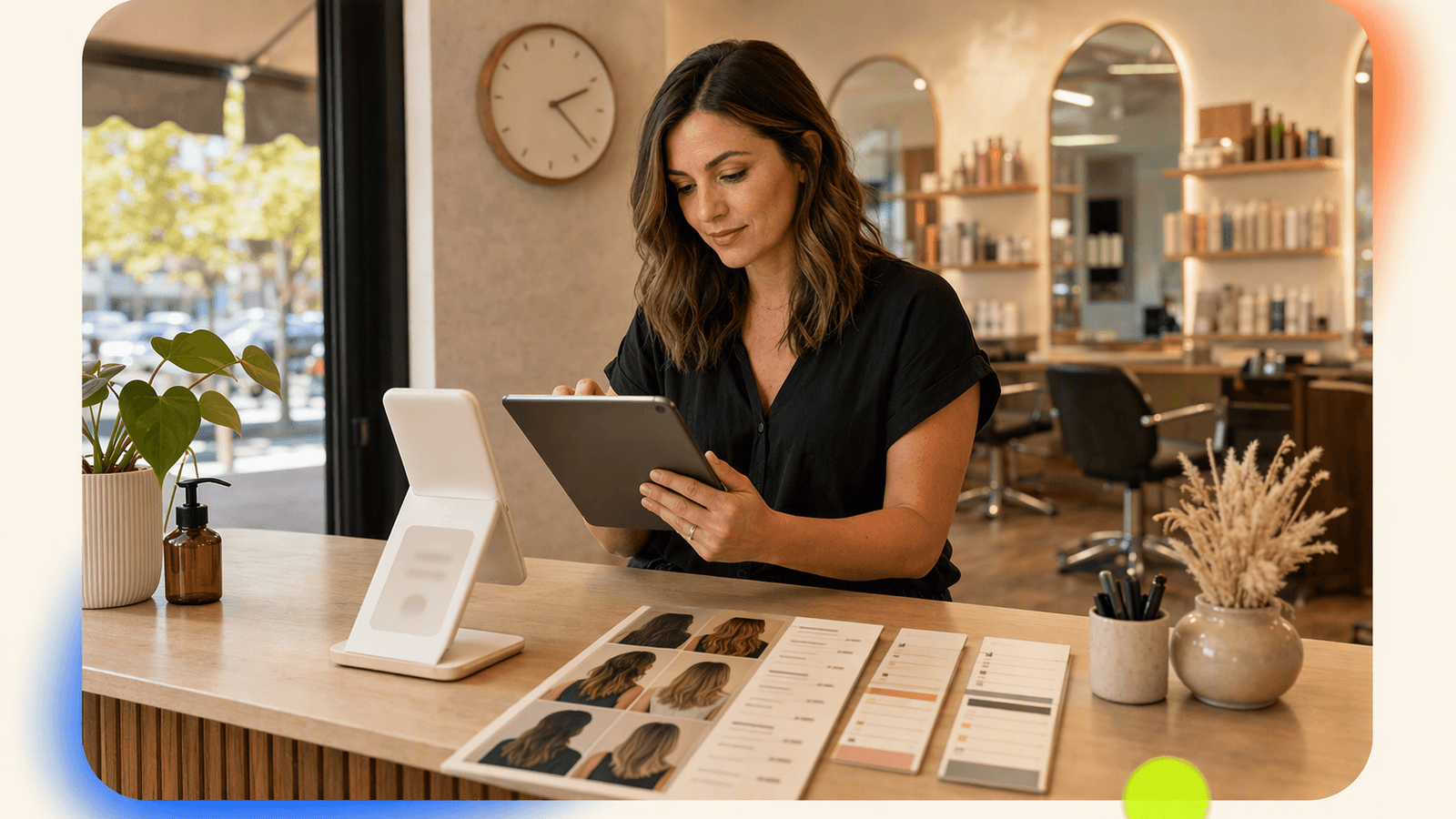
DeskBuddy does not require a salon to rebuild its booking process. It fits around systems many small businesses already use.
Workflow 1: Google Calendar-based salon
Best for solo stylists, nail artists, lash techs, massage therapists, and small studios.
- Caller asks for a service and preferred time.
- DeskBuddy checks your calendar rules.
- DeskBuddy helps place the appointment into an available slot.
- The owner sees the booking in Google Calendar.
- Complex requests are escalated.
Workflow 2: Square-based salon
Best for salons already using Square for payments and appointments.
- Caller asks about service, timing, or availability.
- DeskBuddy uses the connected Square workflow where supported.
- Appointment details stay aligned with the salon’s scheduling process.
- Staff continue using Square as usual.
Workflow 3: Mindbody-based spa or wellness studio
Best for spas, wellness clinics, yoga studios, and fitness-adjacent businesses.
- Caller asks about service type, practitioner, or schedule.
- DeskBuddy supports the booking workflow through Mindbody integration.
- Your team keeps using Mindbody for day-to-day operations.
- DeskBuddy covers phone demand when staff are busy or closed.
Best practices for service menus, stylist availability, and after-hours calls
A virtual salon receptionist is only as good as the rules you give it. Before launch, clean up three areas.
1. Service menu
Keep service names client-friendly. Include duration, starting price or price range, deposit rules, new-client restrictions, and services that require consultation first.
| Service | Duration | Booking rule |
|---|---|---|
| Gel manicure | 60 min | Can book directly |
| Full set acrylic | 90 min | Ask if removal is needed |
| Balayage | 180 min | Consultation required for new clients |
| Lash fill | 60 min | Existing clients only |
2. Stylist availability
Define what each provider does and does not take.
- Mia: color, cuts, no extensions
- Ava: bridal hair, weekends only
- Jordan: barber cuts, beard trims
- Nina: nail art, no pedicures
3. After-hours rules
Set clear rules:
- Can new clients book after closing?
- Are same-day next-morning bookings allowed?
- Which services require owner approval?
- Should cancellations be accepted by phone?
- What counts as urgent?
DeskBuddy can help answer after-hours calls, but your salon should decide the guardrails.
Launch checklist for salon owners
Use this checklist before turning on a virtual salon receptionist.
- List your top 20 caller questions.
- Clean up service names, durations, and prices.
- Mark services that need consultation.
- Confirm each stylist’s availability and restrictions.
- Connect Google Calendar, Mindbody, or Square if applicable.
- Decide when calls should escalate to a human.
- Write a short greeting that sounds like your salon.
- Test five real scenarios: new booking, reschedule, price question, after-hours call, complex request.
- Review the first week of calls and adjust service rules.
- Track recovered bookings, missed calls, and staff interruptions.
If your salon has high-risk medical procedures, legal intake, insurance discussions, or very complex multi-step scheduling, use a trained human receptionist or specialized industry system for those calls. DeskBuddy is best for appointment-based service businesses that need reliable phone coverage, booking help, and fewer interruptions.
How to Build an App Like This with Tencent RTC
To build a salon receptionist experience, use Tencent RTC for the real-time voice layer, then connect the call to booking logic, an AI agent, or live handoff. A typical implementation has four parts: a phone or web call entry point, a secure backend that issues user signatures, a real-time audio room, and a scheduling service that writes confirmed bookings to Google Calendar, Square, or Mindbody. Tencent’s documentation explains authentication and UserSig here: Tencent RTC UserSig documentation.
A minimal web-side flow can join a room and start microphone capture:
import TRTC from 'trtc-sdk-v5';

const trtc = TRTC.create();
await trtc.enterRoom({
  sdkAppId,
  userId,
  userSig,
  roomId: Number(roomId),
  scene: 'rtc'
});
await trtc.startLocalAudio();
On your backend, keep appointment creation separate from the call session so the AI or human agent only books when the caller has confirmed service, date, provider, and contact details:
app.post('/appointments', async (req, res) => {
  const { clientName, service, startTime, provider, phone } = req.body;
  const appointment = await calendar.create({
    summary: `${service} with ${provider}`,
    startTime,
    description: `Client: ${clientName}, Phone: ${phone}`
  });
  res.json({ appointmentId: appointment.id });
});
Never miss another customer call.
Get started freeKeep reading
Virtual Medical Receptionist Guide for Small Clinics
Learn how a virtual medical receptionist covers appointment calls, after-hours questions, messages, and handoffs. See the checklist.
Medical Office Virtual Receptionist: Fewer Missed Calls
See how a medical office virtual receptionist reduces missed calls, books visits, routes urgent issues, and controls staffing costs. Start with DeskBuddy.
Spa Booking Software Guide: Stop Missing Calls in 2026
Compare spa booking software features, pricing, and phone coverage. Learn how to choose tools that capture more bookings with DeskBuddy.