Medical Office Virtual Receptionist: Fewer Missed Calls
See how a medical office virtual receptionist reduces missed calls, books visits, routes urgent issues, and controls staffing costs. Start with DeskBuddy.
TL;DR
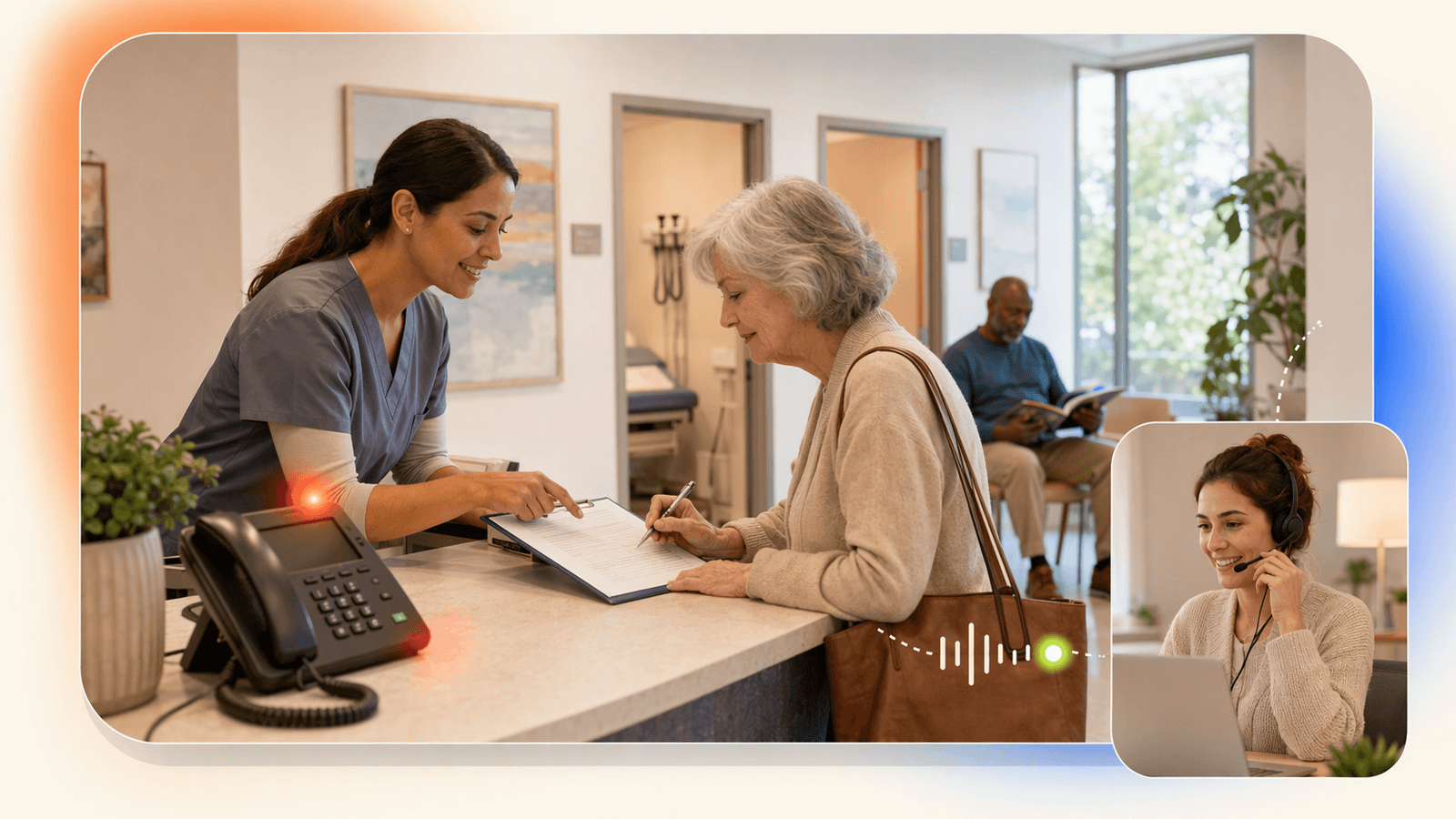
A medical office virtual receptionist helps small medical, wellness, and therapy offices answer calls, capture appointment requests, handle basic FAQs, take messages, and route sensitive issues to staff without adding a full-time front desk hire.
For regulated clinical practices, the key decision is not “AI or human?” It is: what can be handled safely by script, what must go to staff, and what systems need compliance review? If you need EHR write-back, PHI-heavy intake, prescription handling, or clinical triage, choose a healthcare-specific solution with the right agreements and safeguards. If your practice is a small wellness, therapy, med spa, rehab, massage, chiropractic, or fitness-adjacent office focused on booking and missed-call recovery, DeskBuddy’s AI phone receptionist can provide 7×24 call answering, appointment help, multilingual support, and simple setup starting at $39.9/month.
Why small medical and wellness offices struggle with call coverage
Small offices lose calls for predictable reasons:
- The front desk is checking in a client.
- A solo practitioner is in a session.
- The office closes at 5 p.m., but new clients call later.
- Lunch breaks, sick days, and vacations create gaps.
- Spanish- or Chinese-speaking callers need help when bilingual staff are unavailable.
In appointment-based care and wellness, a missed call can mean a missed consultation, therapy visit, massage session, injection appointment, evaluation, or follow-up booking. DeskBuddy’s product research shows service businesses often associate one missed appointment opportunity with $50–$300+ in revenue, depending on the service.
This is why many offices search for a medical office virtual receptionist, virtual medical receptionist, or after hours answering service. The goal is not to replace clinical staff. The goal is to stop basic call demand from overwhelming the people serving clients.
External benchmarks support the staffing concern. The U.S. Bureau of Labor Statistics tracks wages for roles such as receptionists and information clerks and medical secretaries and administrative assistants.
What a medical office virtual receptionist can and should handle
A good virtual receptionist healthcare workflow is narrow, clear, and practical.
| Call type | Safe handling approach |
|---|---|
| New appointment request | Capture name, service, preferred time, and contact details |
| Rescheduling | Confirm the request and offer available times if connected to a calendar |
| Cancellation | Record the request and notify staff |
| Location, parking, hours | Answer from an approved FAQ |
| Pricing or insurance basics | Share general policy language only, then offer staff follow-up |
| After-hours calls | Book if appropriate or take a message |
| Bilingual calls | Support English, Spanish, or Chinese when configured |
| Sensitive symptoms or urgent issues | Escalate immediately according to office rules |
What it should not do without a properly reviewed healthcare workflow:
- Diagnose symptoms
- Provide medical advice
- Interpret lab or imaging results
- Manage prescription decisions
- Collect unnecessary sensitive health information
- Promise insurance coverage or clinical outcomes
For HIPAA-covered entities and business associates, review the U.S. Department of Health & Human Services guidance on HIPAA privacy and security requirements. If a vendor will create, receive, maintain, or transmit protected health information on your behalf, your compliance review should include agreements, access controls, retention rules, and auditability.
Appointment scheduling, FAQs, messages, and escalation workflows
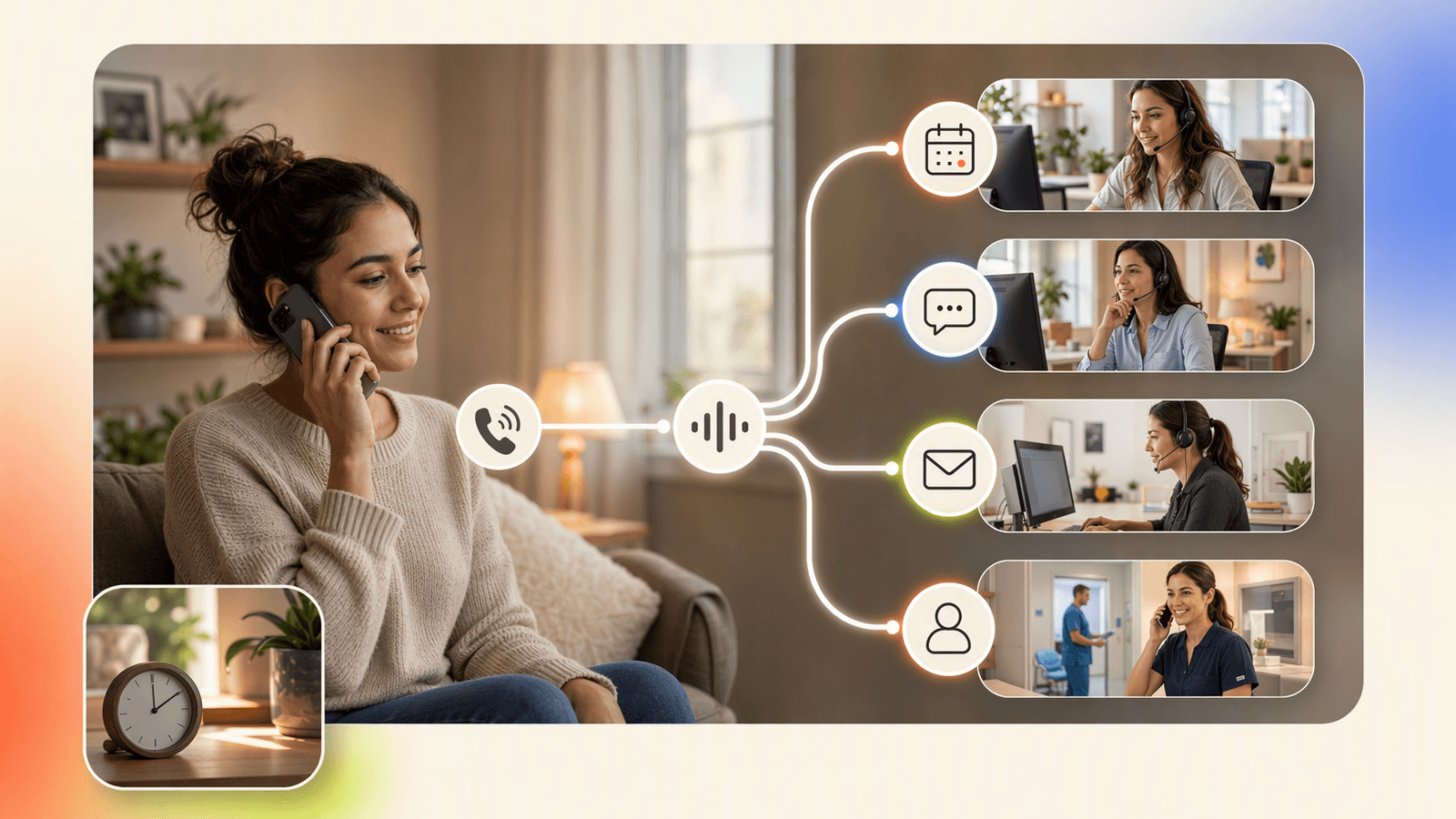
A strong virtual receptionist appointment scheduling workflow has four layers: booking, FAQs, messages, and escalation.
1. Booking workflow
For a wellness office, the receptionist confirms the service type, checks availability in the connected calendar, lets the caller choose a time, adds the appointment, and sends staff the booking details. DeskBuddy supports real-time calendar syncing with Google Calendar, Mindbody, and Square. See DeskBuddy appointment booking features and calendar integrations for service businesses.
2. FAQ workflow
Keep answers short and approved: office hours, address, parking, cancellation policy, accepted services, what to bring, and when staff will return clinical or billing questions.
3. Message workflow
Collect only what staff needs: caller name, callback number, best callback time, general reason, and urgency level based on approved categories.
4. Escalation workflow
| Caller says | Receptionist action |
|---|---|
| “This is an emergency” | Direct caller to emergency services or the office’s urgent instructions |
| “I need my test results” | Take a message and route to staff |
| “I need a prescription refill” | Take a message using office-approved language |
| “I’m upset about a bill” | Route to staff or create a callback task |
| “I only speak Spanish” | Continue in Spanish if configured |
| “I want to book a massage Tuesday” | Offer available times and book |
Clear limits protect the caller, the staff, and the business.
Feature comparison: staff front desk, live answering, and AI receptionist
| Option | Best for | Strengths | Watch-outs |
|---|---|---|---|
| In-office front desk | Busy clinical offices with walk-in and phone volume | Handles in-person needs and complex context | Higher fixed cost, limited after-hours coverage |
| Live virtual receptionist service | Practices requiring a human voice on every call | Human empathy | Often priced per minute; quality varies |
| AI receptionist | Appointment-oriented offices with repeatable calls | 7×24 coverage, consistent answers, lower starting cost | Needs clear escalation rules; not for clinical judgment |
| Hybrid model | Larger practices with complex workflows | Routine calls handled quickly, sensitive issues go to staff | Requires process design |
DeskBuddy fits the AI receptionist category for appointment-based service businesses. It is not positioned as an EHR platform or clinical triage system. If your office needs deep EHR read/write workflows, HIPAA-specific contracting, or clinical call handling, evaluate healthcare-specific vendors and involve your compliance adviser. If your main problem is missed appointment calls, after-hours booking requests, and staff interruptions, DeskBuddy may be the lighter, faster fit. Explore how DeskBuddy handles business calls.
Pricing comparison and staffing cost considerations
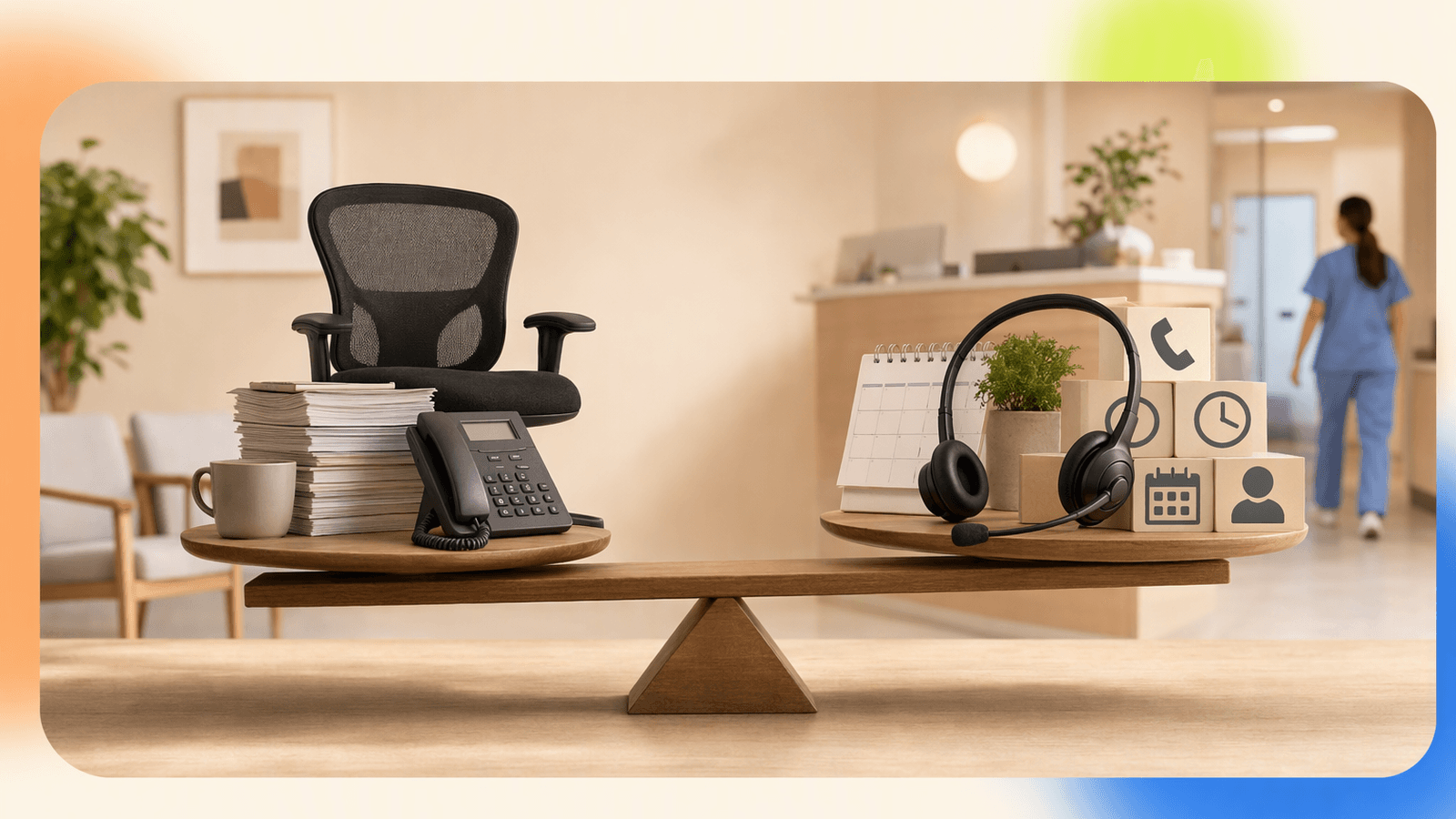
Virtual receptionist pricing varies because the models are different.
| Cost item | Typical consideration |
|---|---|
| Full-time front desk | Salary or hourly wage, payroll taxes, training, sick days, vacations, management time |
| Live answering service | Often billed by minute or call volume |
| AI receptionist | Subscription plus usage limits or overage fees |
| Missed calls | Lost bookings, delayed callbacks, lower client satisfaction |
DeskBuddy pricing is simple for small service businesses:
| DeskBuddy plan | Price | Monthly calls | Fit |
|---|---|---|---|
| Free trial | $0 for 7 days | 20 calls | Test call handling before paying |
| Standard | $39.9/month | 100 calls | Solo providers and small offices |
| Professional | $99.9/month | 300 calls | Growing practices with more call volume |
Overages are $1.00/call on Standard and $0.50/call on Professional. There is no contract, no hidden fee, and the free trial does not require a credit card. Review DeskBuddy pricing before choosing a plan.
How DeskBuddy can support appointment-oriented wellness practices
DeskBuddy is a practical fit for small offices where the phone is still a major booking channel:
- Massage therapy studios
- Med spas focused on consultations and recurring visits
- Chiropractic and rehab-style wellness offices
- Mental wellness or coaching practices with simple booking workflows
- Fitness, yoga, and recovery studios
- Small multi-provider wellness clinics that need consistent call coverage
The strongest use cases are after-hours answering service coverage, virtual receptionist appointment scheduling, bilingual virtual receptionist support, staff interruption reduction, and a more professional first impression.
DeskBuddy is used by 1,000+ businesses, has handled 10,000+ real calls, and reports 99.9% online availability and 500+ reviews averaging 4.9/5 based on supplied product data. For a small practice owner, the main value is straightforward: answer my phone, handle bookings, and stop losing appointments after hours. Try DeskBuddy’s AI receptionist for local service businesses.
Setup best practices for safe, clear call handling
Do not launch a virtual receptionist by saying “answer everything.” Launch it with boundaries.
Use this checklist:
- Define allowed tasks: booking, rescheduling, cancellation, basic FAQs, messages.
- Define blocked tasks: diagnosis, clinical advice, results, prescriptions, insurance guarantees.
- Write urgent-call language: tell callers exactly what to do for emergencies.
- Create a short FAQ: hours, address, parking, late policy, accepted services.
- Choose calendar rules: services, length, buffer time, provider availability.
- Set escalation contacts: who gets messages, when, and by what channel.
- Test real calls: after hours, lunch, cancellation, urgent phrase, bilingual request.
- Review compliance: if subject to HIPAA or similar rules, involve qualified guidance before handling sensitive information.
For DeskBuddy, setup is designed to take minutes, not weeks. Start with one narrow workflow: after-hours appointment requests. Then add FAQs, cancellation handling, and bilingual support once staff are comfortable. See DeskBuddy setup and trial options or open the DeskBuddy console.
Metrics to track: missed calls, booked appointments, and staff interruptions
Track the before-and-after, or you will not know whether the virtual receptionist is working.
| Metric | Why it matters |
|---|---|
| Missed calls | Shows the coverage gap |
| After-hours calls answered | Proves whether evenings and weekends are being captured |
| Appointments booked by phone | Connects call answering to revenue |
| Cancellations captured | Helps staff refill open slots |
| Escalations to staff | Shows whether rules are too broad or too narrow |
| Staff interruptions | Tracks how often providers are pulled away from clients |
| Callback time | Measures client experience |
| Language preference | Helps justify bilingual coverage |
A simple target for the first 30 days: reduce unanswered calls, book enough recovered visits to cover the monthly plan, and identify the top five call reasons. For broader patient access context, groups such as the Medical Group Management Association and American Medical Association publish practice management resources.
How to Build an App Like This with Tencent RTC
To build a virtual receptionist workflow with Tencent RTC, separate the voice layer from the business rules. Tencent RTC can power the real-time audio session, while your backend handles caller identity, office configuration, escalation rules, calendar actions, transcripts, and audit logs. Start by creating a server endpoint that issues short-lived RTC credentials, then connect callers, staff, or an AI agent into a room. Review the official Tencent RTC documentation, including TRTC Web SDK integration guidance, before production use.
Example call session payload:
{
  "roomId": "office-104-after-hours",
  "callerPhone": "+15551234567",
  "language": "en",
  "intent": "appointment_request",
  "escalateIf": ["emergency", "prescription", "test_results"]
}
Example backend route for a receptionist session:
app.post("/rtc/session", async (req, res) => {
  const { callerPhone, language } = req.body;

  const session = await createReceptionistSession({
    callerPhone,
    language,
    roomId: `office-${process.env.OFFICE_ID}-${Date.now()}`
  });

  res.json({
    roomId: session.roomId,
    userId: session.userId,
    rtcToken: session.rtcToken,
    escalationRules: ["emergency", "clinical_advice", "billing_dispute"]
  });
});
Keep secrets on the server, log every escalation, and avoid sending unnecessary health details to non-clinical systems.
Never miss another customer call.
Get started freeKeep reading
Virtual Medical Receptionist Guide for Small Clinics
Learn how a virtual medical receptionist covers appointment calls, after-hours questions, messages, and handoffs. See the checklist.

Virtual Salon Receptionist: Book More Clients 24/7
Learn how a virtual salon receptionist answers calls, books clients, and supports after-hours scheduling without hiring front desk staff.
Spa Booking Software Guide: Stop Missing Calls in 2026
Compare spa booking software features, pricing, and phone coverage. Learn how to choose tools that capture more bookings with DeskBuddy.