AI Receptionist Guide: Costs, Features, ROI in 2026
Compare ai receptionist costs, features, and ROI for salons, spas, pet care, and fitness studios. See when AI beats a front desk.
TL;DR
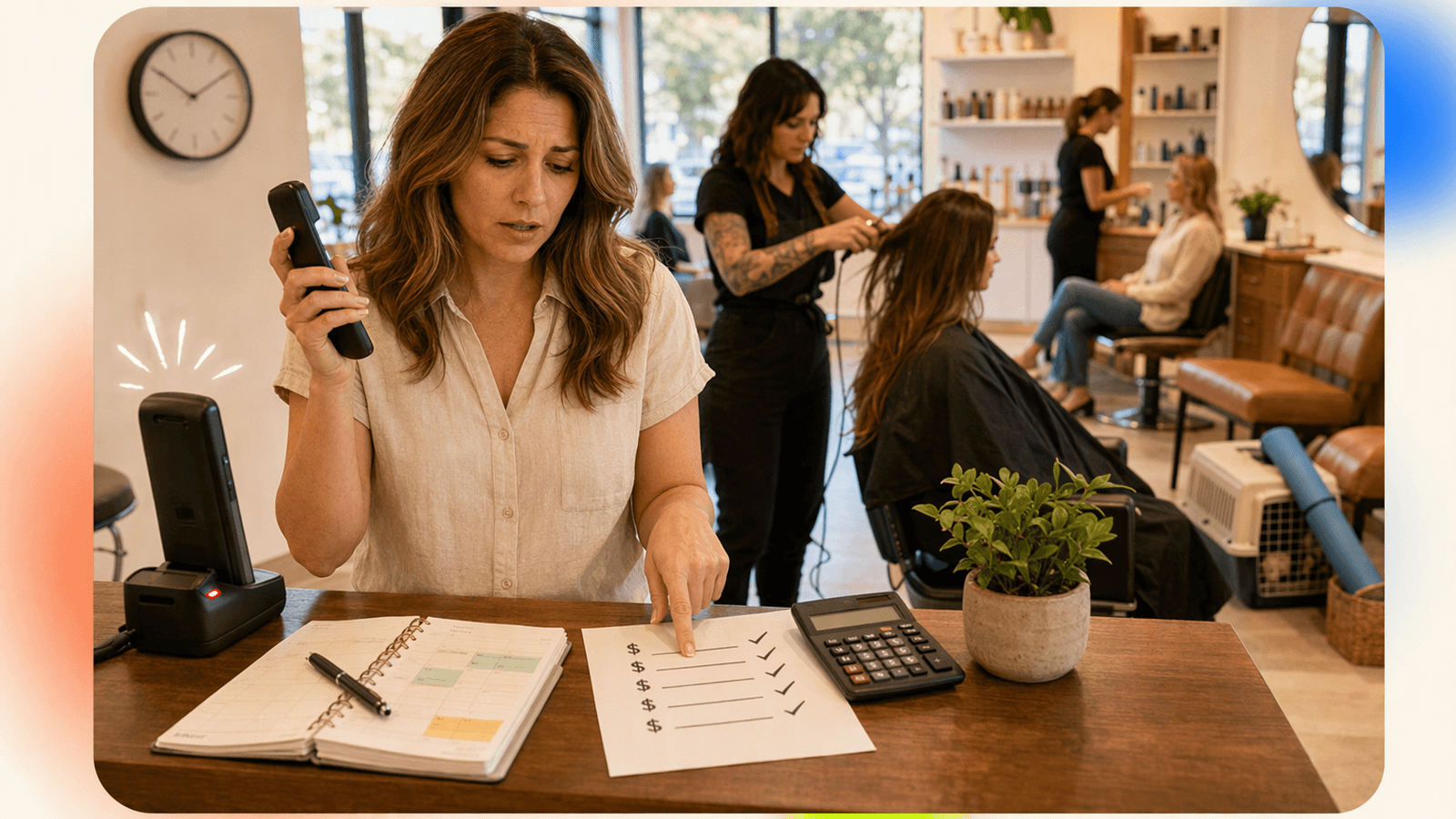
An ai receptionist answers your business phone, handles common questions, checks availability, helps book appointments, and hands off complex calls when a person should step in. For appointment-based businesses like salons, spas, pet groomers, massage studios, and fitness studios, the biggest value is simple: fewer missed calls during service time, lunch breaks, evenings, weekends, and staff shortages.
| If this is your problem | Best fit |
|---|---|
| You miss calls while serving clients | AI phone receptionist |
| You need high-touch judgment all day | Human front desk |
| You only need messages taken | Basic live answering service |
| Customers already book 100% online | Online booking tool alone |
| You want low-cost 24/7 appointment coverage | AI receptionist software |
DeskBuddy is built for small service businesses that need a practical ai phone answering service without hiring a full-time receptionist. It starts at $39.9/month, includes a 7-day free trial, and connects with Google Calendar, Mindbody, and Square. Start with DeskBuddy’s AI receptionist for appointment calls if your goal is to stop losing bookings when no one can pick up.
What an AI receptionist actually does for salons, spas, pet services, and fitness studios
An AI receptionist is a voice-based front desk assistant that answers inbound calls in a natural conversation. It is not just voicemail. It can understand why someone is calling, respond with business-specific information, collect booking details, and guide the caller toward the next step.
For local appointment businesses, that usually means handling calls like:
- “Do you have an opening for a haircut today?”
- “How much is a full set of gel nails?”
- “Can I book a dog grooming appointment for Saturday?”
- “Can I move my class from 6 p.m. to tomorrow?”
- “Where are you located?”
For a salon, the AI phone receptionist may ask whether the client wants a cut, color, blowout, manicure, or consultation. For a pet groomer, it may ask for breed, size, service type, and preferred time. For a fitness studio, it may answer class schedule questions and route membership inquiries.
The best use case is not replacing every human interaction. It is covering the moments where the phone rings and nobody can answer because your stylist has foils in hand, your groomer is bathing a dog, or your trainer is mid-session. DeskBuddy helps bridge phone calls and booking workflows through appointment booking AI for service businesses and calendar integrations.
Why missed calls turn into missed appointments
For a local service business, a missed call is rarely “just a message.” It is often a customer comparing options in real time. If your salon does not answer, the caller may try the next nearby salon before you call back.
Three patterns make phone calls valuable:
- High intent: People who call usually want an answer now.
- Time sensitivity: Calls often happen early morning, lunch, evenings, weekends, and holidays.
- Service interruption: The person most qualified to answer is usually doing revenue-producing work.
The U.S. Bureau of Labor Statistics lists receptionists and information clerks as a dedicated labor category, which highlights a real operational truth: answering phones is work, not a side task. See the BLS occupational data for Receptionists and Information Clerks for wage benchmarks.
When a missed call could have become a $50–$300 appointment, recovering only a few calls each month can matter.
AI receptionist vs voicemail, online booking, live answering services, and in-house staff
Here is the practical comparison most owners should make before choosing an ai phone answering system.
| Option | Good for | Weakness |
|---|---|---|
| Voicemail | Capturing a message when no one answers | Many callers do not leave a message |
| Online booking | Customers who prefer self-service | Does not help people who still want to call |
| Live answering service | Human call pickup without hiring staff | Often priced per minute; scheduling depth varies |
| In-house receptionist | Best for high-touch, on-site customer care | Expensive and limited by shifts, breaks, and turnover |
| AI receptionist | 24/7 call answering, FAQs, appointment workflows, after-hours coverage | Complex complaints, emergencies, and sensitive issues still need a human |
A human front desk is still valuable when your business has heavy walk-in traffic, nuanced sales conversations, or sensitive client issues. But for common appointment calls, an AI receptionist can often cover repetitive work at a lower monthly cost.
Many owners pair tools: online booking for website visitors, an AI receptionist for phone calls, and a person for exceptions. If you are building that mix, review DeskBuddy’s virtual receptionist appointment scheduling workflow.
Core features to look for: natural calls, booking, FAQs, handoff, multilingual support
When comparing ai receptionist software, skip the shiny demo and test the everyday calls your business actually gets.
1. Natural call handling
The caller should not feel trapped in a rigid script. Test interruptions, accents, unclear requests, and follow-up questions. Example: “Actually, I need Saturday afternoon, not Friday.”
2. Appointment booking support
For appointment-based businesses, answering the call is only half the job. The receptionist should collect service type, preferred day and time, staff preference, new or returning client status, contact information, and special notes.
3. FAQ answers from your business info
Prepare answers for pricing ranges, hours, location, parking, cancellation rules, deposits, service duration, and what clients should do before arrival.
4. Human handoff
Some calls should not be handled fully by AI. Good handoff rules include angry customers, safety concerns, refund disputes, VIP requests, unclear booking requests, and staff-specific questions.
5. Multilingual coverage
In many North American markets, English-only phone coverage leaves money on the table. DeskBuddy supports English, Spanish, and Chinese, which helps businesses serve more callers without hiring multilingual front desk staff.
For more on multilingual and after-hours call coverage, see DeskBuddy’s 24/7 call answering service overview.
Pricing comparison: AI receptionist vs human receptionist vs per-minute answering services
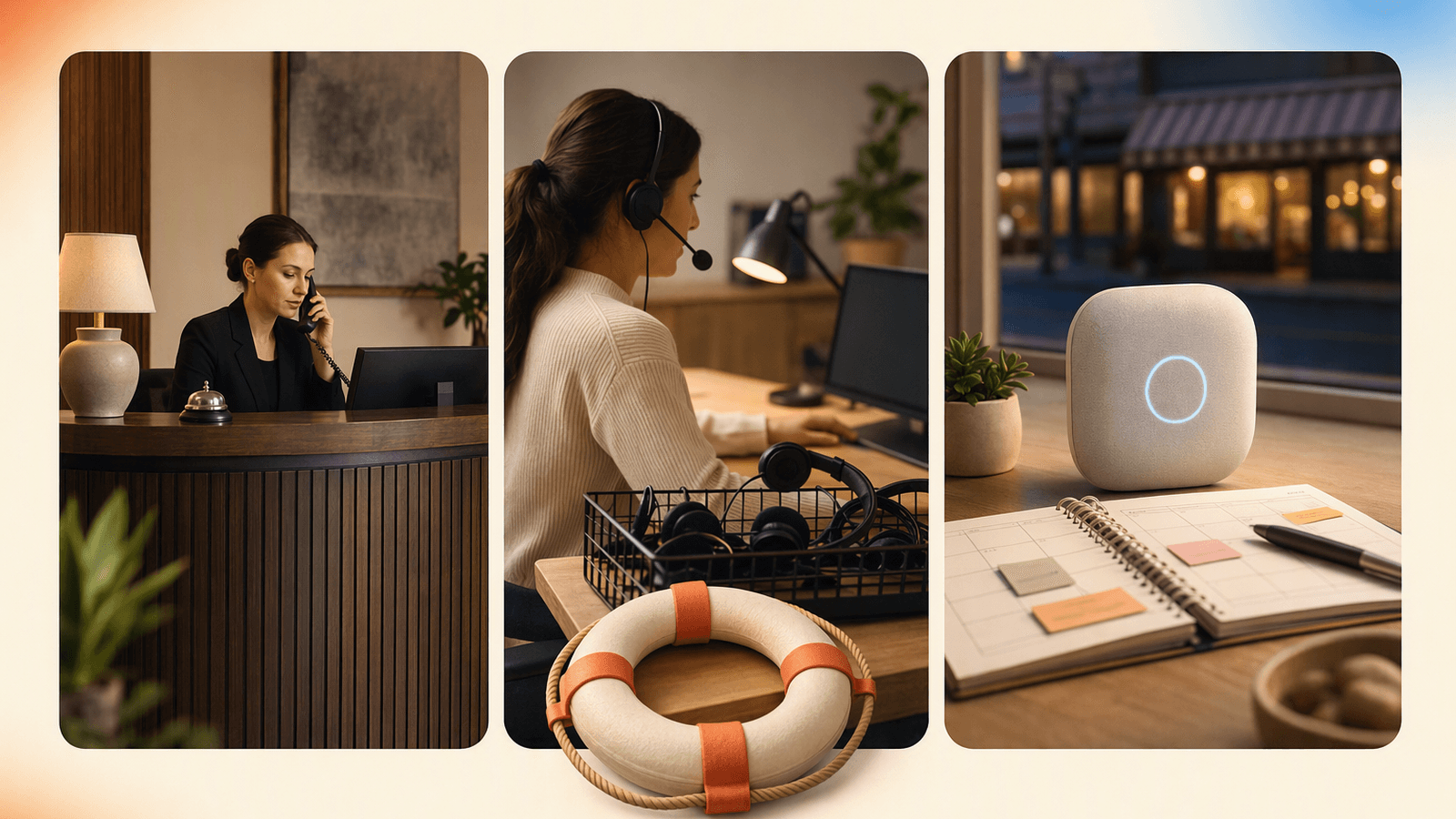
Pricing should be compared by outcome: what does it cost to answer more calls and recover more appointments?
| Option | Typical cost structure | Practical cost driver |
|---|---|---|
| In-house receptionist | Often thousands per month in wages and related costs | Hours, benefits, hiring, training, turnover |
| Live answering service | Often per minute or per call | Call volume and average call length |
| AI receptionist | Monthly subscription plus usage limits | Number of calls handled |
| Voicemail | Usually included with phone service | Lost booking opportunity |
For wage context, use BLS data. For live answering services, check current public pricing from providers such as Smith.ai or Ruby.
DeskBuddy pricing is designed for small appointment-based businesses:
| DeskBuddy plan | Price | Monthly calls | Locations | Best for |
|---|---|---|---|---|
| Free trial | $0 for 7 days | 20 | 1 | Testing real call scenarios |
| Standard | $39.9/month | 100 | 1 | Solo providers and small studios |
| Professional | $99.9/month | 300 | Up to 5 | Busy salons, spas, and growing teams |
Standard overage is $1.00 per call. Professional overage is $0.50 per call. There is no contract, no hidden fee, and the trial does not require a credit card.
If you are comparing total monthly cost, review DeskBuddy’s AI receptionist pricing against the cost of missed appointments, staff interruptions, and after-hours gaps.
How DeskBuddy handles appointment calls after hours and during busy service time
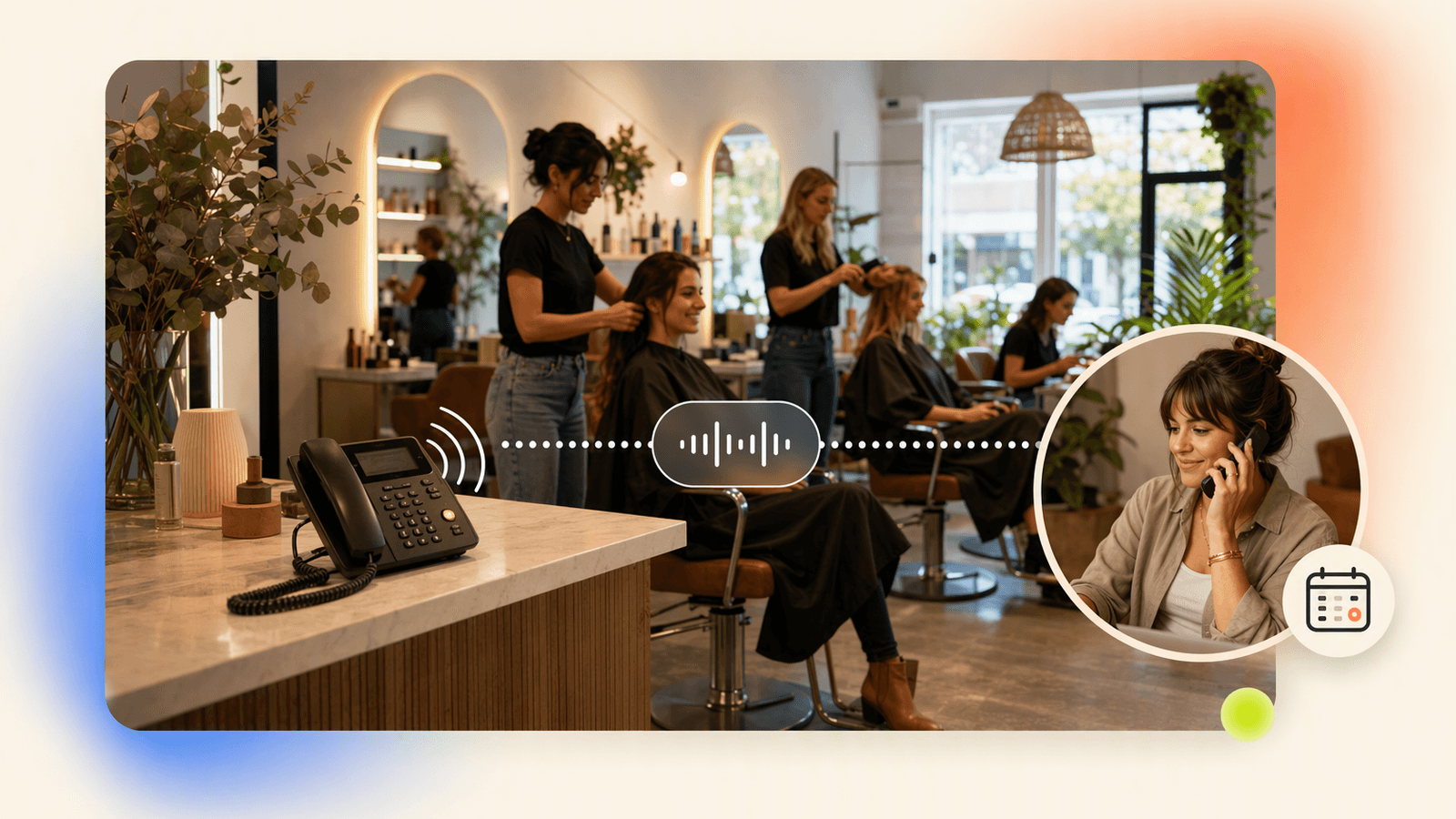
DeskBuddy is built for the moments when a service business usually loses calls: during a color appointment, while bathing a pet, between fitness classes, during lunch breaks, after closing, on weekends, or when the owner is driving, cleaning, ordering supplies, or doing payroll.
A typical DeskBuddy call flow looks like this:
- Caller asks about availability, pricing, hours, or service details.
- DeskBuddy answers using your business information.
- If the caller wants to book, it gathers the key details.
- It checks connected calendar availability where supported.
- It helps complete the appointment workflow.
- If the call is complex, it escalates so a person can follow up.
DeskBuddy integrates with Google Calendar, Mindbody, and Square, so you do not have to rebuild your whole booking process. A yoga studio using Mindbody can keep class workflows where they already live. A salon using Square can keep its existing merchant tools while adding phone coverage.
For setup, start with DeskBuddy’s 5-minute setup path and connect the calendar your team already uses. For account access, use the DeskBuddy console.
Implementation checklist: what to prepare before going live
Before starting a virtual receptionist free trial, prepare the information your AI receptionist needs to answer like a trained front desk assistant.
Business basics
Prepare your business name, address, service area, hours, holiday hours, parking instructions, website, booking link, main phone number, and backup contact for escalation.
Services and booking rules
Document your service list, appointment duration, starting prices or price ranges, staff specialties, buffer times, intake questions, cancellation rules, no-show policy, and deposit rules.
Common questions
Write short answers to the top 20 questions callers ask, such as:
- “Do you take walk-ins?”
- “How long does balayage take?”
- “Do you groom large dogs?”
- “What should I wear to a first Pilates class?”
- “Do you sell gift cards?”
Escalation rules
Decide when DeskBuddy should stop the appointment workflow and alert a person. Examples include refund questions, medical concerns, wedding party bookings, aggressive callers, and same-day color correction requests.
This preparation usually takes less time than training a new front desk hire, and it makes your trial more useful.
How to measure ROI from recovered appointment calls
The easiest way to measure ROI is to track recovered calls, booked appointments, and average appointment value.
Use this simple formula:
Recovered appointment revenue = recovered bookings × average appointment value
Example for a small salon:
| Metric | Value |
|---|---|
| Average service value | $120 |
| Recovered bookings per month | 4 |
| Estimated recovered revenue | $480 |
| DeskBuddy Standard cost | $39.9/month |
In that example, one recovered appointment can cover the monthly subscription. The exact number will vary by service type, cancellation rate, and whether the caller becomes a repeat client.
Track calls answered after hours, calls answered during business hours, calls that requested booking help, appointments created or saved, calls escalated to a human, missed calls before and after launch, average appointment value, and no-show or cancellation rate.
For market context, demand for personal care and wellness services is supported by broader consumer spending in categories tracked by sources such as Statista’s beauty and personal care market data and Grand View Research’s spa market analysis. The business takeaway is practical: if your calendar depends on appointments, the phone still deserves a real workflow.
How to Build an App Like This with Tencent RTC
To build an AI receptionist experience, Tencent RTC can handle the real-time voice layer while your application handles business logic, calendar lookup, and escalation. A practical architecture is: PSTN or in-app calling sends audio into your backend, Tencent RTC manages low-latency audio sessions, your speech-to-text and LLM service decide the next response, and your booking service checks availability in Google Calendar, Mindbody, or Square. Start with the official Tencent RTC documentation for SDK setup, authentication, and room/session concepts.
A simplified server-side appointment payload might look like this:
{
  "callerPhone": "+15551234567",
  "service": "dog grooming",
  "preferredTime": "Saturday afternoon",
  "petSize": "large",
  "handoffRequired": false
}
A lightweight call-state handler can keep the receptionist focused:
async function handleIntent(intent, details) {
  if (intent === "book_appointment") return checkCalendar(details);
  if (intent === "refund" || intent === "complaint") return escalateToHuman(details);
  return answerFromBusinessFAQ(intent, details);
}
For production, add call recording consent where required, transcript storage rules, retry handling when calendar APIs fail, and clear human handoff paths.
FAQ
What is an AI receptionist?
An AI receptionist is a voice-based assistant that answers business calls, responds to common questions, helps with appointment workflows, and escalates complex calls to a person when needed.
Is an AI receptionist the same as a virtual receptionist?
They overlap, but they are not identical. A traditional virtual receptionist is usually a remote human answering calls. An AI receptionist uses voice AI to answer calls and handle repeatable tasks like FAQs and appointment requests.
Can an AI receptionist book appointments?
Yes, when connected to the right scheduling workflow. DeskBuddy supports appointment workflows and integrates with Google Calendar, Mindbody, and Square.
Is an AI receptionist good for salons?
Yes, especially for salons that miss calls while stylists are with clients. It can answer service questions, help callers find appointment times, and reduce interruptions during paid work.
When should a human still answer the phone?
Use a human for sensitive complaints, refund disputes, emergencies, complex consultations, and high-value custom bookings that need judgment.
How much does DeskBuddy cost?
DeskBuddy offers a 7-day free trial with 20 calls. Standard is $39.9/month for 100 calls and one location. Professional is $99.9/month for 300 calls and up to five locations.
Does DeskBuddy support after-hours calls?
Yes. DeskBuddy is designed for 24/7 call answering, including evenings, weekends, lunch breaks, and other times when staff cannot pick up.
What should I test during a free trial?
Test your real caller scenarios: booking, rescheduling, pricing questions, location questions, multilingual calls, and escalation rules. Use actual service names and common customer wording.
If missed appointment calls are costing your business even one booking a month, explore DeskBuddy at https://deskbuddy.trtc.io/ and test it with your real call scenarios.
Never miss another customer call.
Get started freeKeep reading
Virtual Receptionist Guide for Service Businesses 2026
Compare virtual receptionist costs, features, and options for service businesses. See when AI call answering fits and try DeskBuddy.
Virtual Medical Receptionist Guide for Small Clinics
Learn how a virtual medical receptionist covers appointment calls, after-hours questions, messages, and handoffs. See the checklist.
Medical Office Virtual Receptionist: Fewer Missed Calls
See how a medical office virtual receptionist reduces missed calls, books visits, routes urgent issues, and controls staffing costs. Start with DeskBuddy.