Virtual Receptionist Guide for Service Businesses 2026
Compare virtual receptionist costs, features, and options for service businesses. See when AI call answering fits and try DeskBuddy.
TL;DR
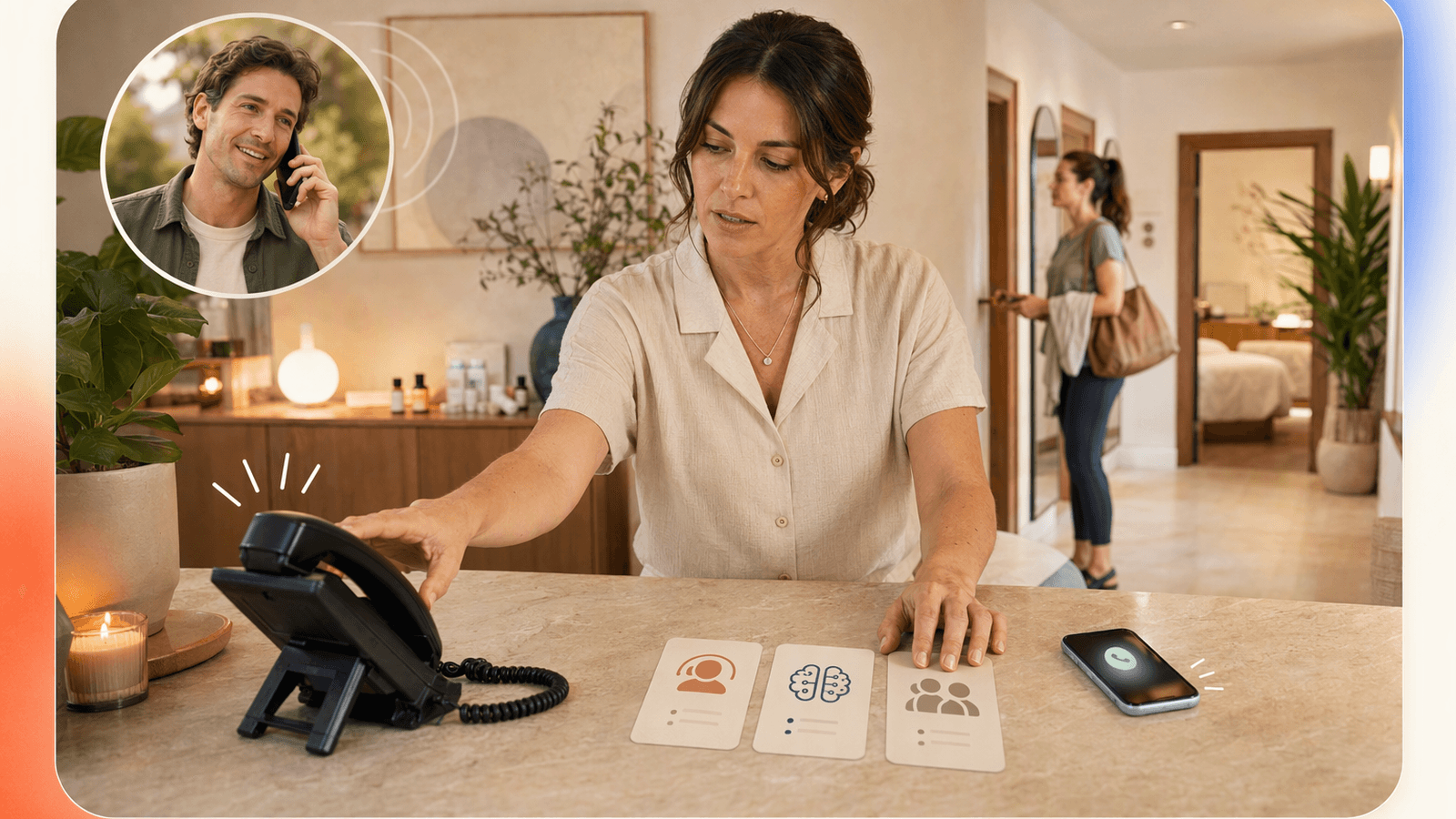
A virtual receptionist answers business calls when you or your staff cannot, then routes messages, answers common questions, or helps book appointments. For salons, spas, pet groomers, clinics, and fitness studios, the best option can pick up after hours, understand services, check availability, and turn caller intent into a booked appointment.
Quick recommendation:
- Choose a live virtual receptionist if calls are sensitive, unpredictable, or require human judgment.
- Choose an AI receptionist if most calls involve hours, pricing, availability, booking, rescheduling, and basic service questions.
- Choose a hybrid model if you need AI coverage for routine calls and human escalation for exceptions.
- Choose an appointment-only service if you only need scheduling help.
For small service businesses, DeskBuddy’s AI receptionist is built for the common gap: missed appointment calls during services, evenings, weekends, and busy front-desk moments.
What is a virtual receptionist?
A virtual receptionist is an off-site or AI-powered call answering solution that handles incoming business calls without requiring a full-time in-house front desk employee.
A virtual receptionist service may:
- Answer calls in your business name
- Ask what the caller needs
- Share hours, location, pricing basics, and policies
- Capture caller details
- Help with appointment booking or rescheduling
- Send messages to the owner or staff
- Escalate urgent or complex calls
The phrase can mean a live virtual receptionist team, an AI receptionist, message routing, or appointment booking support. A “business virtual receptionist” for a law office is not the same as a virtual receptionist answering service for a nail salon, dog groomer, massage therapist, or personal training studio.
Why service businesses need call coverage even with online booking

Online booking helps, but it does not replace the phone.
Many appointment-based businesses still receive high-value calls from clients who want reassurance before booking. A salon client may ask which stylist is best for color correction. A pet owner may ask whether you handle anxious dogs. A fitness prospect may ask if beginner classes are available.
Missed calls are expensive because callers rarely wait. For a service worth $50 to $300+, even a few missed calls per month can exceed the cost of a receptionist solution.
There is also a labor-cost angle. The U.S. Bureau of Labor Statistics publishes wage data for receptionists and information clerks, useful when comparing software against in-house staffing costs: BLS Receptionists Occupational Outlook. For many 1–5 location businesses, a full-time front desk role is helpful but hard to justify when call spikes happen during lunches, services, evenings, and weekends.
Online booking captures people who are ready to self-serve. Call coverage captures everyone else.
Virtual receptionist types: live human, AI, hybrid, and appointment-only services
Not every virtual receptionist works the same way. Before reading virtual receptionist reviews, identify which category you are comparing.
| Type | Best for | Watch out for |
|---|---|---|
| Live human receptionist | Complex conversations, sensitive intake, human judgment | Often priced per minute; costs can rise with call volume |
| AI receptionist | Routine questions, appointment booking, after-hours coverage | Needs clear setup, service rules, and escalation instructions |
| Hybrid receptionist | AI for common calls with human backup | Confirm when and how escalation happens |
| Appointment-only service | Scheduling support | May not answer broader FAQs |
A live virtual receptionist can be reassuring when every call is different. But a virtual live receptionist may be more coverage than a small salon or pet groomer needs if most calls are about hours, prices, availability, location, and booking.
Feature comparison for salons, spas, clinics, pet groomers, and fitness studios
The best virtual receptionist small business option depends on your call patterns.
| Business type | Common call reasons | Must-have features |
|---|---|---|
| Hair salons and beauty studios | Openings, pricing, stylist availability, rescheduling | Calendar sync, service menu knowledge, after-hours booking, multilingual support |
| Spas and massage studios | Duration, therapist preference, gift cards, cancellation policy | Appointment rules, FAQ handling, calm caller experience |
| Clinics and wellness offices | Availability, location, intake questions | Careful message capture, clear escalation |
| Pet groomers | Breed pricing, anxious pets, vaccination rules | Eligibility questions, appointment length rules, staff notes |
| Fitness studios and trainers | Trials, memberships, schedules, private sessions | Calendar integration, class/service distinction, lead capture |
A solo esthetician needs callers greeted professionally while she is in treatment, then a clean appointment request or booking on her calendar. A five-location grooming business needs consistent call handling across locations.
This is where DeskBuddy for appointment-based businesses is positioned: 24/7 call answering, natural conversation, booking help, and integrations with Google Calendar, Mindbody, and Square.
Pricing models explained: monthly plans, per-minute billing, and per-call billing
Virtual receptionist pricing usually falls into three models.
| Pricing model | How it works | Good fit | Risk |
|---|---|---|---|
| Monthly subscription | Pay a set monthly fee for included usage | Predictable call volume | Check included calls and overages |
| Per-minute billing | Pay for talk time | Occasional complex calls | Long calls can get expensive |
| Per-call billing | Pay for each answered call | Short, consistent calls | Spam or low-value calls may raise cost |
Traditional virtual receptionist services may charge by minute. DeskBuddy’s product background notes that virtual front desk services commonly range from about $1–$3 per minute, while full-time receptionists can cost thousands per month.
DeskBuddy uses subscription pricing:
- Free trial: $0 for 7 days, 20 calls, 1 location
- Standard: $39.9/month, 100 calls, 1 location, email support
- Professional: $99.9/month, 300 calls, up to 5 locations, 1-on-1 dedicated support
- Overage: $1.00/call on Standard, $0.50/call on Professional
- No contract, cancel anytime, no hidden fees; trial requires no credit card
If one recovered appointment is worth $50–$300, a small shop may only need a few recovered calls per month to justify coverage. Review DeskBuddy pricing and plan options.
When an AI receptionist like DeskBuddy is the better fit
An AI receptionist like DeskBuddy is usually the better fit when your calls are valuable but predictable.
Good-fit scenarios include:
- You miss calls while cutting hair, grooming pets, training clients, or running treatments.
- You receive calls after hours and on weekends.
- Callers ask the same questions repeatedly.
- You use Google Calendar, Mindbody, or Square.
- You need English, Spanish, or Chinese call support.
- You cannot justify a full-time receptionist, but voicemail is costing bookings.
DeskBuddy is designed to answer calls naturally, handle common inquiries, and help with appointment workflows. It is not meant to replace human judgment in every situation. A human should still handle complaints, unusual requests, emergencies, complex billing issues, medical advice, or anything requiring professional discretion.
Useful DeskBuddy links:
- AI phone answering for service businesses
- Google Calendar appointment sync
- Mindbody scheduling integration
- Square integration for service merchants
- DeskBuddy console for setup
Questions to ask before choosing a provider
Use these questions before signing up for any virtual receptionist answering service.
Can it actually book appointments, or only take messages?
Message-taking helps, but booking is where revenue is recovered.Does it work after hours and on weekends?
Many service shoppers call when they finally have free time.How does pricing scale?
Compare monthly plans, per-minute billing, per-call billing, overages, and cancellation terms.Can it handle your real service menu?
A salon may need different durations for trims, color, extensions, and consultations.Does it sync with your calendar or booking system?
Manual copying creates mistakes.What happens when the caller asks something unusual?
Look for clear escalation to the owner or staff.Which languages are supported?
Multilingual coverage can matter in North American local markets.What do virtual receptionist reviews actually say?
Look for comments about missed calls, caller experience, setup time, billing surprises, and appointment accuracy.
For broader planning, resources from the U.S. Small Business Administration, SCORE, and Square’s Future of Commerce can help owners think through staffing, operations, and customer expectations.
Setup roadmap for replacing missed calls with booked appointments

A good rollout is simple. Start with the calls you already receive every week.
Step 1: List your top 20 call reasons
Pull from voicemail, call logs, and staff notes. Common examples:
- “Are you open today?”
- “How much is a full set?”
- “Can I book for Saturday?”
- “Do you groom large dogs?”
- “Can I reschedule?”
- “Do you take walk-ins?”
Step 2: Define booking rules
Write down services, durations, staff availability, buffers, cancellation rules, deposit expectations, and calls that require human follow-up.
Step 3: Connect your calendar
If your receptionist cannot see availability, it may create more admin work. DeskBuddy supports Google Calendar, Mindbody, and Square, so you can keep your existing appointment flow.
Step 4: Set escalation rules
Decide when calls should go to a human, such as angry callers, medical or safety concerns, refund requests, VIP clients, same-day exceptions, or services not listed.
Step 5: Test with real scenarios
Call your own number and ask realistic questions. Test easy calls, messy calls, and after-hours calls. Check whether appointment details land where your team expects them.
Step 6: Review weekly for the first month
Look at call volume, bookings, missed edge cases, and staff interruptions. Update FAQs and service rules as needed.
The goal is a receptionist workflow that feels boring in the best way: calls get answered, appointments get handled, and your staff stays focused.
How to Build an App Like This with Tencent RTC
To build a virtual receptionist app on Tencent RTC, start with real-time audio: caller audio enters your backend, streams to speech-to-text and AI logic, then returns as synthesized voice. Tencent RTC provides the low-latency communication layer, while your app owns business rules: service menu, calendar lookup, escalation, and call summaries. Review the official Tencent RTC documentation at https://trtc.io/document/ for SDK setup and platform-specific integration guidance.
A simple backend flow can keep call logic explicit:
async function handleCallerTurn(transcript, businessId) {
  const profile = await loadBusinessProfile(businessId);
  const intent = await classifyIntent(transcript, profile);

  if (intent.type === "book_appointment") {
    return await findAndOfferSlots(intent.service, profile.calendarId);
  }

  if (intent.type === "escalate") {
    return "I’ll send this to the team so they can follow up.";
  }

  return answerFromBusinessFaq(transcript, profile.faq);
}
On the client side, initialize RTC audio, join the business call room, and stream microphone input only after permissions are granted:
const client = TRTC.createClient({ mode: "rtc", sdkAppId, userId, userSig });
await client.join({ roomId });
const localStream = TRTC.createStream({ audio: true, video: false });
await localStream.initialize();
await client.publish(localStream);
In production, add consent prompts where required, call recording policies, spam filtering, audit logs, retry logic for calendar APIs, and human handoff when confidence is low.
Never miss another customer call.
Get started freeKeep reading
AI Receptionist Guide: Costs, Features, ROI in 2026
Compare ai receptionist costs, features, and ROI for salons, spas, pet care, and fitness studios. See when AI beats a front desk.
Virtual Medical Receptionist Guide for Small Clinics
Learn how a virtual medical receptionist covers appointment calls, after-hours questions, messages, and handoffs. See the checklist.

Medical Office Virtual Receptionist: Fewer Missed Calls
See how a medical office virtual receptionist reduces missed calls, books visits, routes urgent issues, and controls staffing costs. Start with DeskBuddy.